the external hard disk drive), and then open the folder that you want to transfer music files
to.
3. Drag and drop music files from the computer to the HDD AUDIO PLAYER.
Note
Files that have file extensions which are not mentioned in “Playable audio file formats” do not
appear on the list screen or cannot be played back by the HDD AUDIO PLAYER. They may
take up unnecessary space on the hard disk drive.
Do not transfer music files using HAP Music Transfer while also transferring music files to the
HDD AUDIO PLAYER by dragging and dropping.
Do not transfer music files from your smartphone or tablet while also transferring music files
to the HDD AUDIO PLAYER by dragging and dropping.
Do not transfer music files to the HDD AUDIO PLAYER by dragging and dropping from two
or more computers at the same time.
You want to transfer music files to the HDD AUDIO
PLAYER by dragging and dropping but do not know how.
(for Mac)
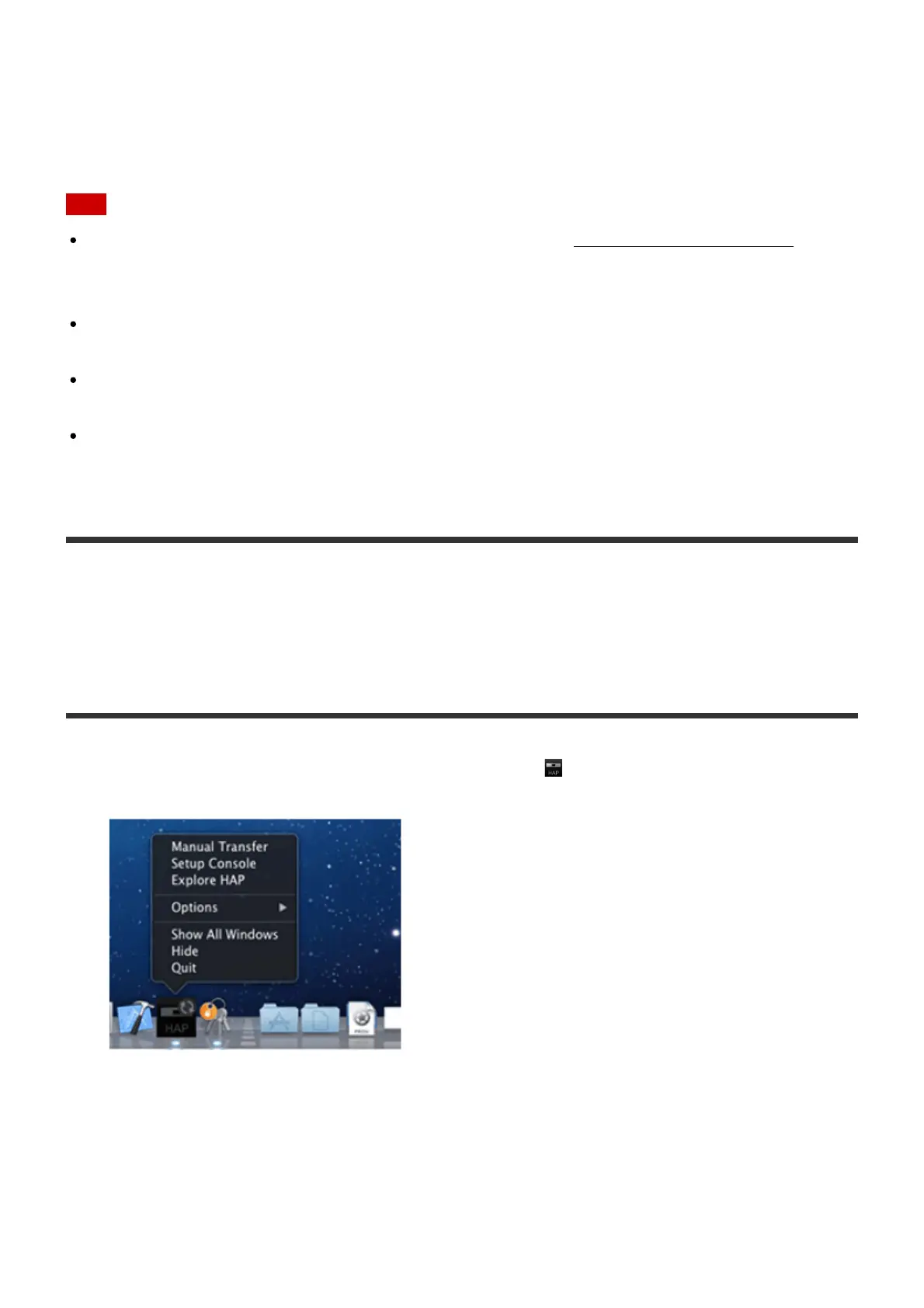
1. Open the context menu of HAP Music Transfer from (the HAP Music Transfer icon) on
the Dock of your computer and then select [Explore HAP].
The Finder opens and icon(s) of the available shared folder(s) appear. ([HAP_Internal]
appears for the internal hard disk drive and [HAP_External] appears for the external hard
disk drive (if one is connected).)
2. Select [HAP_Internal] (to select the internal hard disk drive) or [HAP_External] (to select
the external hard disk drive), and then open the folder that you want to transfer music files
to.





 To Next Page