[3] About the HDD AUDIO PLAYER
How to make and enter selections
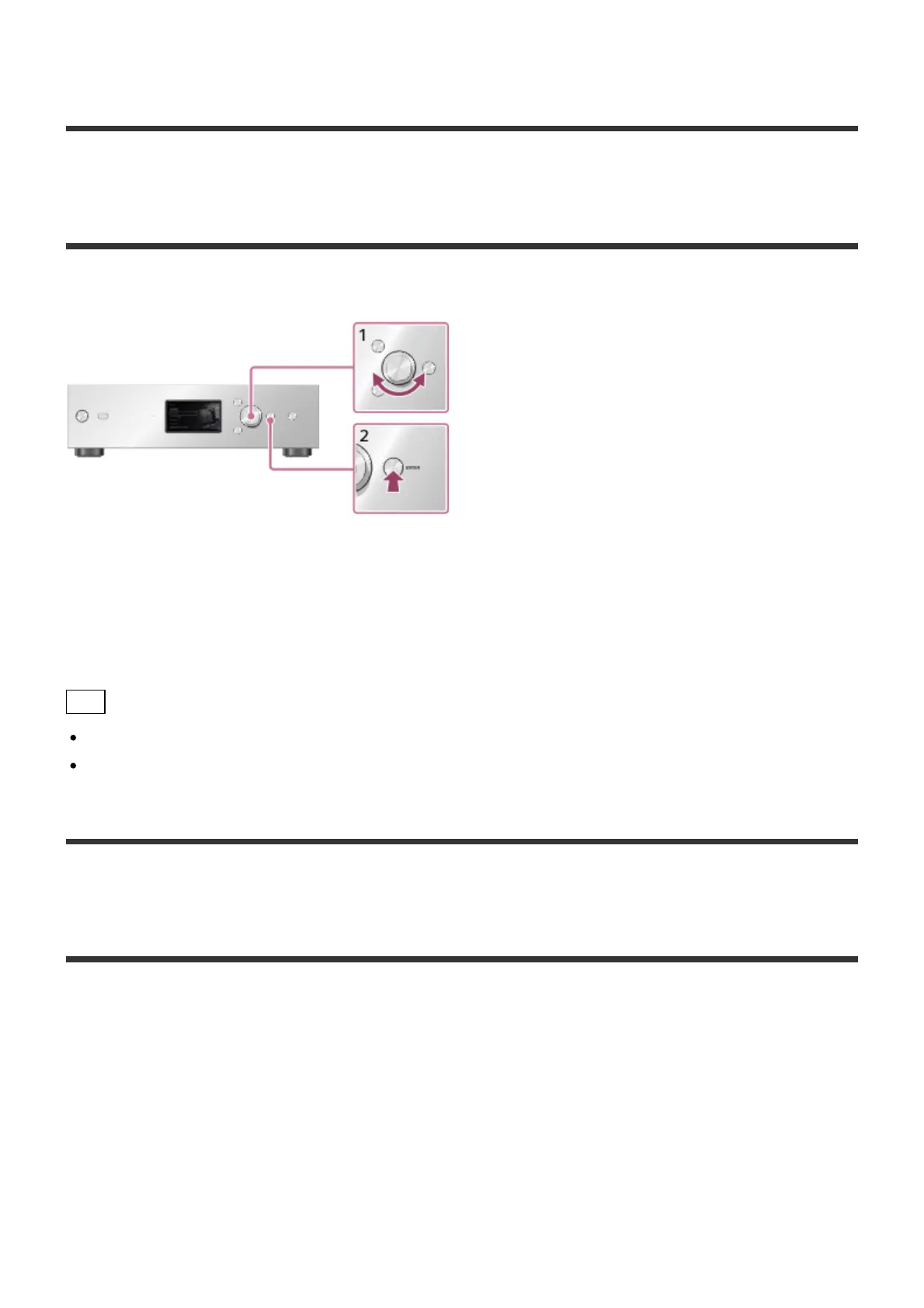
The basic operations of the HDD AUDIO PLAYER are as follows:
1. Turn the jog dial left or right to select an item.
2. Press ENTER to enter the selection.
Hint
To display the Home screen, press the HOME button.
To go back to the previous screen, press the BACK button.
[4] About the HDD AUDIO PLAYER
How to input characters
When the character input screen appears during operations, enter characters as follows:





 To Next Page