This function clears the registered information but does not format the hard disk drive. After the
database is cleared, rescan the hard disk drive. Although the hard disk drive may seem to be
empty after the database is cleared, the content (music data) still remains on the hard disk
drive. Rescan the hard disk drive to restore and display the content information.
Reset to Default Settings:
This function resets all the settings and restores the factory default settings.
Restart:
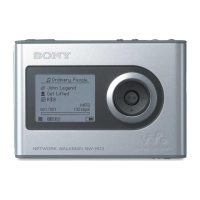
This function exits the Special Mode and restarts the HDD AUDIO PLAYER.
Resetting to the factory default
If you can still not solve defects of the HDD AUDIO PLAYER, you can perform the Factory
Reset function.
We recommend making a backup of all your data before performing the Factory Reset function.
Customer support websites
Please access the following support websites for information on your HDD AUDIO PLAYER.
For customers in the USA:
http://esupport.sony.com/
For customers in Canada:
http://esupport.sony.com/CA/
For customers in Europe:
www.sony.eu/support
For customers in Asia Pacific and China:
http://www.sony-asia.com/support
Selecting the text encoding type of music information (Text
encoding)



 To Next Page