You can edit the SensMe™ channels of the currently playing track or restore them to the
default.
Delete:
You can delete the track currently playing.
If you delete a track, playback will be stopped.
Sleep:
You can set the Sleep timer. When the specific time you set has elapsed, the HDD AUDIO
PLAYER is automatically turned off.
Note
Shuffle mode is set to [Tracks] and repeat mode is set to [All tracks] automatically and you
cannot change them while playing a channel. These play modes are only active while the
HDD AUDIO PLAYER is playing SensMe™ channels.
[58] Parts and controls
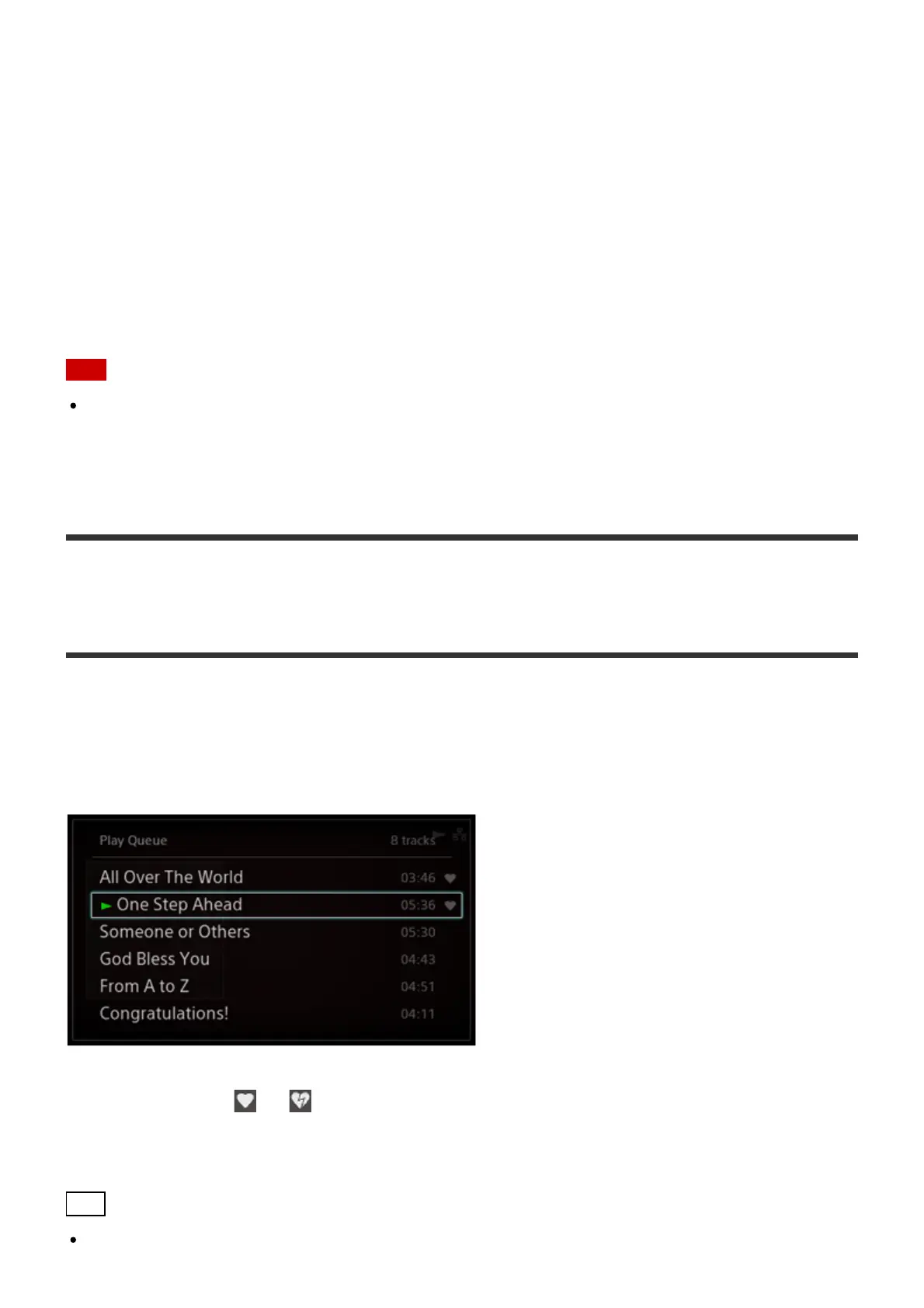
Play Queue screen
If you turn the jog dial for two clicks or more while playing a track, the Play Queue screen
appears.
The “Play Queue” is a list of all tracks currently selected to be played, such as all tracks by a
certain artist or in a certain album.
The favorite status ( or ) is displayed on the right of each track.
When you start playing by selecting [Folders] from the Home screen, the file names are
displayed instead of the track names on the Play Queue screen.
Hint
You can turn the jog dial to select a track and press the ENTER button to play the selected





 To Next Page