HBD-E370/E470/E570/E870/T57
20
3. Service Mode Menu (Top Menu)
This is the top menu of service mode.
Each function is accessed from this screen.
Operation:
[1] Moves to Diag screen
[2] Moves to Log screen
[3] Moves to Factory Initialize screen
[4] Moves to Network screen
[5] Moves to Version Up (DISC version update) screen (Not
used)
[6] Moves to System Information screen
[7] Moves to EMC test mode screen (Not used)
[8] Moves to Drive screen
[
M
]/[
m
] Moves the cursor
[3] Moves to the screen of the item selected with the cursor
* Cursor is not displayed when the menu is fi rst displayed.
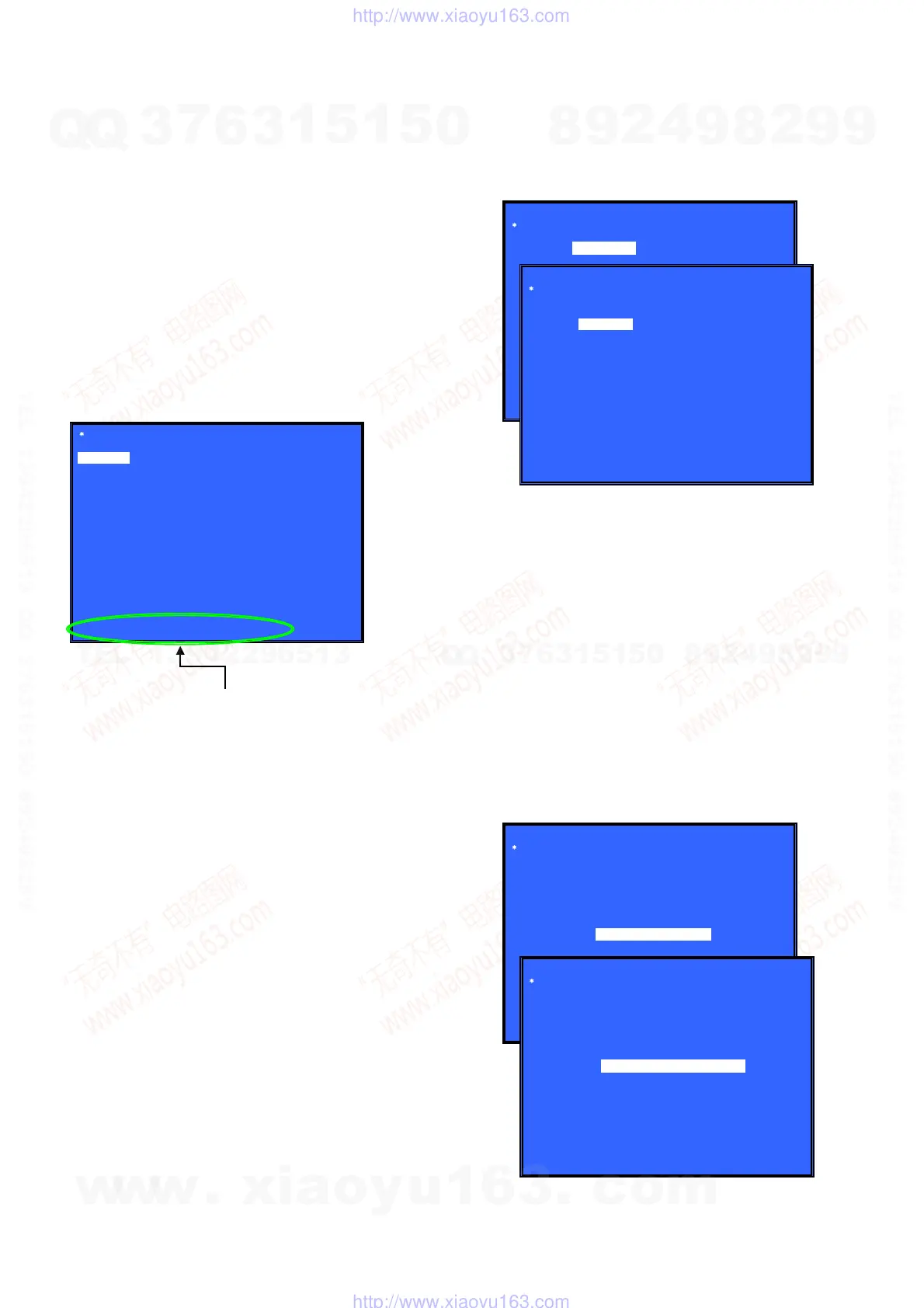
Service Mode Menu
[1] Diag
[2] Log
[3] Factory Initialize
[4] Network
[5] Version Up
[6] System Information
[7] EMC Test Mode
[8] Drive
HELP : [DOWN] [ENT] [(NUM)]
HELP (currently available keys, etc.) is displayed
[1] Diag
4. Diag (Device Test)
This screen is used to test devices mounted on the board.
Screen 1: Selects the test category
Operation:
[
<
]/[
,
] Selects the category
[
m
]/[3] Moves to the selected category
Screen 2: Device test
Selects the device to test after selecting Device Test in screen 1.
Operation:
[
<
]/[
,
] Selects the device to test
[3] Executes the test
[
M
] Returns to selection of test category
Selects the cursor during IFCon and D terminal tests
[
m
] Selects the cursor during IFCon and D terminal tests
• List of test categories
Device Test
Video Test
Audio Test
Audio Input Test
Wireless LAN Test (not used)
• Device Test: List of devices
USB Host (*1)
*1) USB media check (front and rear). Only one time.
* For details concerning device test, see the Diag reference.
Diag
Category:
Diag
Category: Device Test
Device:
Rear USB Media check ... OK
Front USB Media check ... OK
Checking...
HELP: [RIGHT] [UP] [ENT] [RET]
USB Host
Device Test
(Screen 1)
(Screen 2)
5. Diag (Video/Audio Test)
This screen performs video and audio tests.
Screen 1: When video test category is selected
Operation:
[3] Shows/hides the color bar
[
M
]/[RETURN] Returns to the selection of test category
Screen 2: When audio test category is selected
Operation:
[3] Plays back/stops the tone sound
[
M
]/[RETURN] Returns to the selection of test category
• Video test:
Outputs a color bar (composite & component & HDMI).
• Audio test:
TONE sound output (speaker (8 ch) & HDMI (2 ch)).
Diag
Category: Video Test
HELP: [UP][ENT][RET]
Diag
Category: Audio Test
HELP: [UP] [ENT] [RET]
[ENT] Show Color Bar
[ENT] Generate TONE Sound
(Screen 1)
(Screen 2)
w
w
w
.
x
i
a
o
y
u
1
6
3
.
c
o
m
Q
Q
3
7
6
3
1
5
1
5
0
9
9
2
8
9
4
2
9
8
T
E
L
1
3
9
4
2
2
9
6
5
1
3
9
9
2
8
9
4
2
9
8
0
5
1
5
1
3
6
7
3
Q
Q
TEL 13942296513 QQ 376315150 892498299
TEL 13942296513 QQ 376315150 892498299
http://www.xiaoyu163.com
http://www.xiaoyu163.com



 To Next Page