7
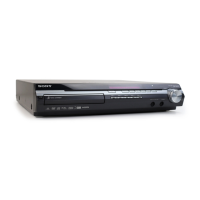
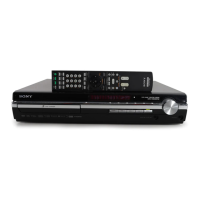
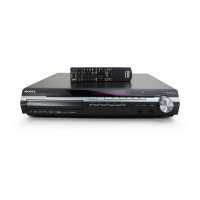
HCD-IS10
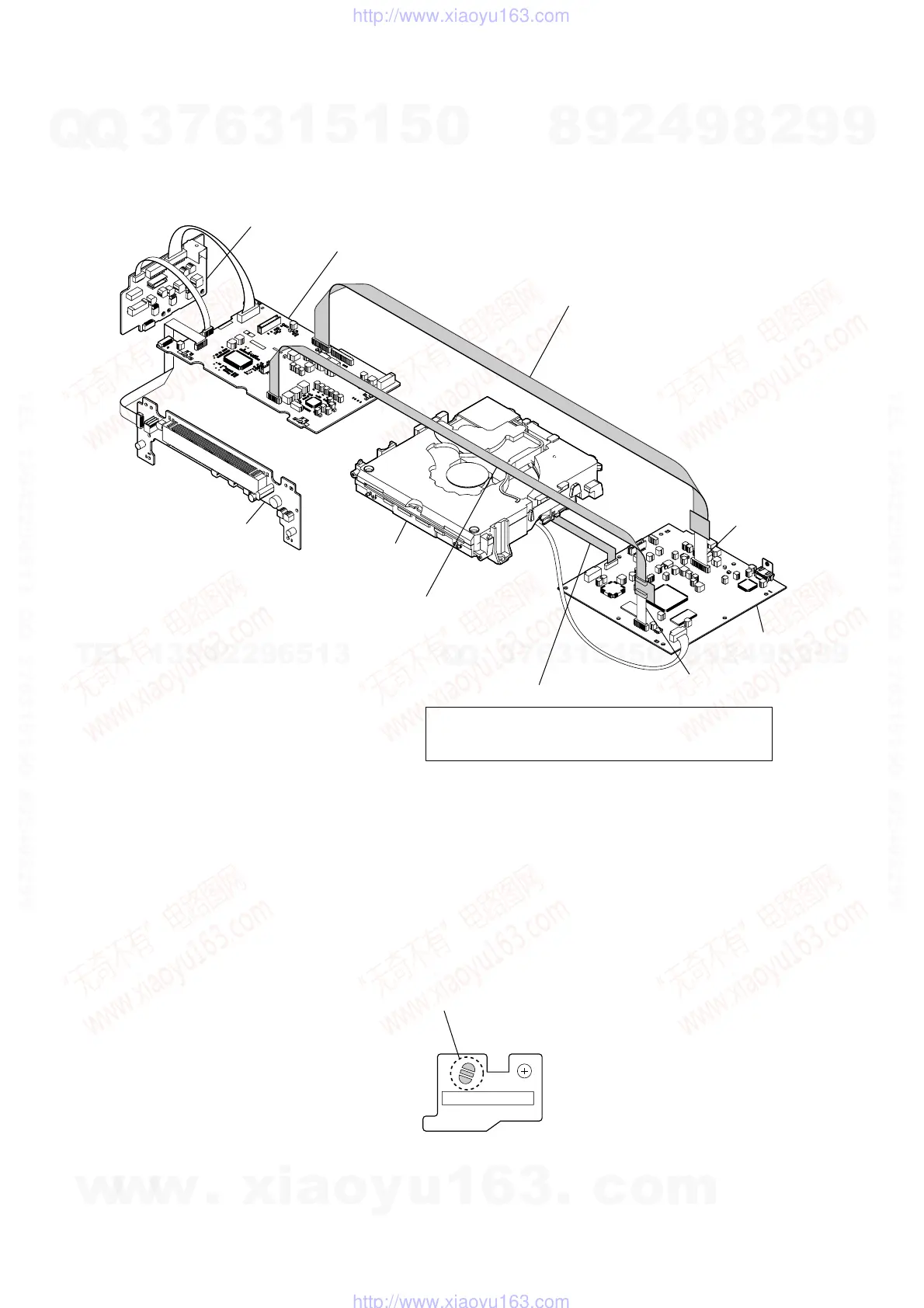
REG board
MAIN board
DVD mechanism deck
Connect jig (extension cable J-2501-086-A)
to the MAIN board (CN105) and wire (flat type) (19core).
Connect jig (extension cable J-2501-102-A)
to the MAIN board (CN106) and wire (flat type) (13core).
FL board
DMB-IVHD board
wire (flat type) (21 core)
wire (flat type) (13 core)
wire (flat type) (24 core)
Note: Do not remove the wire (flat type) (24 core) (CN101).
If you remove the wire (flat type) (24 core) (CN101),
solder the bridge of optical pick-up.
DVD MECHANISM DECK SERVICE POSITION
• In checking the DVD mechanism deck, prepare two extension jigs
(J-2501-086-A: 19 cores, 300 mm/J-2501-102-A: 13 cores, 300 mm).
NOTE WHEN REMOVING OPTICAL PICK-UP BLOCK
Be sure to bridge here, and then disconnect the
wire (flat type) (24 core).
(optical pick-up block will be destroyed without bridging.)
On the contrary at the installation, connect the
wire (flat type) (24 core) first, and then remove the bridge.
Note: For a soldering iron, use the one with a ground wire.
w
w
w
.
x
i
a
o
y
u
1
6
3
.
c
o
m
Q
Q
3
7
6
3
1
5
1
5
0
9
9
2
8
9
4
2
9
8
T
E
L
1
3
9
4
2
2
9
6
5
1
3
9
9
2
8
9
4
2
9
8
0
5
1
5
1
3
6
7
3
Q
Q
TEL 13942296513 QQ 376315150 892498299
TEL 13942296513 QQ 376315150 892498299
http://www.xiaoyu163.com
http://www.xiaoyu163.com


 To Next Page