14
US
HT-A9
5-025-229-11(1)
C:\HT2020\AC\Data\UC2\5025229111\5025229111HTA9UC2\01GB-HTA9UC2\050PAC.fm
masterpage: Left
Using the Home Menu
You can display the home menu on the
TV screen by connecting the speaker
system and TV with an HDMI cable.
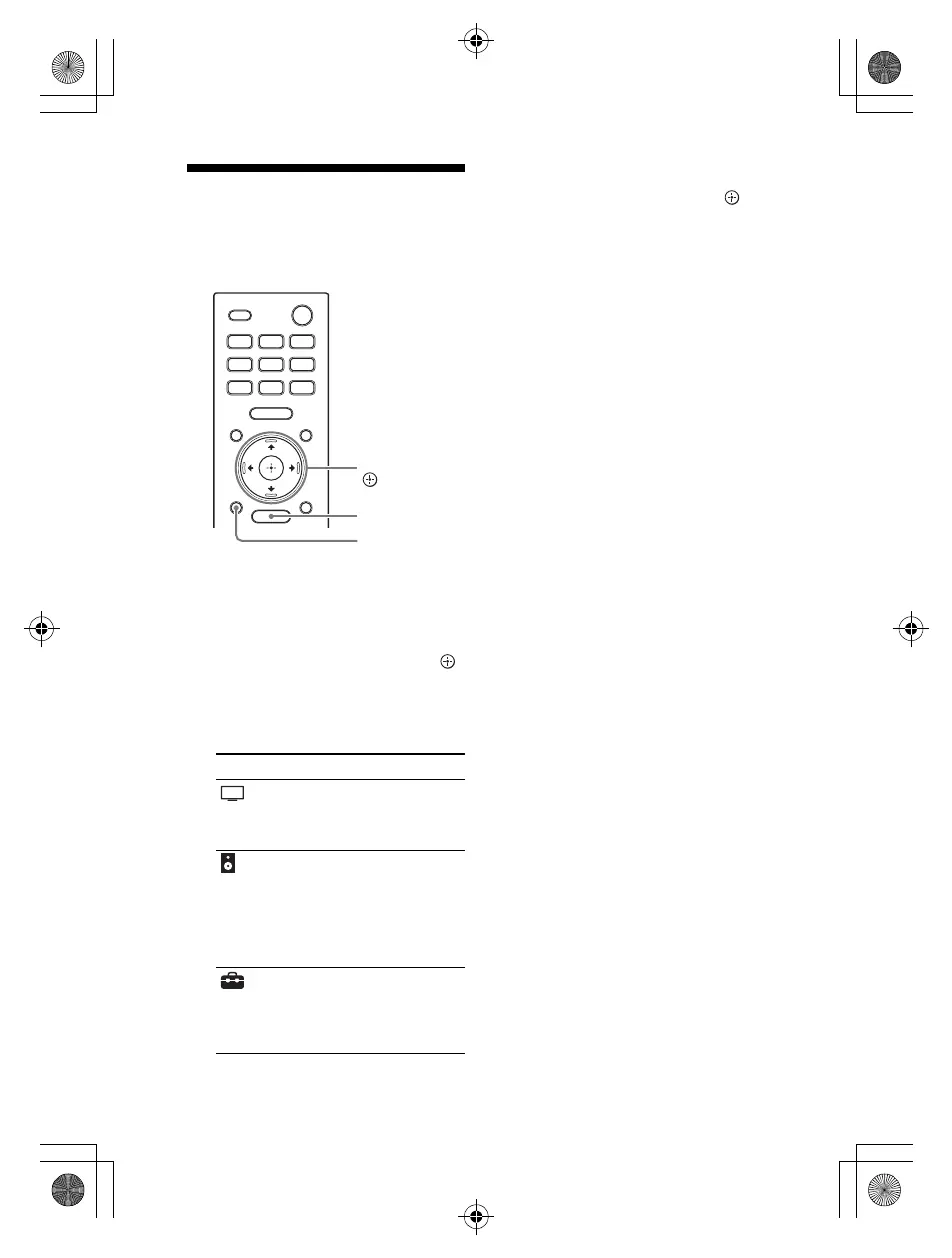
1 Press HOME.
The home menu appears on the
TV screen.
2 Press // to select the category
that you want, then press or
(enter).
The items for the selected
category appear under the
category list on the TV screen.
3 Press /// to select the item
that you want, then press
(enter).
The selected input or setting
display appears on the TV screen.
To return to the previous screen,
press BACK.
Category Explanation
[Watch] Selects the input of the
TV or AV device that is
connected to the
speaker system.
[Listen] Selects the input of the
audio device that is
connected to the
speaker system or
music service for
playing back on the
speaker system.
[Setup] Performs the basic
initial settings by using
[Easy Setup] or various
advanced settings of
the speaker system.
010COV.book Page 14 Wednesday, November 25, 2020 3:33 PM



 To Next Page