22
US
HT-A9
5-025-229-11(1)
C:\HT2020\AC\Data\UC2\5025229111\5025229111HTA9UC2\01GB-HTA9UC2\070CON.fm
masterpage: Left
• Depending on the order in which you turn
on the TV and the speaker system, the
speaker system may be muted and
[MUTING] is displayed on the front panel
display of the speaker system. If this
happens, turn all devices off, then turn on
the speaker system after turning on the
TV.
• During [Sound Field Optimization], a
measuring sound is output for about 1
minute.
• The speaker system does not output
sound until completing the wireless
connection between the control box and
four speakers.
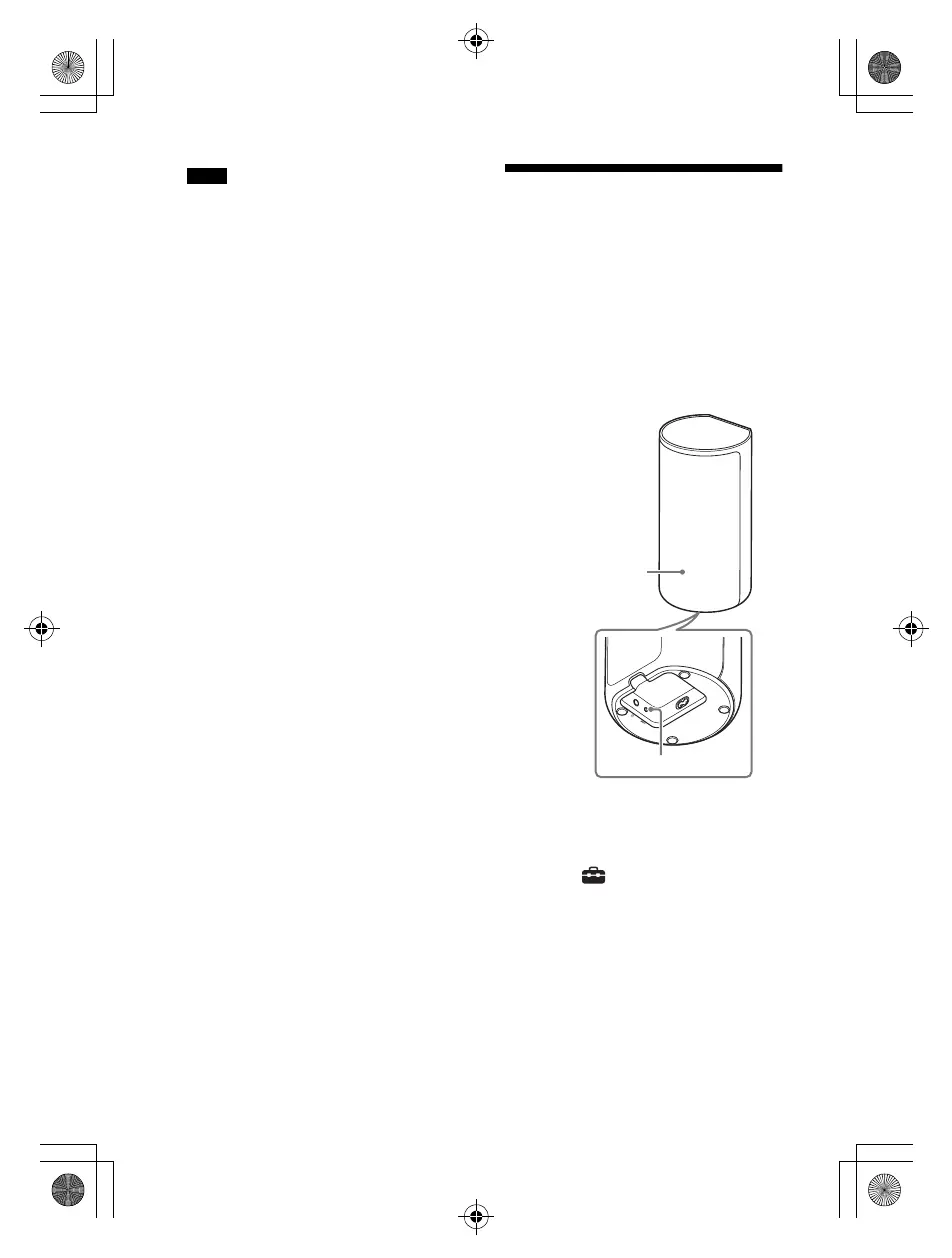
• If the control box and speakers are not
connected automatically in step 3, reset
the speakers (page 56).
If the Speakers Are not
Connected Correctly
The speakers are connected to the
control box automatically when they are
turned on.
If you use multiple speaker systems and
want to specify the control box that is
connected wirelessly to the speakers,
perform the manual connection by
following the steps below.
1 Press HOME.
The home menu appears on the TV
screen.
2 Select [Setup] - [Advanced
Settings] on the home menu.
3 Select [Speaker Settings] -
[Wireless Speaker Settings] - [Start
manual linking].
The [Start manual linking] screen
appears on the TV screen.
Notes
010COV.book Page 22 Wednesday, November 25, 2020 3:33 PM



 To Next Page