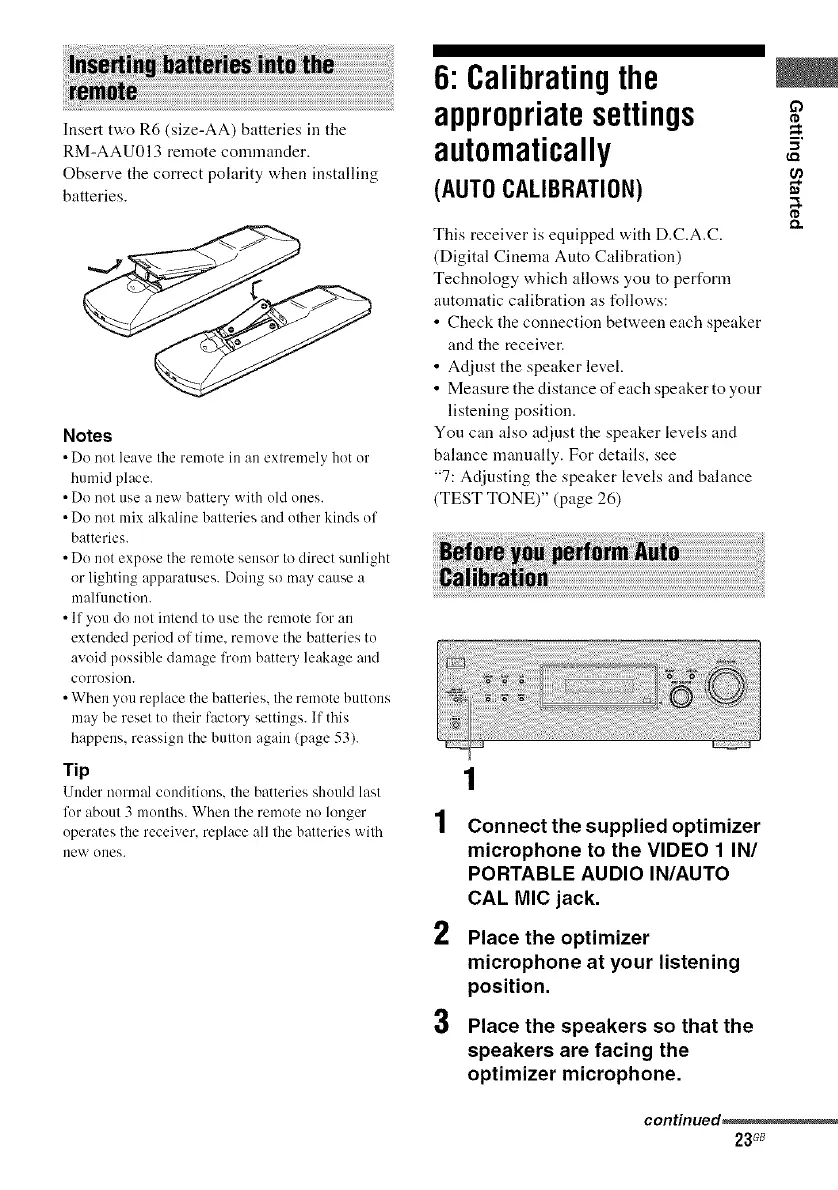
Insert two R6 (size-AA) batteries in the
RM-AAU013 remote commander.
Observe the correct polarity when installing
batteries.
Notes
• Do not leave the remote in an extremely hot or
humid place.
• Do not use a new battery with old ones.
• Do not mix alkaline batteries and other kinds of
batteries.
• Do not expose the remote sensor to direct sunlight
or lighting apparatuses. Doing so may cause a
mallimction.
• If you do not intend to use the remote lbr an
extended period of time. remove the batteries to
avoid possible damage from battery leakage and
corrosion.
• When you replace the balteries, the rmnote buttons
may be reset to their factory settings. If this
happens, reassign the button again (page 53).
Tip
Under normal conditions, the batteries should last
for about 3 months. When the rmnote no hmger
operates the receiver, replace all the batteries with
new ones.
6: Calibratingthe
appropriatesettings
automatically
(AUTO CALIBRATION)
This receiver is equipped with D.C.A.C.
(Digital Cinema Auto Calibration)
Technology which allows you to perform
antomatic calibration as follows:
• Check the connection between each speaker
and the receiver.
• Adjust the speaker level.
• Measnre the distance of each speaker to your
listening position.
You can also adjust the speaker levels and
balance manually. For details, see
"7: Adjusting the speaker levels and balance
(TEST TONE)" (page 26)
2
3
Connect the supplied optimizer
microphone to the VIDEO 1 IN/
PORTABLE AUDIO IN/AUTO
CAL MIC jack.
Place the optimizer
microphone at your listening
position.
Place the speakers so that the
speakers are facing the
optimizer microphone.
O
¢D
(D
continued,
23G8



 To Next Page