Selectinga component
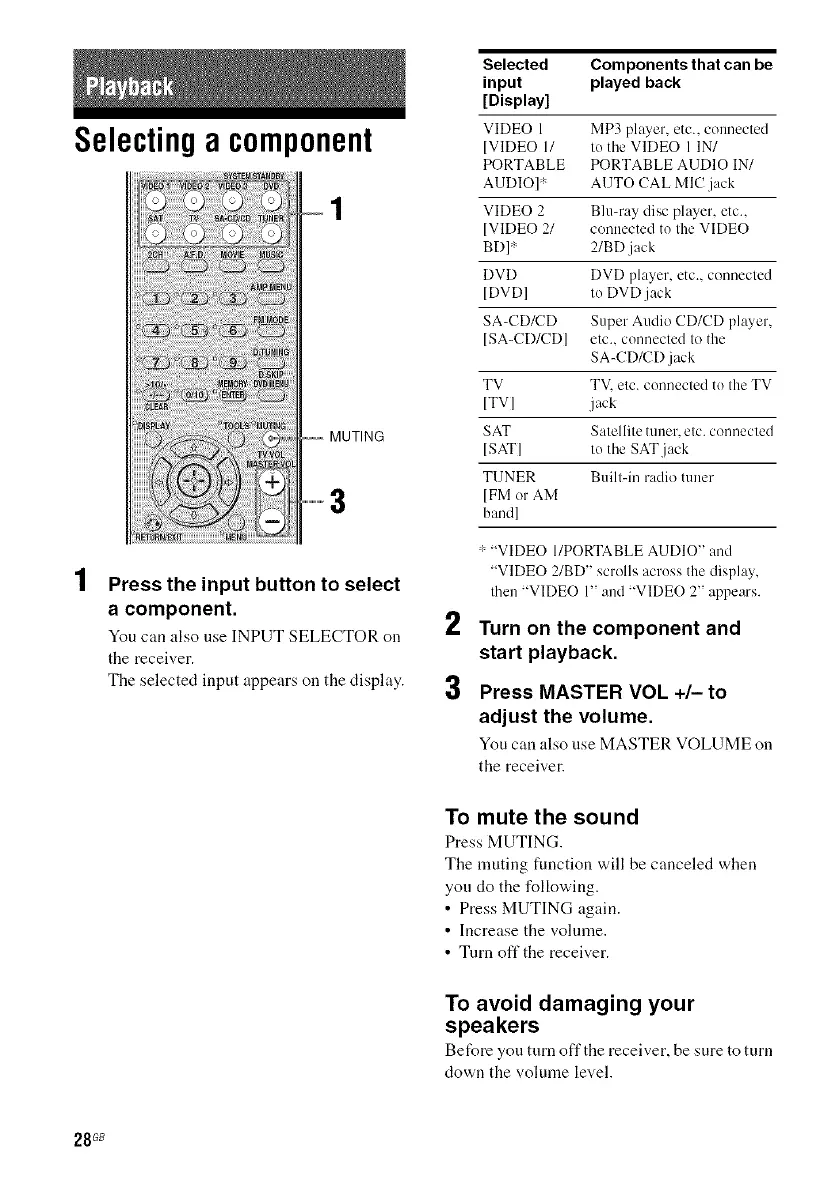
Press the input button to select
a component.
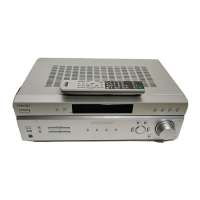
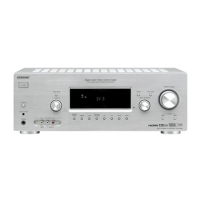
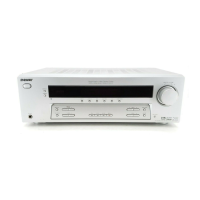
You can also use INPUT SELECTOR on 2
tile receiver.
The selected input appears on the display.
Selected Components that can be
input played back
[Display]
VIDEO 1 MP3 player, etc., connected
[VIDEO 11 tu the VIDEO 1 IN/
PORTABLE PORTABLE AUDIO IN/
AUDIO] _ AUTO CAL MlC.jack
VIDEO 2 Blu-ray disc player, etc.,
[VIDEO 2/ conuected to the VIDEO
BD] _ 2/BD .jack
DVD DVD player, etc., connected
[DVD] to DVD jack
SA-CD/CD Super Audio CD/CD player,
[SA-CD/CD] etc., connected to the
SA-CD/CD .jack
TV TV, etc. connected tu the TV
[TVI j ack
SAT Satellite tuner, etc. connected
[SAT[ tu the SAT jack
TUNER Built-in radio tuner
[FM or AM
baud]
_-"VIDEO I/PORTABLE AUDIO" and
"VIDEO 2/BD" scrolls across the display,
then 'WIDEO 1" and 'WIDEO 2" appears.
Turn on the component and
start playback.
Press MASTER VOL +/- to
adjust the volume.
You can also use MASTER VOLUME on
the receiver.
To mute the sound
Press MUTING.
The muting function will be canceled when
yon do the following.
• Press MUTING again.
• Increase the volume.
• Turn oft'the receiver.
To avoid damaging your
speakers
Before you turn off the receiver, be sure to turn
clown the volume level.
28 G8



 To Next Page