34
GB
To clear all remote button
assignments
Press and hold 2 –, ?/1, and then press
/ . The remote is reset to its factory
settings.
You can adjust the level of the active subwoofer.
This setting is applied to all sound fields.
1 Start playing a source encoded with
multi channel surround effects (DVD,
etc.).
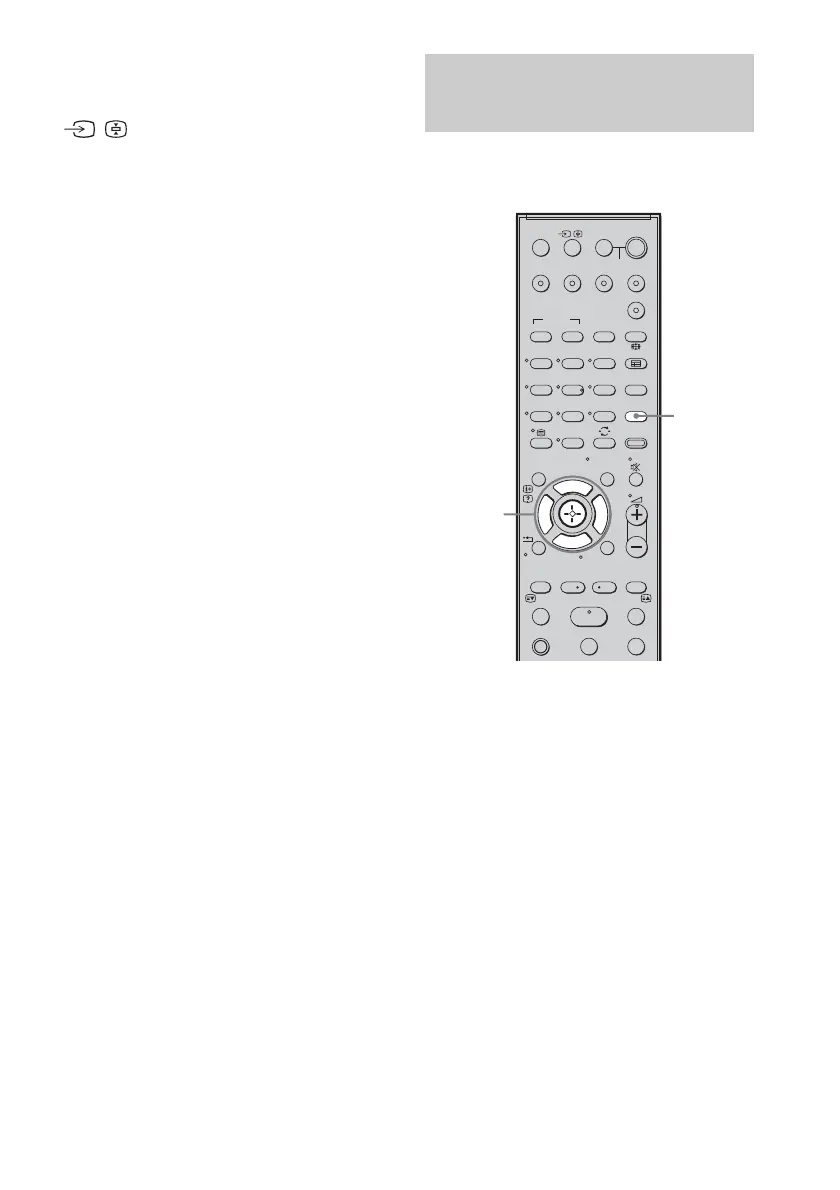
2 Press LEVEL MODE.
3 While monitoring the sound, press x/X
to select the setting you want.
Default setting: 0 (dB)
You can adjust from –6 (dB) to +6 (dB) in 1
(dB) steps.
4 Press LEVEL MODE.
Setting up the subwoofer
level
SYSTEM STANDBY
MENU/HOME
TOOLS/
OPTIONS
TV VOL
MASTER VOL
123
46
78
0
ENTER
9
THEATRE
TV
?/1
AV
?/1
TV BD DVD SAT
TOP MENU MENU
BD/DVD
RETURN/EXIT
TV
F1 F2
AMP MENU
CLEAR
DISPLAY
SOUND
FIELD
LEVEL
MODE
A/B
DIGITALANALOG
DMPORT
?/1
PROG - PROG +
F
Gg
f
.
HmM
Xx
<
<
>
5
SYSTEM STANDBY
MENU/HOME
TOOLS/
OPTIONS
LEVEL
MODE
X, x



 To Next Page