GB
53
Checking the functions available
x
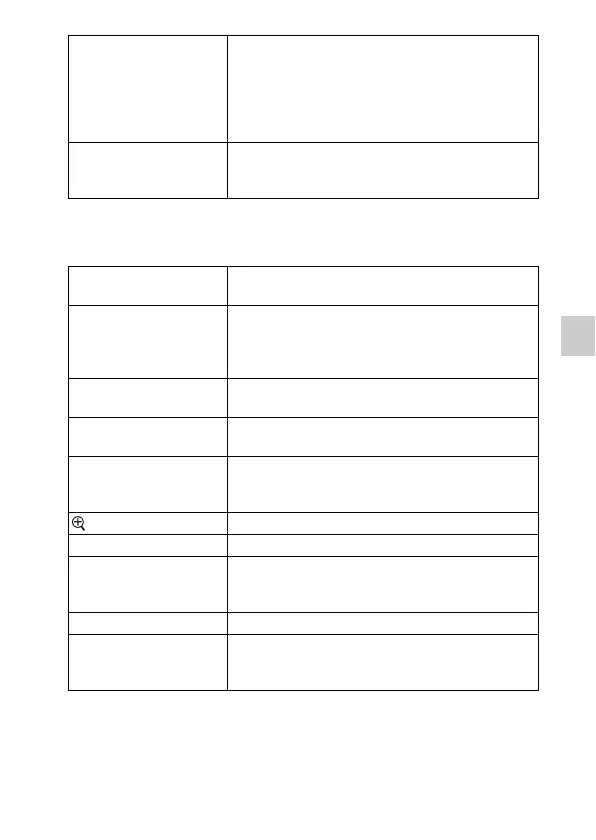
Playback
Allows you to set playback functions.
Picture Effect Shoots with the desired effects to express a unique
atmosphere.
(Off/Toy Camera/Pop Color/Posterization/Retro
Photo/Soft High-key/Partial Color/High Contrast
Mono./Soft Focus/HDR Painting/Rich-tone Mono./
Miniature)
Creative Style Selects the image processing method.
(Standard/Vivid/Portrait/Landscape/Sunset/Black &
White)
Delete Deletes images.
(Multiple Img./All in Folder/All AVCHD view files)
Still/Movie Select Allows you to determine how to group the playback
images (View mode).
(Folder View(Still)/Folder View(MP4)/AVCHD
View)
Slide Show Plays back images automatically.
(Repeat/Interval)
Specify Printing Selects the images to print, or makes printing settings.
(DPOF Setup/Date Imprint)
Image Index Selects the number of images to be displayed on the
index screen.
(6 Images/12 Images)
Enlarge Image Enlarges the image.
Rotate Rotates images.
Protect Protects images, or cancels the protection.
(Multiple Img./Cancel All Images/Cancel All
Movies(MP4)/Cancel All AVCHD view files)
Volume Settings Sets the sound volume of movies.
Display Contents Switches the information to be displayed on the
playback screen.
(Display Info./Histogram/No Disp. Info.)



 To Next Page