GB
54
x
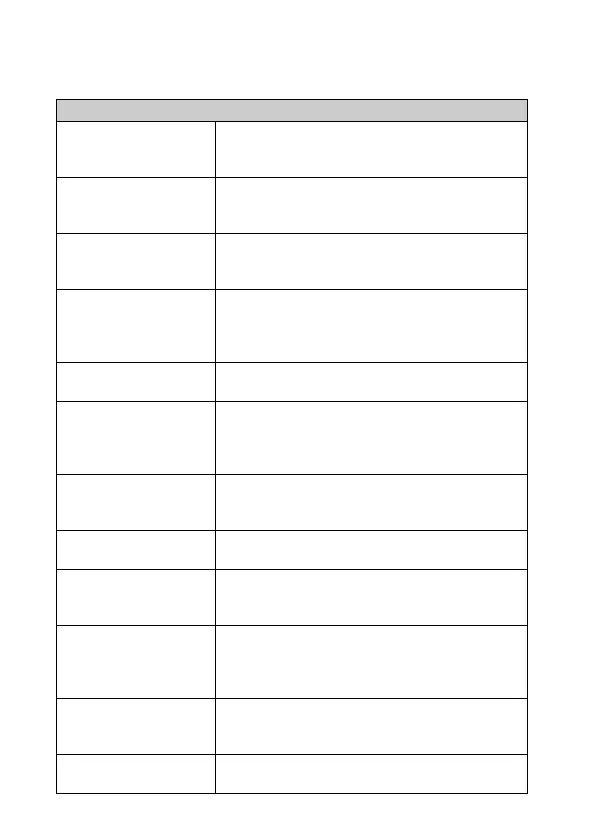
Setup
Allows you to make more detailed shooting settings, or change the camera
settings.
Shooting Settings
AEL w/ shutter Sets whether or not to fix the exposure when you press
the shutter button halfway down.
(On/Off)
AF Illuminator Sets the AF illuminator to assist auto-focusing in dim
places.
(Auto/Off)
Red Eye Reduction Provides pre-flash before shooting when using the
flash, to prevent eyes from being shot in red.
(On/Off)
Live View Display Allows you to choose whether or not to show the
value of exposure compensation, etc. on the screen
display.
(Setting Effect ON/Setting Effect OFF)
Auto Review Sets the display time of the image right after shooting.
(10 Sec/5 Sec/2 Sec/Off)
Grid Line Turns on the grid line that helps you to adjust the
composition of images.
(Rule of 3rds Grid/Square Grid/Diag. + Square Grid/
Off)
Peaking Level Enhances the outline of in-focus ranges with a specific
color.
(High/Mid/Low/Off)
Peaking Color Sets the color used for the peaking function.
(White/Red/Yellow)
Clear Image Zoom Provides a higher-quality zoomed image than with
[Digital Zoom].
(On/Off)
Digital Zoom Provides zoomed images at higher magnification than
with [Clear Image Zoom]. This feature can be also
available in movie recording.
(On/Off)
S. Auto Image Extract. Sets whether or not to save all the images that were
shot continuously in [Superior Auto] mode.
(Auto/Off)
MF Assist Displays an enlarged image when focusing manually.
(On/Off)



 To Next Page