Help Guide
Interchangeable Lens Digital Camera
ILCE-7RM5 α7RV
Angle of view
The angle of view switches to the equivalent of full frame or APS-C/Super 35mm, depending on the setting for [
Shooting] and the attached lens. The angle of view is also different for still image shooting and movie shooting.
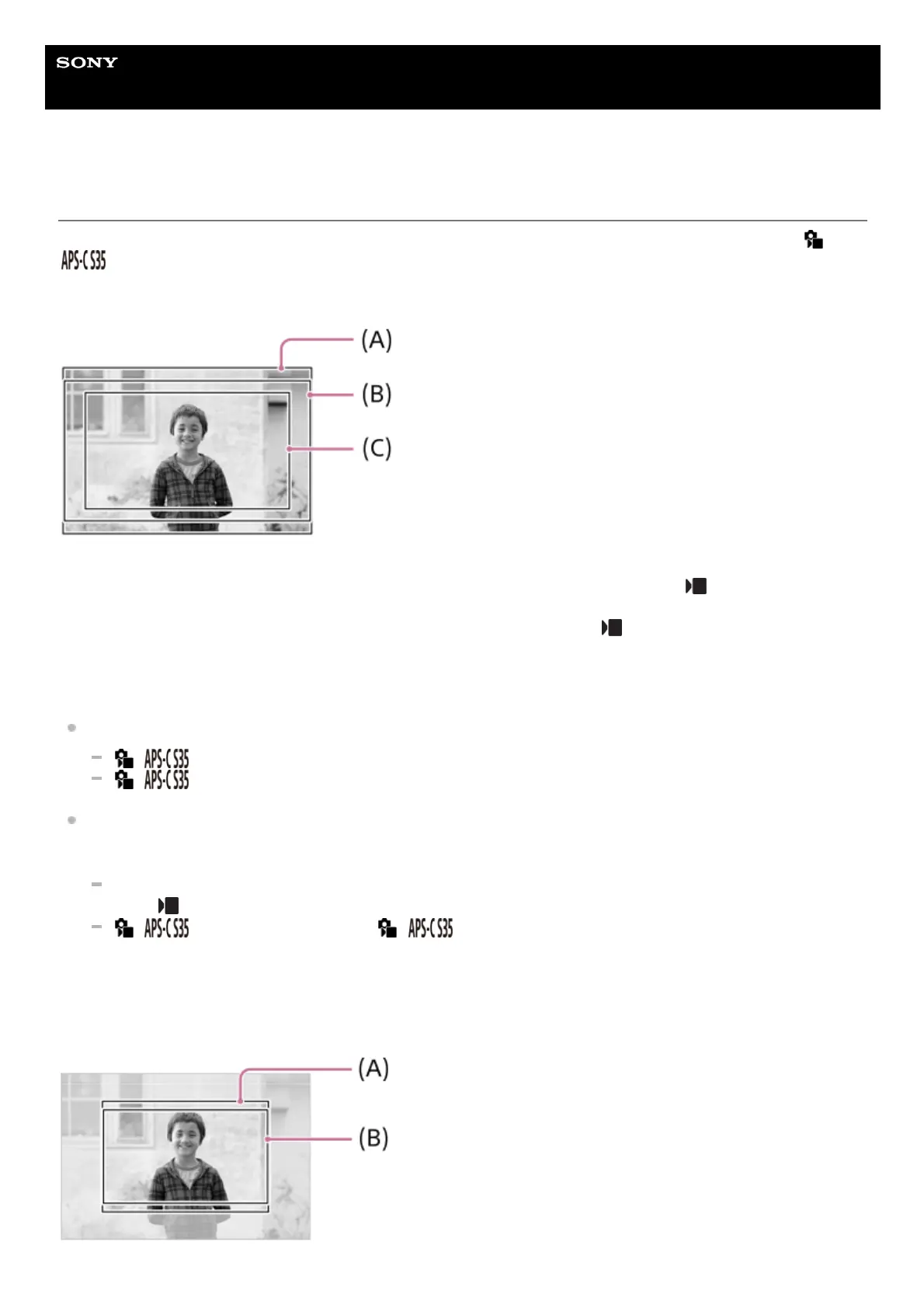
Angle of view equivalent to full frame
(A) When shooting still images
(B) When recording movies (other than 4K 60p/50p or 8K 24p/25p, and [RAW Output] under [
HDMI Output Settings]
set to [Off])
(C) When recording movies (4K 60p/50p or 8K 24p/25p, or [RAW Output] under [
HDMI Output Settings] set to [On])
The camera shoots with an angle of view equivalent to full frame in the following situations.
When shooting still images
[
Shooting] is set to [Auto], and a full frame shooting-compatible lens is attached.
[
Shooting] is set to [Off].
When shooting movies
All of the following conditions are met:
The movie format and frame rate are set to a value other than 4K 60p/50p or 8K 24p/25p, and [RAW Output]
under [
HDMI Output Settings] is set to [Off].
[
Shooting] is set to [Off], or [ Shooting] is set to [Auto] and a full-frame shooting
compatible lens is attached.
Angle of view equivalent to APS-C size/Super 35mm



 To Next Page