Help Guide
Interchangeable Lens Digital Camera
ILCE-7RM5 α7RV
Using the function menu
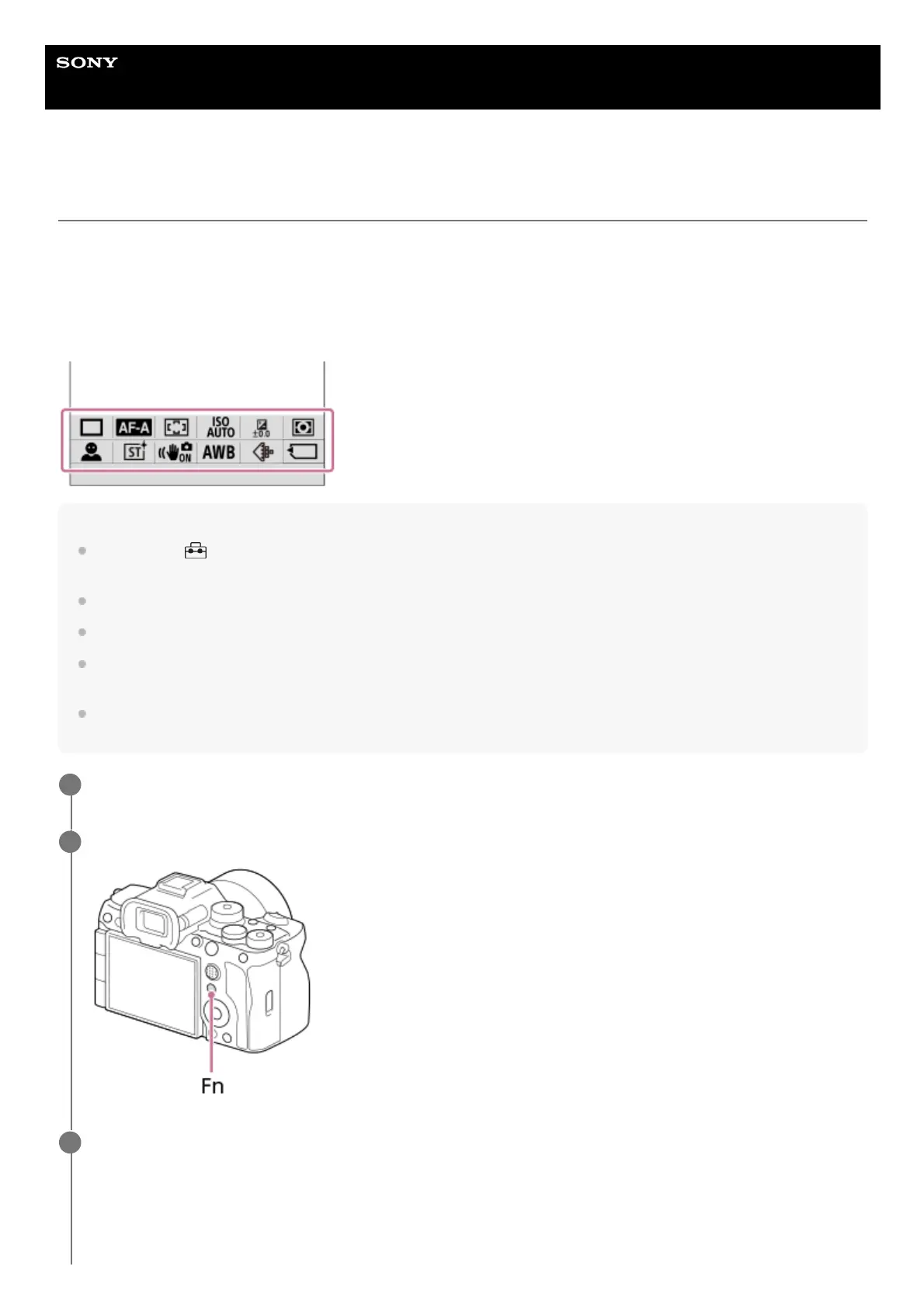
If you press the Fn (function) button during shooting, a menu (function menu) containing frequently used functions such
as the Drive Mode and Focus Mode is displayed on the screen, allowing you to quickly call up the functions.
Example of function menu
The displayed items differ depending on the camera status.
Hint
Use MENU →
(Setup) → [Operation Customize] →[Fn Menu Settings] to register your favorite functions in the function
menu. You can register 12 functions for shooting still images and 12 functions for shooting movies separately.
When [Touch Operation] is set to [On], touch operations on the menu screen are possible.
When [Touch Operation] is set to [On], you can also open [Fn Menu Settings] by holding down the icon in the function menu.
When [Swipe Up] is set to [Open the Fn Menu], the function menu can be displayed using touch operations by swiping the
shooting screen upward quickly.
Swipe downward from the area outside of the function menu or tap the area outside of the function menu to close the function
menu.
Press the DISP on the control wheel repeatedly to display a screen mode other than [For viewfinder].
1
Press the Fn (Function) button.
2
Press the top/bottom/left/right side of the control wheel to select a function to set.
3



 To Next Page