Help Guide
Interchangeable Lens Digital Camera
ILCE-7RM5 α7RV
Using the multi-selector
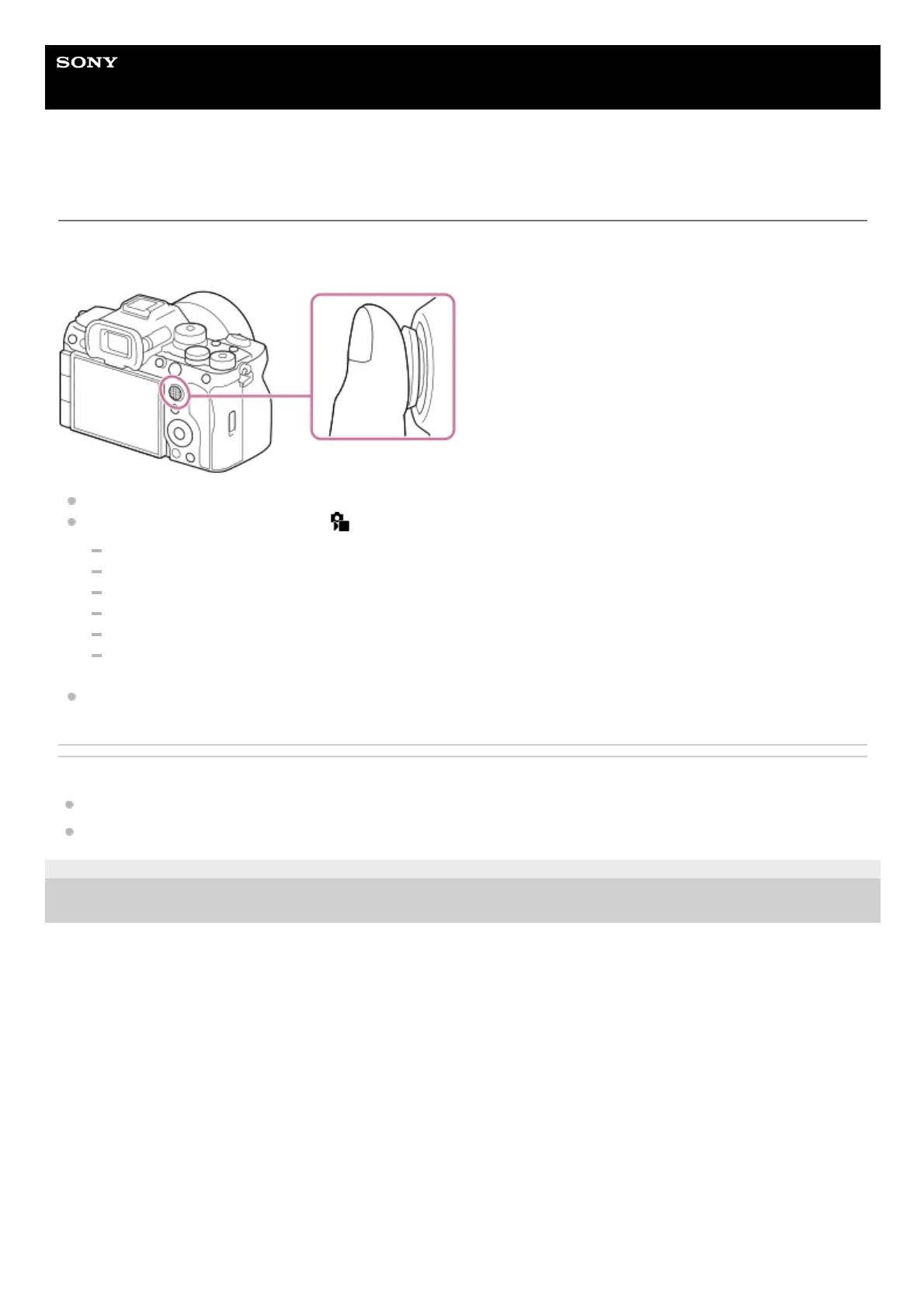
You can move the focus area by pushing the multi-selector up/down/left/right. You can also assign a function to be
activated when you press the center of the multi-selector.
Put your finger right on top of the multi-selector to manipulate it more precisely.
You can move the focus area when [
Focus Area] is set to the following parameters:
[Zone]
[Spot: S] / [Spot: M] / [Spot: L]
[Expand Spot]
[Tracking: Zone]
[Tracking: Spot S] / [Tracking: Spot M] / [Tracking: Spot L]
[Tracking: Expand Spot]
The [Focus Standard] function is assigned to the center of the multi-selector in the default settings.
Related Topic
Selecting the focus area (Focus Area)
Focus Standard
5-044-866-11(1)
Copyright 2022 Sony Corporation



 To Next Page