Help Guide
Interchangeable Lens Digital Camera
ILCE-7RM5 α7RV
Cleaning the image sensor (Sensor Cleaning)
If dust or debris gets inside the camera and adheres to the surface of the image sensor (the part that converts the light to
an electric signal), it may appear as dark spots on the image, depending on the shooting environment. If this happens,
clean the image sensor quickly by following the steps below.
Hint
For how to check the amount of dust on the image sensor, and for further details on cleaning methods, please refer to the
following URL.
https://support.d-imaging.sony.co.jp/www/support/ilc/sensor/index.php
Note
When executing the cleaning mode, remove the lens with the camera turned on.
Do not turn off the camera during cleaning.
Make sure that the remaining battery level is
(3 remaining battery icons) or more, before performing the cleaning.
To clean the image sensor with the camera turned off, set [Shutter When Pwr OFF] under [Anti-dust Function] to [Off].
Do not use a spray type blower as it may scatter water droplets inside the camera body.
Confirm that the battery has been charged sufficiently.
1
MENU →
(Setup) → [Setup Option] → [Anti-dust Function] → [Sensor Cleaning] → [Enter].
The filter glass vibrates to shake off the dust.
2
Detach the lens.
3
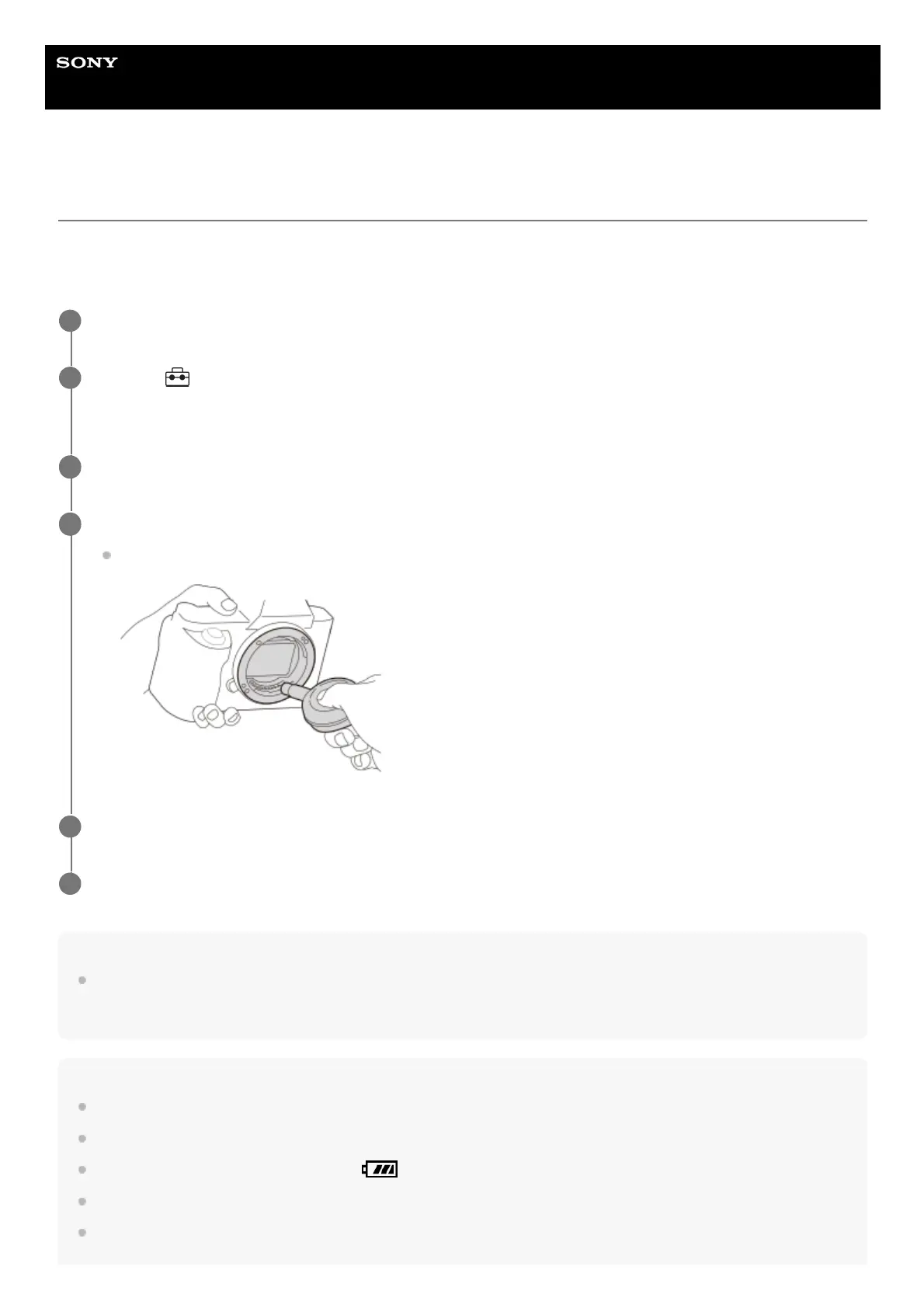
Use a commercially available blower to clean the image sensor surface and the surrounding area.
Hold the camera slightly face downward so that the dust falls out.
4
Turn off the camera.
5
Attach the lens.
6



 To Next Page