Help Guide
Interchangeable Lens Digital Camera
ILCE-7RM5 α7RV
Connecting the camera and smartphone without pairing
You can also use the Imaging Edge Mobile function by connecting the camera and smartphone only via Wi-Fi, without
pairing them for a Bluetooth connection.
If you want to connect without pairing, you need to perform the Wi-Fi connection operation every time.
After pairing, the camera and smartphone can be connected automatically just by launching Imaging Edge Mobile for
subsequent connections. Refer to “Pairing the camera with a smartphone (Smartphone Regist.) ” to pair the camera and
smartphone.
The following is the procedure for connecting the camera to your smartphone when you install Imaging Edge Mobile on
your smartphone for the first time.
: Operations performed on the smartphone
: Operations performed on the camera
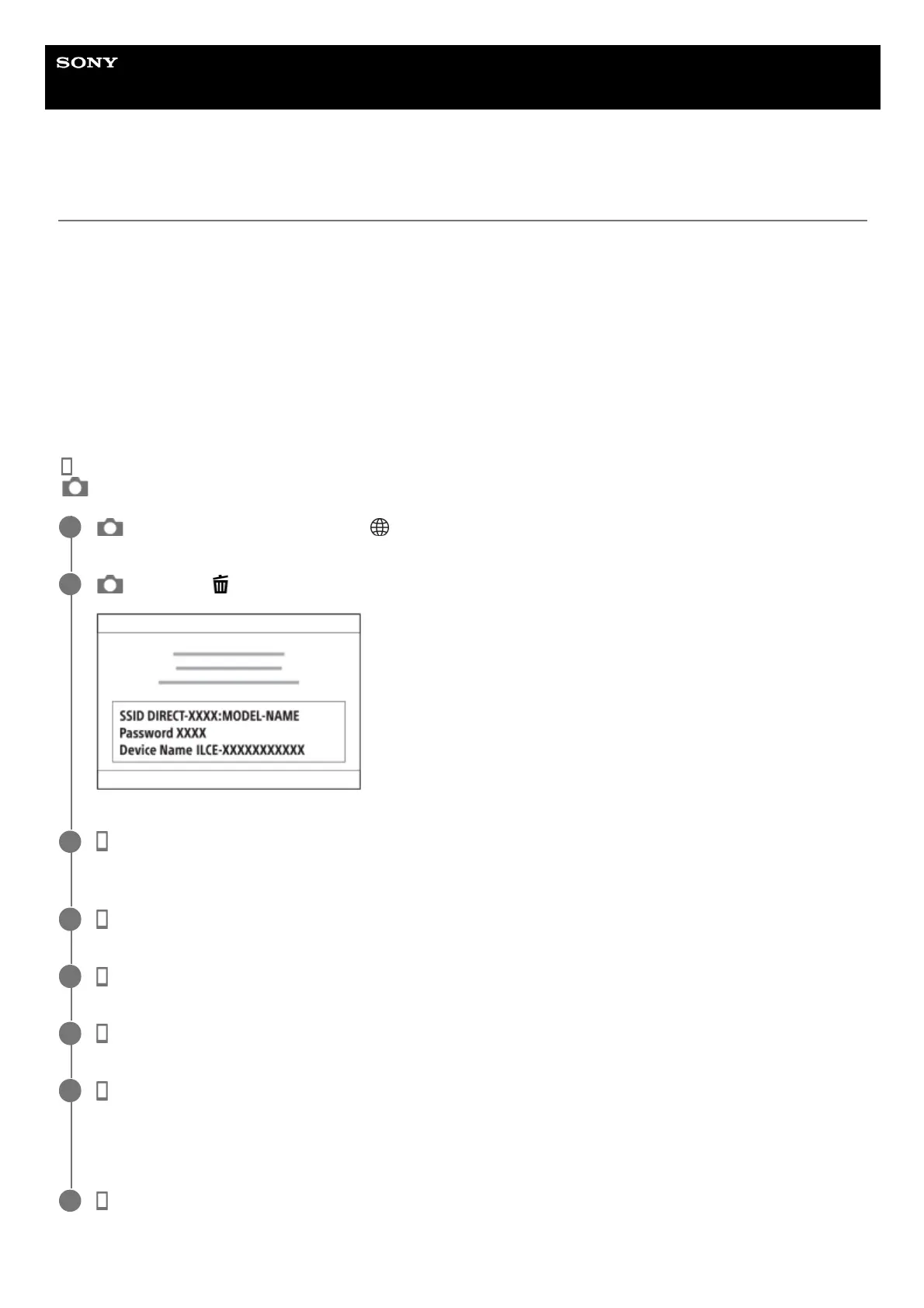
: On the camera, select MENU → (Network) → [Smartphone Connect] → [Smartphone Regist.].
1
: Press the (Delete) button on the camera to switch to the SSID and password screen.
2
: Launch Imaging Edge Mobile on your smartphone and select the product name of the camera (ILCE-
7RM5).
3
: On the smartphone screen, select [Camera Connection/Registration] → [Connect without registering.].
4
: On the camera selection screen, select the product name of the camera (ILCE-7RM5).
5
: Follow the instructions on the screen and open the setting screen on your smartphone.
6
: On the Wi-Fi setting screen on your smartphone, select the SSID displayed on the camera and enter the
password.
The smartphone will connect to the camera.
7
: Switch the screen to Imaging Edge Mobile again on your smartphone and select the desired function.
8



 To Next Page