Help Guide
Interchangeable Lens Digital Camera
ILCE-7RM5 α7RV
Touch operations on the monitor
By touching the monitor, you can intuitively perform operations such as focusing on the shooting screen and operating
the playback screen.
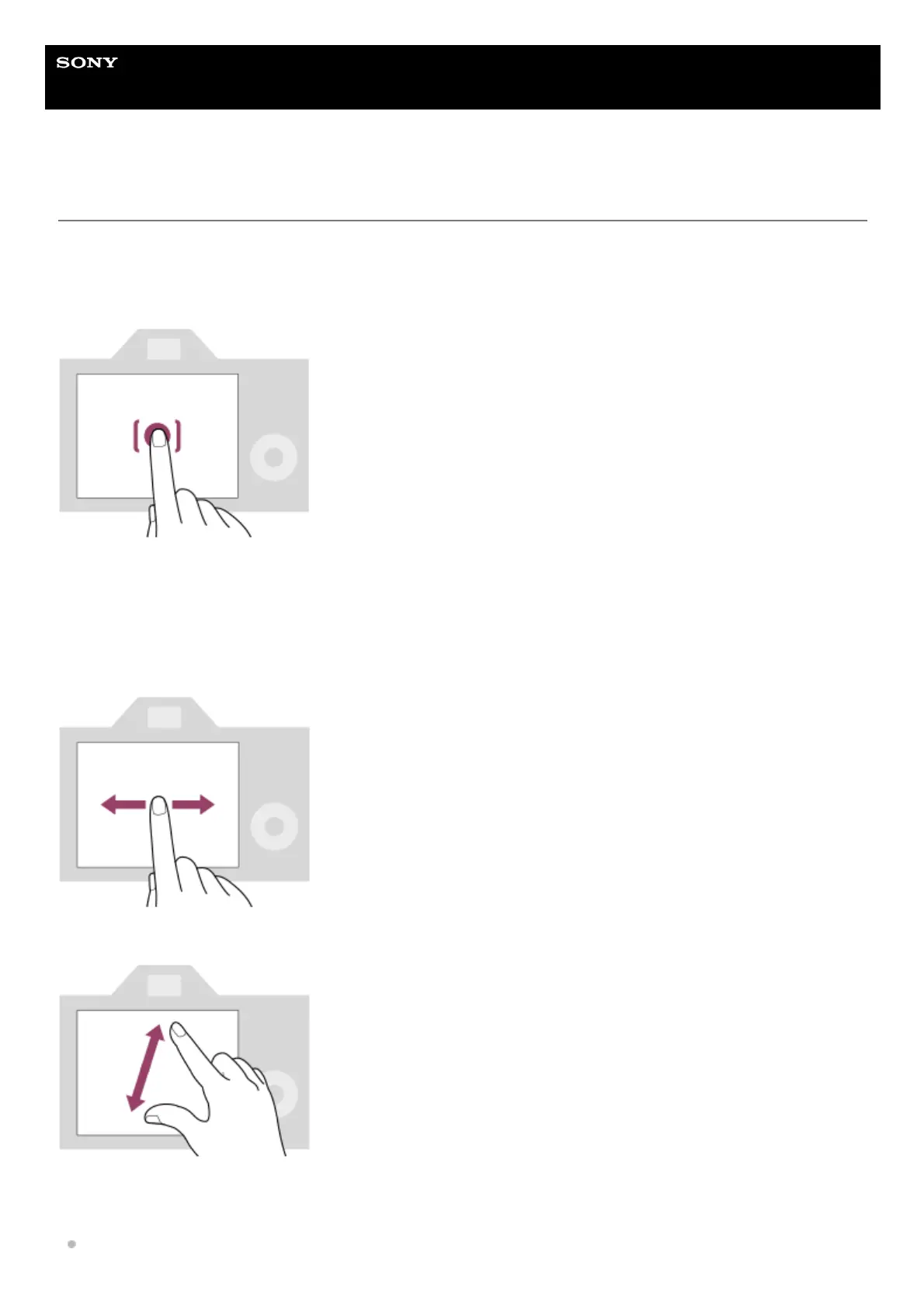
Touch operations (on the shooting screen)
Touch the monitor to specify where to focus (Touch Focus).
Touch a subject on the monitor to use the touch tracking function (Touch Tracking).
You can also focus on a subject and shoot images simply by touching the subject on the screen (Touch Shutter).
For information on how to switch the function activated by touch operation, refer to “
Touch Func. in Shooting .”
Touch operations (on the playback screen)
During single-image playback, swipe the screen to the left or right to move to the previous or next image.
During single-image playback, you can enlarge or reduce the displayed image by moving apart or bringing together two
fingers on the screen (pinch-out/pinch-in).
You can also double-tap the monitor to enlarge a still image or exit the enlarged image.



 To Next Page