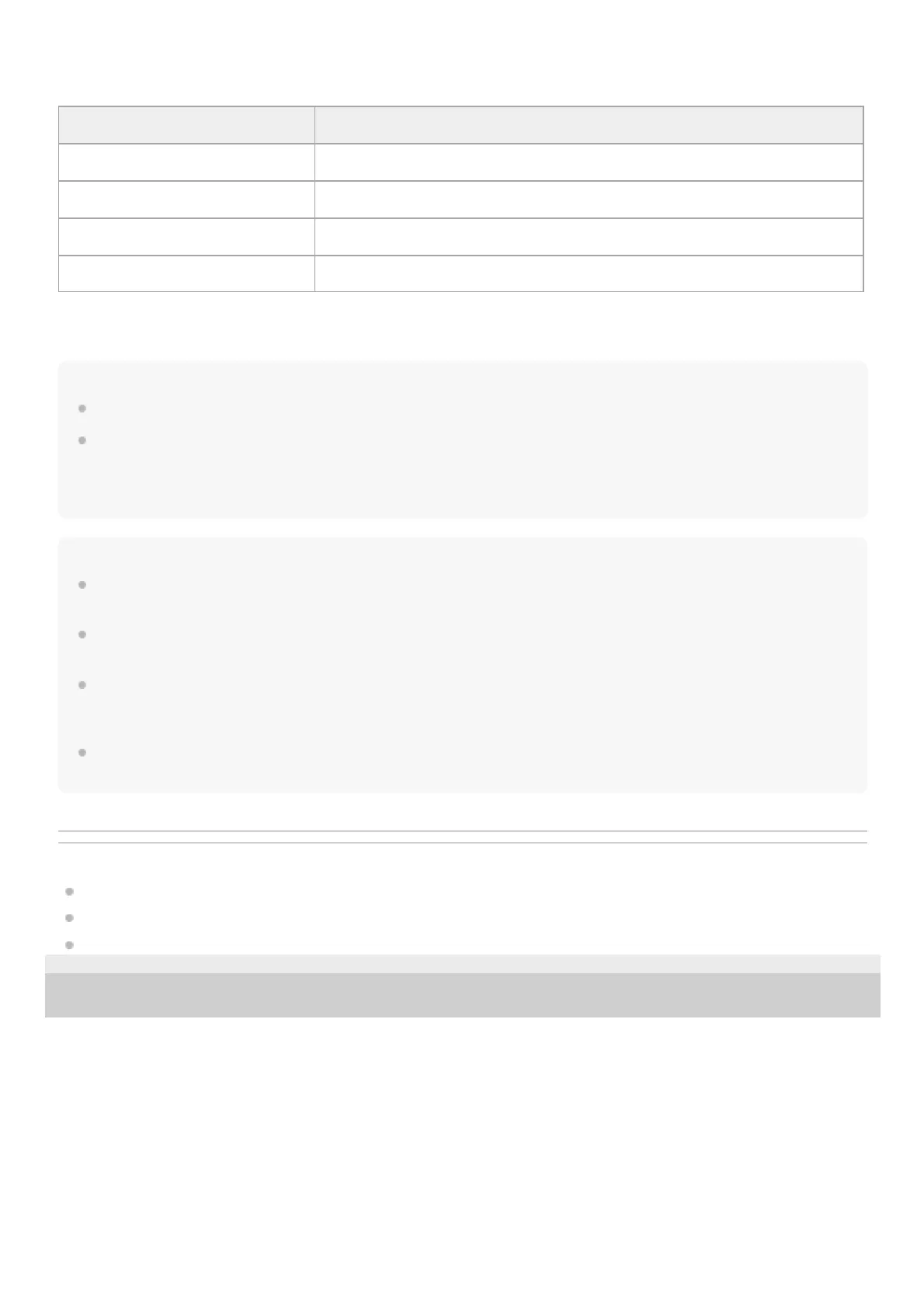
You can assign the [Game/Chat Balance Control] function to either the left or right headset unit using “INZONE Hub”.
Hint
When tapping the touch sensor multiple times, tap it quickly with an interval of about 0.3 seconds between taps.
You can change the functions assigned to the touch sensors on the left and right headset units using “INZONE Hub”. For
example, the volume adjustment function that is assigned to the touch sensor of the right unit in the factory settings can be
changed to the touch sensor of the left unit.
You can also choose not to assign any functions.
Note
You cannot operate the touch sensors when not wearing the headset. If you set the wearing detection automatic power off
function to [OFF] using “INZONE Hub”, the touch sensors can be operated even when the headset is not being worn.
Be careful that the [Game/Chat Balance Control] function cannot be used while connected to a smartphone regardless of the
connection method.
If the volume is turned down on the computer or USB Type-C compatible smartphone while connected via the USB transceiver,
the volume cannot be turned up very high using the headset. To turn the volume up higher, adjust the volume on the computer or
USB Type-C compatible smartphone.
If the volume is turned down on the connected device while connected via Bluetooth connection, the volume cannot be turned up
very high using the headset. To turn the volume up higher, adjust the volume on the connected device.
Related Topic
Controlling the audio device (Bluetooth connection)
Functions for a phone call
What you can do with “INZONE Hub”
5-052-425-11(1) Copyright 2023 Sony Corporation
“INZONE Hub” settings: [Game/Chat Balance Control]
Tap To lower the volume of the voice chat sound to make game audio easier to hear
Tap twice —
Tap 3 times —
Hold your finger to the touch sensor To lower the volume of the game audio to make voice chat sound easier to hear












 To Next Page