Help Guide
Wireless Noise Canceling Gaming Headset
INZONE Buds
Connecting to a paired Android smartphone
Unlock the screen of the Android smartphone if it is locked.
1
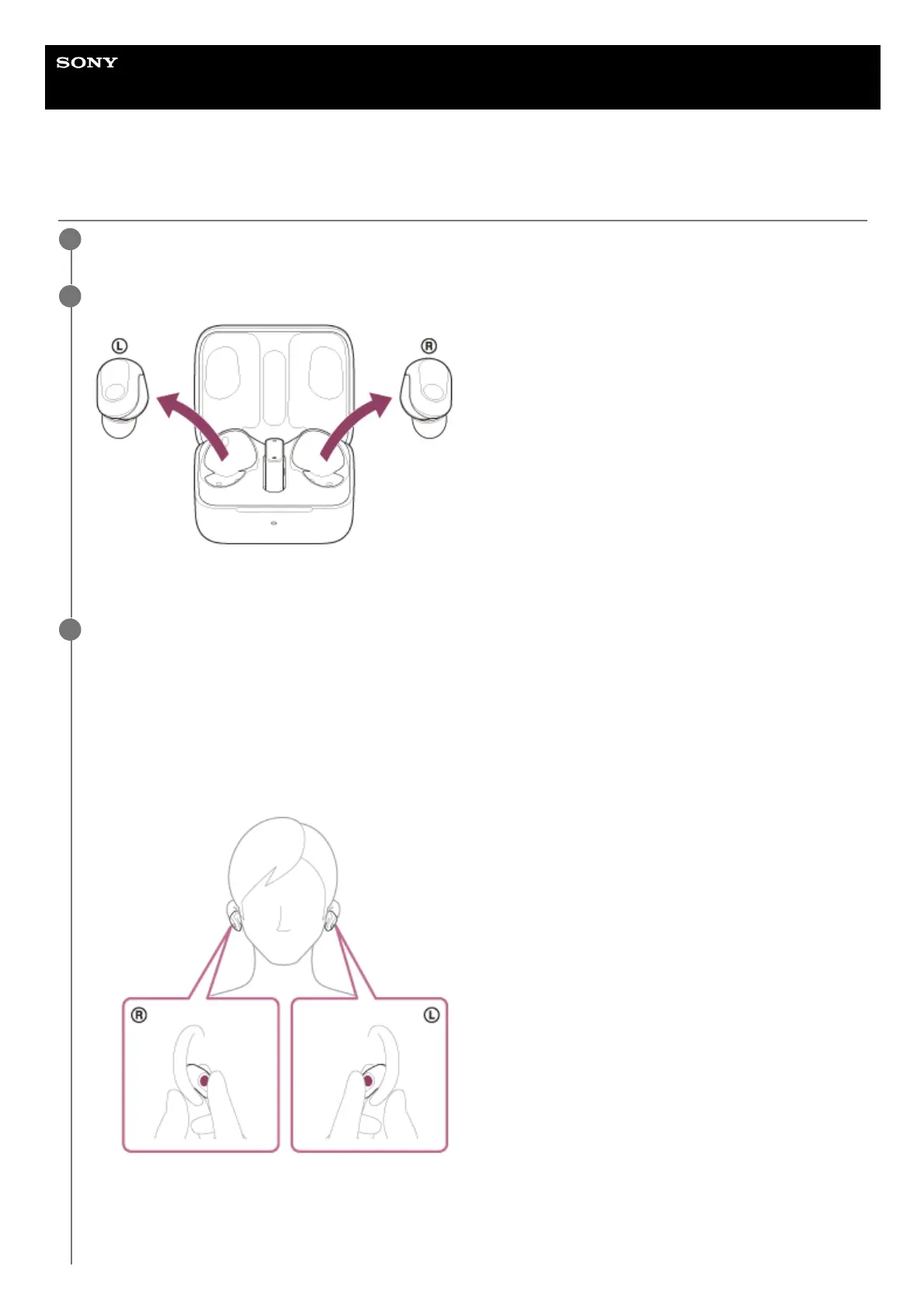
Remove the headset units from the charging case.
The headset turns on automatically.
2
Put the headset units into your ears and switch the mode.
3
Put the headset units into your ears.
See “Wearing the headset” for how to wear the headset in your ears.
You will hear the voice guidance say, “Bluetooth mode” or “USB Transceiver mode”.
1.
When the headset is in the USB transceiver mode, put on both headset units and change the headset mode to
the Bluetooth mode by holding your fingers to the touch sensors on both the left and right headset units for
about 1 second.
You will hear the voice guidance say, “Bluetooth mode”.
2.












 To Next Page