Help Guide
Wireless Noise Canceling Gaming Headset
INZONE Buds
About the touch sensor
Tap the touch sensor for various operations, such as music playback, phone calls, or changing the setting of the noise
canceling function.
You can change the functions assigned to the touch sensors on the left and right headset units using “INZONE Hub”.
Some assigned functions may not be available depending on the connection method or connecting device.
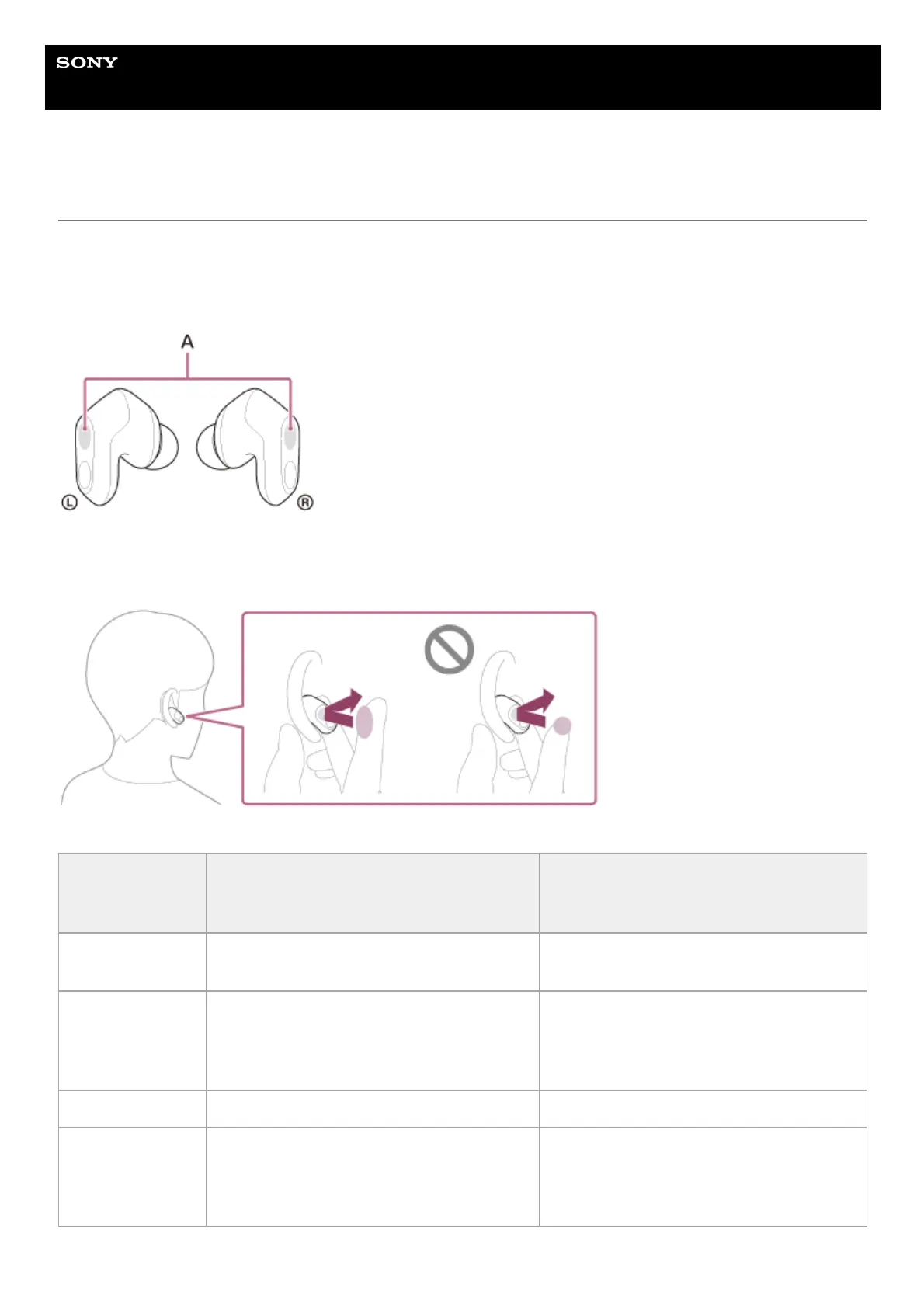
A: Touch sensors (left, right)
To operate the touch sensor, tap the center of the touch sensor with the pad of your index finger.
Default settings
Left
“INZONE Hub” settings: [Ambient Sound
Control + Mic]
Right
“INZONE Hub” settings: [Volume Control]
Tap
To switch the noise canceling function and
Ambient Sound Mode
To increase the volume
Tap twice
When connected to a Bluetooth device: To
receive a call/end a call/cancel an outgoing call
When connected to the USB transceiver: —
When connected to a Bluetooth device: To
receive a call/end a call/cancel an outgoing
call
When connected to the USB transceiver: —
Tap 3 times — —
Hold your finger to
the touch sensor
When connected to a Bluetooth device: To
reject a call/switch the microphones on or off
When connected to the USB transceiver: Turn
the microphones on/off
When connected to a Bluetooth device: To
reject a call/lower the volume
When connected to the USB transceiver: To
lower the volume












 To Next Page