Help Guide
Wireless Noise Canceling Gaming Headset
INZONE Buds
Listening to ambient sound (Ambient Sound Mode)
The microphones built into the left and right headset units make it easier for you to hear ambient sound and allow you to
hear ambient sound while enjoying gaming or music.
To activate the Ambient Sound Mode
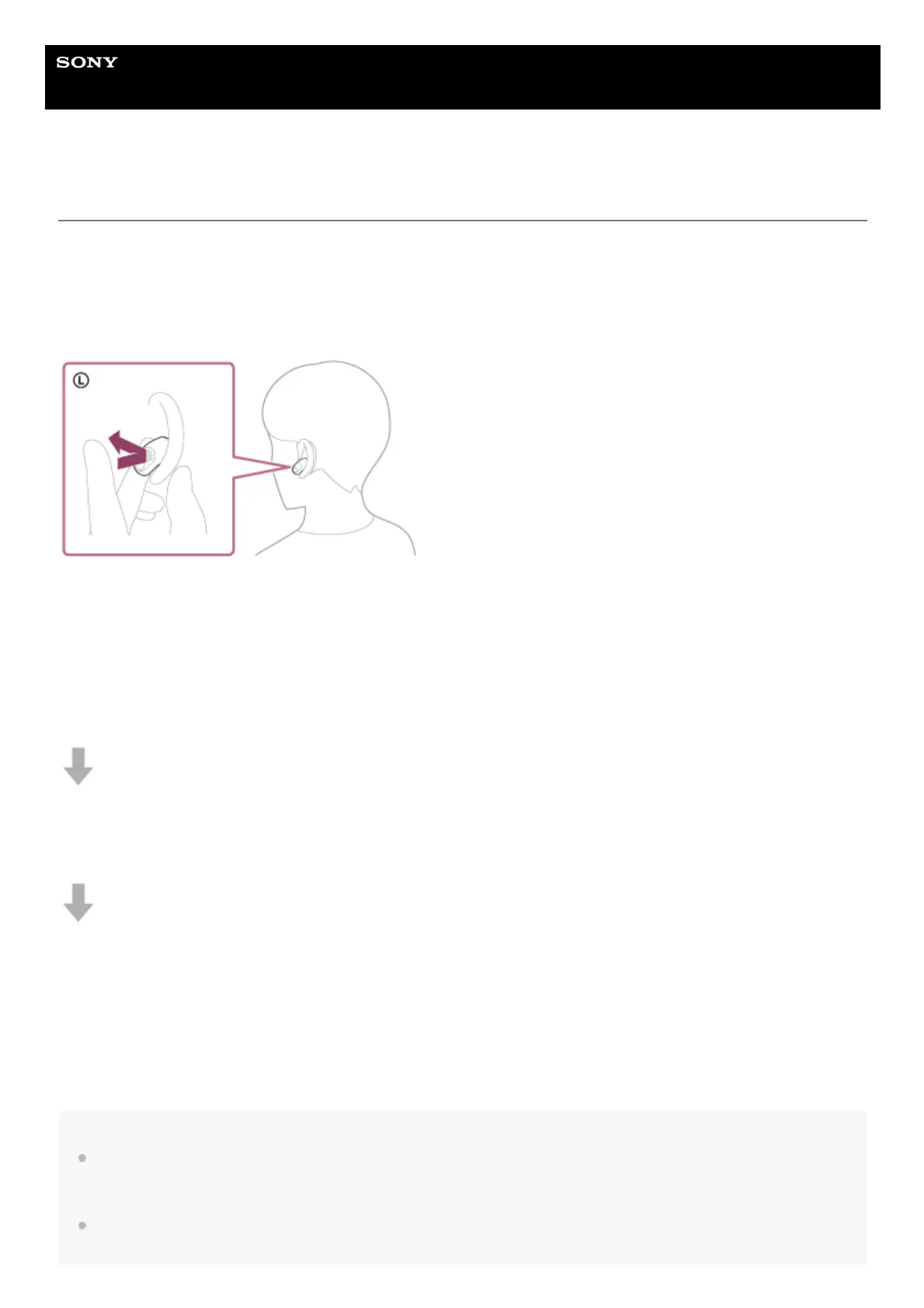
Tap the touch sensor on the left headset unit while the noise canceling function is on.
To turn off the Ambient Sound Mode
Tap the touch sensor on the left headset unit to turn off the Ambient Sound Mode.
Each time you tap, the function switches as follows.
Noise canceling function: ON
You will hear a notification sound from both headset units (or from the left headset unit when only the left headset unit is
worn) at the same time.
Ambient Sound Mode: ON
You will hear a notification sound from both headset units (or from the left headset unit when only the left headset unit is
worn) at the same time.
Noise canceling function: OFF/Ambient Sound Mode: OFF
You will hear a notification sound from both headset units (or from the left headset unit when only the left headset unit is
worn) at the same time.
About the instruction manual video
Watch the video for how to use the Ambient Sound Mode.
https://rd1.sony.net/help/mdr/mov0063/h_zz/
Hint
Ambient Sound Mode settings changed with “INZONE Hub” are saved by the headset. Once you have changed the settings, by
simply turning on the Ambient Sound Mode, you can listen to audio with these saved settings even on devices that do not have
“INZONE Hub” installed.
You can select one of the following on “INZONE Hub” to set how you want the functions to change when you tap the left headset
unit.












 To Next Page