i-Manual online
Print Font Size
How to Use i-Manual
“BRAVIA” TV Features
Watching TV
Settings/Home Menu
Using Other
Equipment/Internet
Parts Description
Troubleshooting
Bookmarks
Index
i-Manual online map
Top Page > Using Other Equipment/Internet > HDMI Equipment > Connecting HDMI Equipment
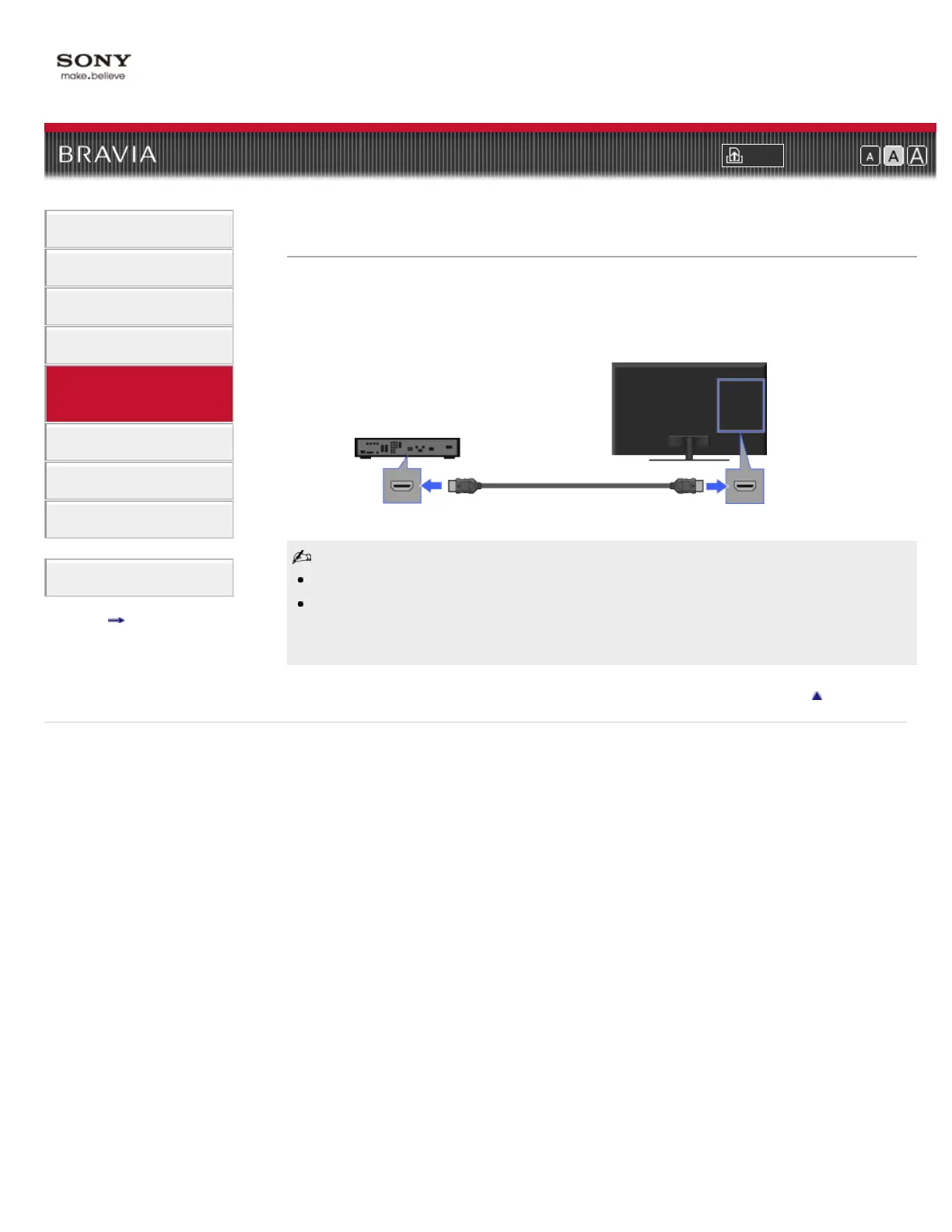
Connecting HDMI Equipment
HDMI (High-Definition Multimedia Interface) is an uncompressed all-digital audio/video interface
between the TV and any HDMI-compatible A/V equipment. In addition, if you connect equipment
that is compatible with “Control for HDMI,” you can control it by simply using the TV’s remote
control.
Be sure to use an authorized HDMI cable bearing the HDMI logo.
If the equipment has a DVI jack, connect it to the HDMI (with AUDIO IN) port through a DVI -
HDMI adapter interface (not supplied), and connect the equipment’s audio out jacks to the
PC/HDMI AUDIO IN.
Return to Top
Copyright 2011 Sony Corporation
HDMI cable (not supplied)
BD player
TV













 To Next Page