i-Manual online
Print Font Size
How to Use i-Manual
“BRAVIA” TV Features
Watching TV
Settings/Home Menu
Using Other
Equipment/Internet
Parts Description
Troubleshooting
Bookmarks
Index
i-Manual online map
Top Page > Using Other Equipment/Internet > Picture Frame
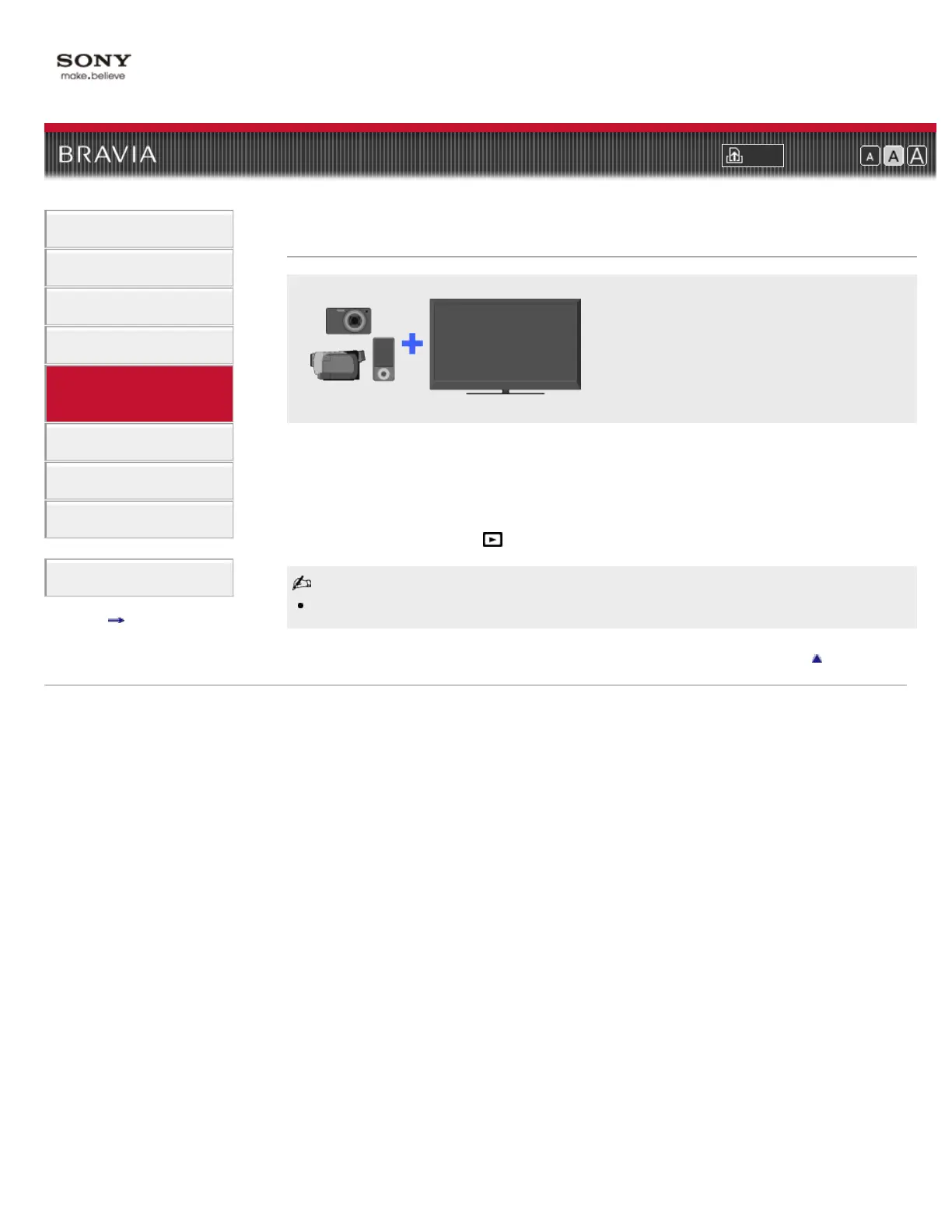
Picture Frame
You can set a photo in the connected USB
device, network device or preset picture
folder to be displayed for a specified time.
You can set a photo in the connected USB device, network device or preset picture folder to be
displayed for a specified time.
1. While the desired photo is displayed, press OPTIONS, then select [File Actions] → [Picture
Frame].
2. Press HOME, then select → [Photos] → [Picture Frame].
The TV automatically switches to standby mode after a specified time.
Return to Top
Copyright 2011 Sony Corporation













 To Next Page