i-Manual online
Print Font Size
How to Use i-Manual
“BRAVIA” TV Features
Watching TV
Settings/Home Menu
Using Other
Equipment/Internet
Parts Description
Troubleshooting
Bookmarks
Index
i-Manual online map
Top Page > “BRAVIA” TV Features > “BRAVIA” Internet Video
“BRAVIA” Internet Video
Brings videos, movies and much more through the
broadband Internet connection to your TV.
This feature serves as a gateway to Internet content, delivering a variety of on-demand
entertainment straight to your TV. You can enjoy video content, including movies and cartoons.
1. Make a broadband Internet connection.
For details, see the information on wireless/wired LAN in “Internet/Wireless LAN” in this
manual.
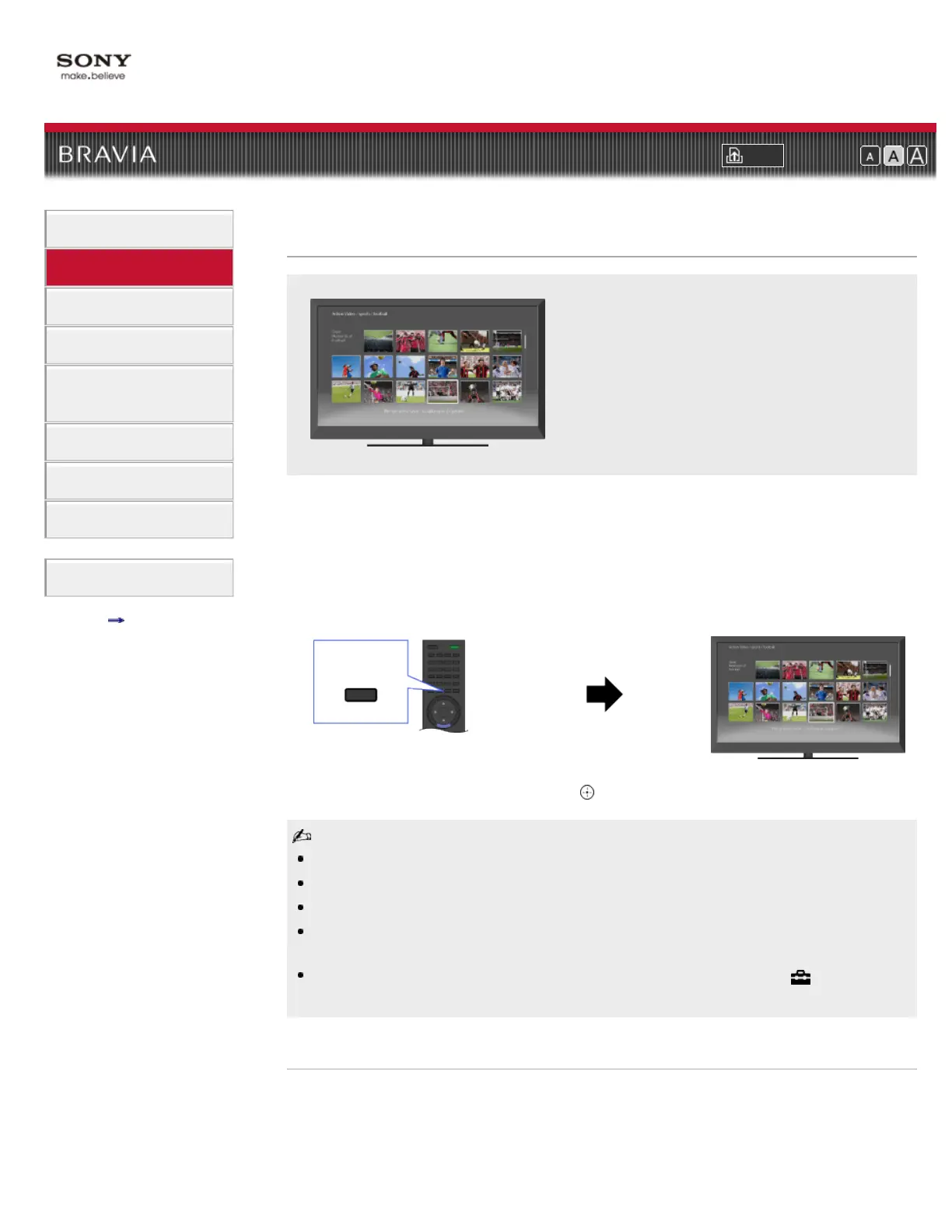
2. Press INTERNET VIDEO, then select [BRAVIA Internet Video] → the desired service.
3. Highlight the desired content, then press .
If you experience difficulties with this feature, check that the Internet connection is set up properly.
Information about the highlighted icon appears in the information banner.
The interface to Internet content depends on the Internet content providers.
Services block video content based on the [Parental Lock] setting of the TV. Some service
providers do not support this function.
To update “BRAVIA” Internet Video content services, press HOME, then select
→ [Network] →
[Refresh Internet Content].
Seeking forward/backward in video content
Press the buttons on the remote control that correspond with the control indications on the
screen.
INTERNET
VIDEO













 To Next Page