i-Manual online
Print Font Size
How to Use i-Manual
“BRAVIA” TV Features
Watching TV
Settings/Home Menu
Using Other
Equipment/Internet
Parts Description
Troubleshooting
Bookmarks
Index
i-Manual online map
Top Page > Watching TV > Picture Mode
Picture Mode
Allows you to select the picture mode according to
your preference.
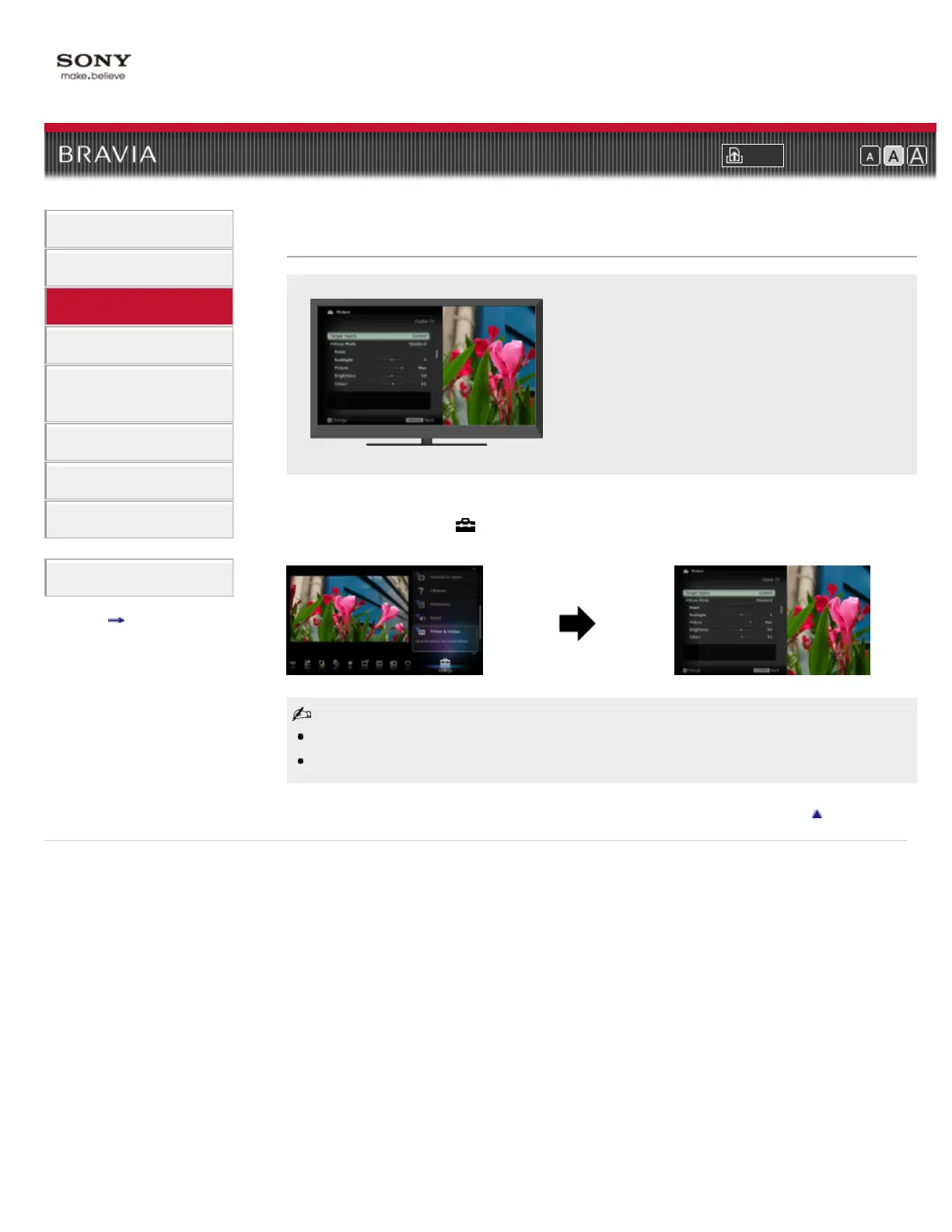
You can select the picture mode according to your preference.
Press HOME, then select
→ [Picture & Display] → [Picture Adjustments] → [Picture Mode] →
the desired option.
The option you can select may vary depending on the situation.
Unavailable options are grayed out or not displayed.
Return to Top
Copyright 2011 Sony Corporation













 To Next Page