i-Manual online
Print Font Size
How to Use i-Manual
“BRAVIA” TV Features
Watching TV
Settings/Home Menu
Using Other
Equipment/Internet
Parts Description
Troubleshooting
Bookmarks
Index
i-Manual online map
Top Page > Watching TV > Wide Mode
Wide Mode
Selects a screen format from a range of
screen types according to your preferences.
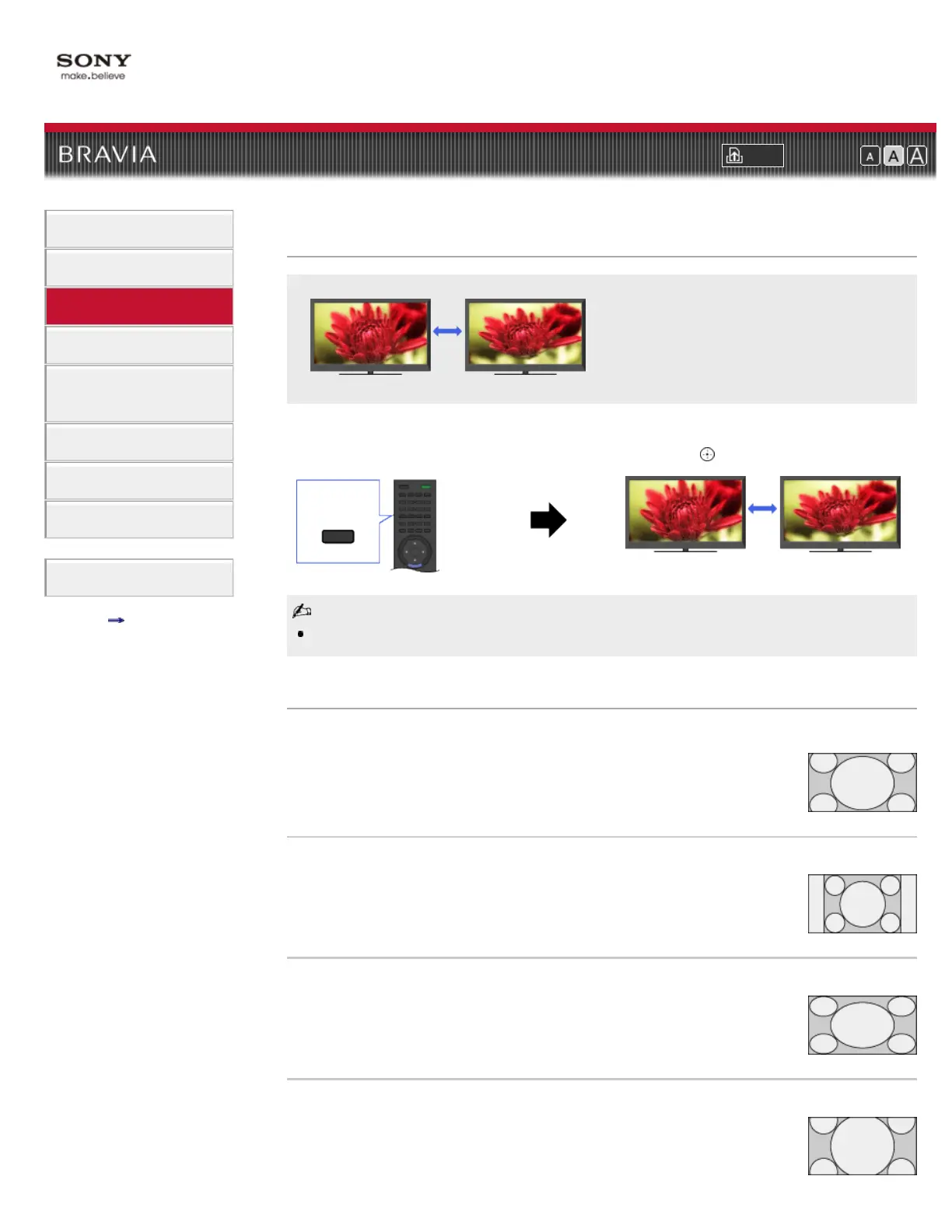
This feature is for you to select a screen format to better fit content you are viewing.
Press WIDE repeatedly to select the desired option, then press
.
Based on the original signal source, a black frame or black bars may surround the picture.
Changing the wide mode from 4:3 original source
Wide Zoom
Enlarges the picture to fill a 16:9 screen, preserving the original picture as
much as possible.
Normal
Displays a 4:3 picture in its original size. Side bars are shown to fill the 16:9
screen.
Full
Stretches the 4:3 picture horizontally, to fill the 16:9 screen.
Zoom
Displays the cinemascopic (letter box format) picture in the correct proportion.
WIDE













 To Next Page