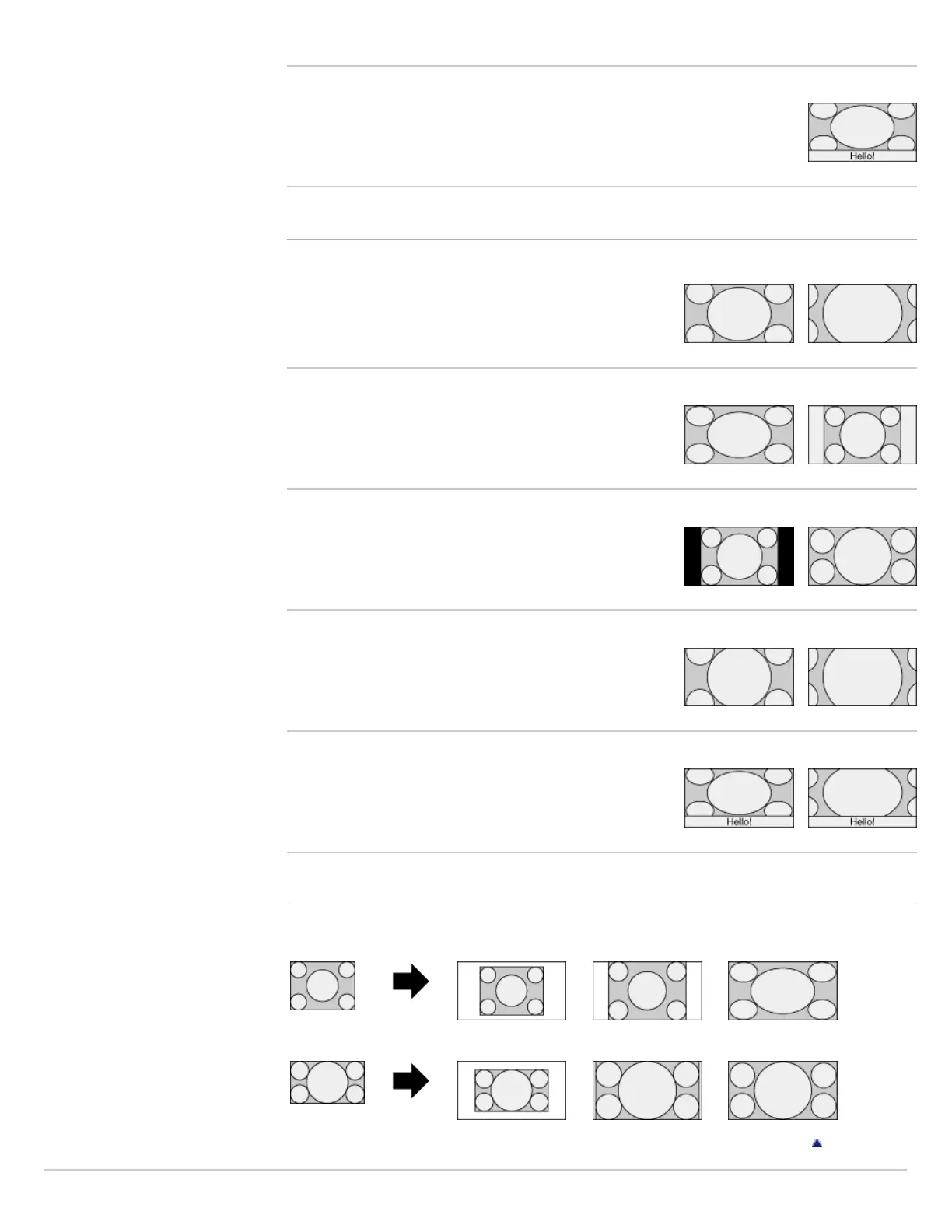
Captions
Stretches the picture horizontally to fill a 16:9 screen, while fitting captions in
the screen.
Changing the wide mode from 16:9 original source
Wide Zoom
Enlarges the picture to fill a 16:9 screen, preserving the
original picture as much as possible.
Normal
Displays a picture in its original size.
Full
Displays a 16:9 picture in its original size.
Zoom
Displays the cinemascopic (letter box format) picture in the
correct proportion.
Captions
Stretches the picture horizontally to fill a 16:9 screen,
while fitting captions in the screen.
Changing the wide screen mode for PC Timing
800 x 600 Normal Full 1 Full 2
1,280 x 768 Normal Full 1 Full 2
Return to Top













 To Next Page