While using another application, an incoming call notification is displayed using the full screen.
Features/options
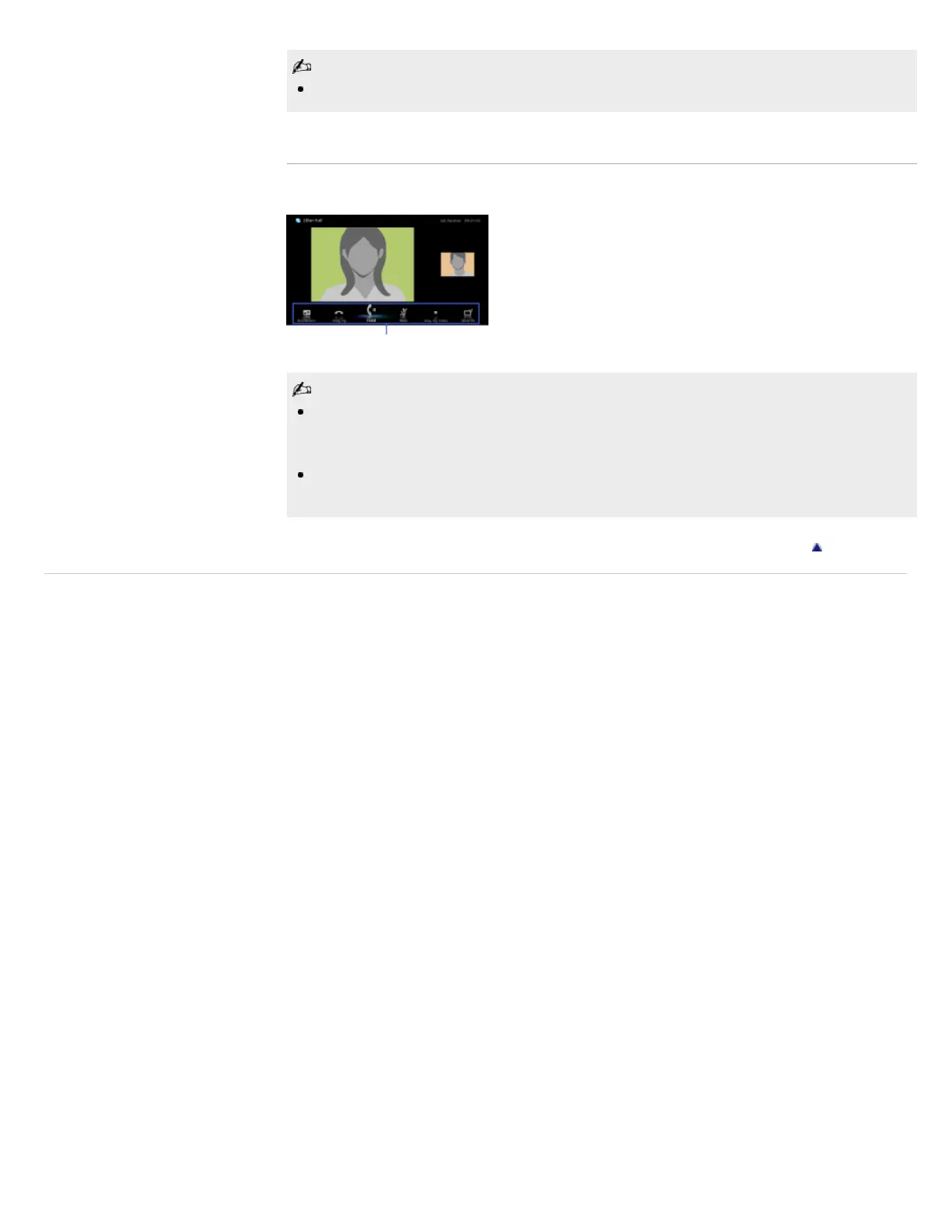
Use the menu bar at the bottom of the screen for call options.
For the best audio quality during a Skype call, use the speakers that are built into the TV instead
of using an external audio system. To use the TV speakers, press OPTIONS, then select
[Speakers] → [TV Speakers].
When the other party is displayed in full screen, you can show/hide the menu bar by pressing
DISPLAY.
Return to Top
Copyright 2011 Sony Corporation
Menu bar













 To Next Page