Help Guide
Home Audio System
MHC-V13
Playing a disc
You can play a disc on the system by following these steps.
Other operations
Depending on the disc or file, the function may not work.
5-013-968-11(1) Copyright 2020 Sony Corporation
Press FUNCTION repeatedly to select [CD].
1
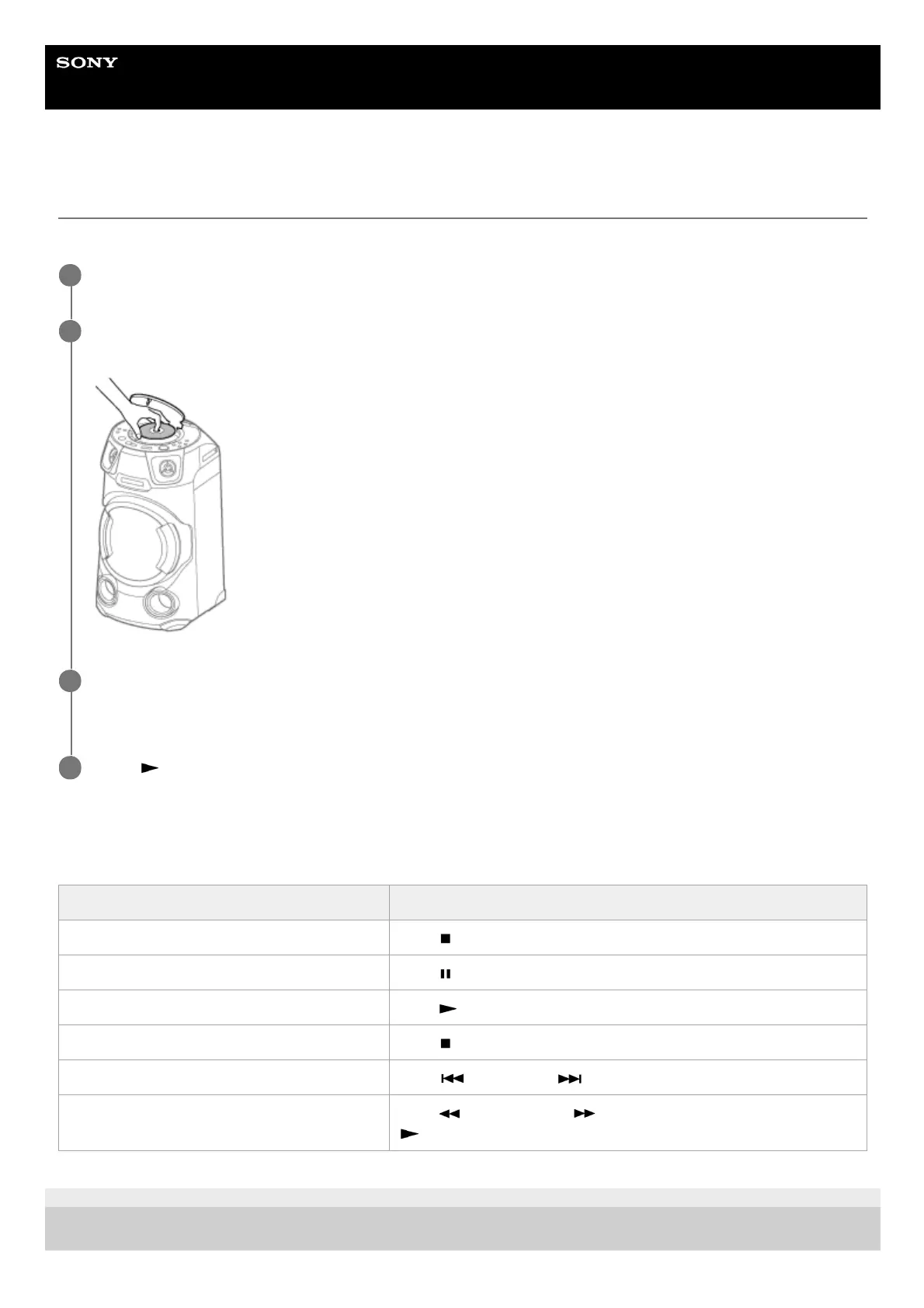
Press PUSH OPEN/CLOSE on the system to open the disc lid, place a disc with the label facing up in the
middle of the disc drive, and push down on the center of the disc until it fits into place.
2
Press PUSH OPEN/CLOSE on the system to close the disc lid.
Do not forcibly press the disc lid to close it as this may cause a malfunction.
3
Press
(play) to start playback.
4
To Do this
Stop playback Press
(stop).
Pause playback Press
(pause).
Resume playback or return to normal playback Press
(play).
Cancel the resume point Press
(stop) twice.
Select a track or file Press
(previous) or (next) during playback.
Locate a point quickly in fast forward or fast
reverse (Lock Search)
Press
(fast reverse) or (fast forward) during playback. Press
(play) to resume playback.



 To Next Page