Help Guide
Home Audio System
MHC-V13
Erasing audio files or folders on the USB device
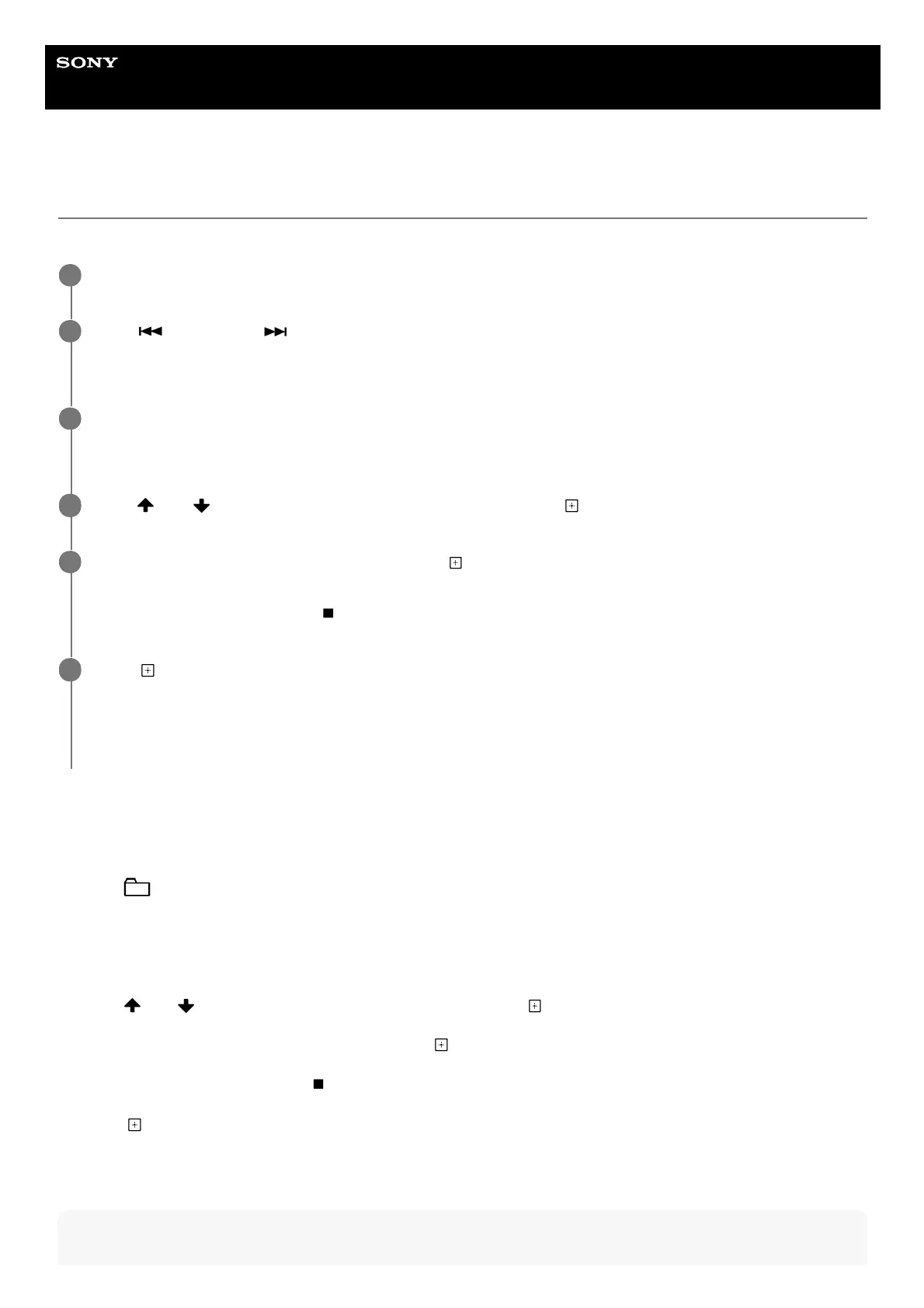
You can erase audio files or folders on the USB device connected to the system.
To erase a folder
Note
Press FUNCTION repeatedly to select [USB].
1
Press
(previous) or (next) repeatedly to select an audio file you want to erase.
The track number appears on the display.
2
When playback is stopped, press OPTIONS.
The options menu appears on the display.
3
Press
(up)/ (down) repeatedly to select [ERASE], then press (enter).
4
The file name appears on the display, then press
(enter).
[TRACK ERASE] and [PUSH ENTER] appear on the display.
To cancel erase operations, press
(stop).
5
Press
(enter).
[COMPLETE] appears on the display.
If it is no file after erase, [NO MUSIC] appears on the display.
To exit the options menu, press OPTIONS.
6
Press FUNCTION repeatedly to select [USB].1.
Press
(folder) -/+ repeatedly to select a folder you want to erase.
The folder name appears on the display.
2.
When playback is stopped, press OPTIONS.
The options menu appears on the display.
3.
Press
(up)/ (down) repeatedly to select [ERASE], then press (enter).4.
The folder name appears on the display, then press
(enter).
[FOLDER ERASE] and [PUSH ENTER] appear on the display.
To cancel erase operations, press
(stop).
5.
Press
(enter).
[COMPLETE] appears on the display.
If it is no file after erase, [NO MUSIC] appears on the display.
To exit the options menu, press OPTIONS.
6.



 To Next Page