Help Guide
Home Audio System
MHC-V13
Using the Voice Guidance
IMPORTANT: THE VOICE GUIDANCE FOR THIS SYSTEM IS ONLY AVAILABLE IN ENGLISH.
To deactivate the Voice Guidance
Select [OFF] in step
.
Note
In some cases, there may be a delay in Voice Guidance output or the Voice Guidance may not work.
5-013-968-11(1) Copyright 2020 Sony Corporation
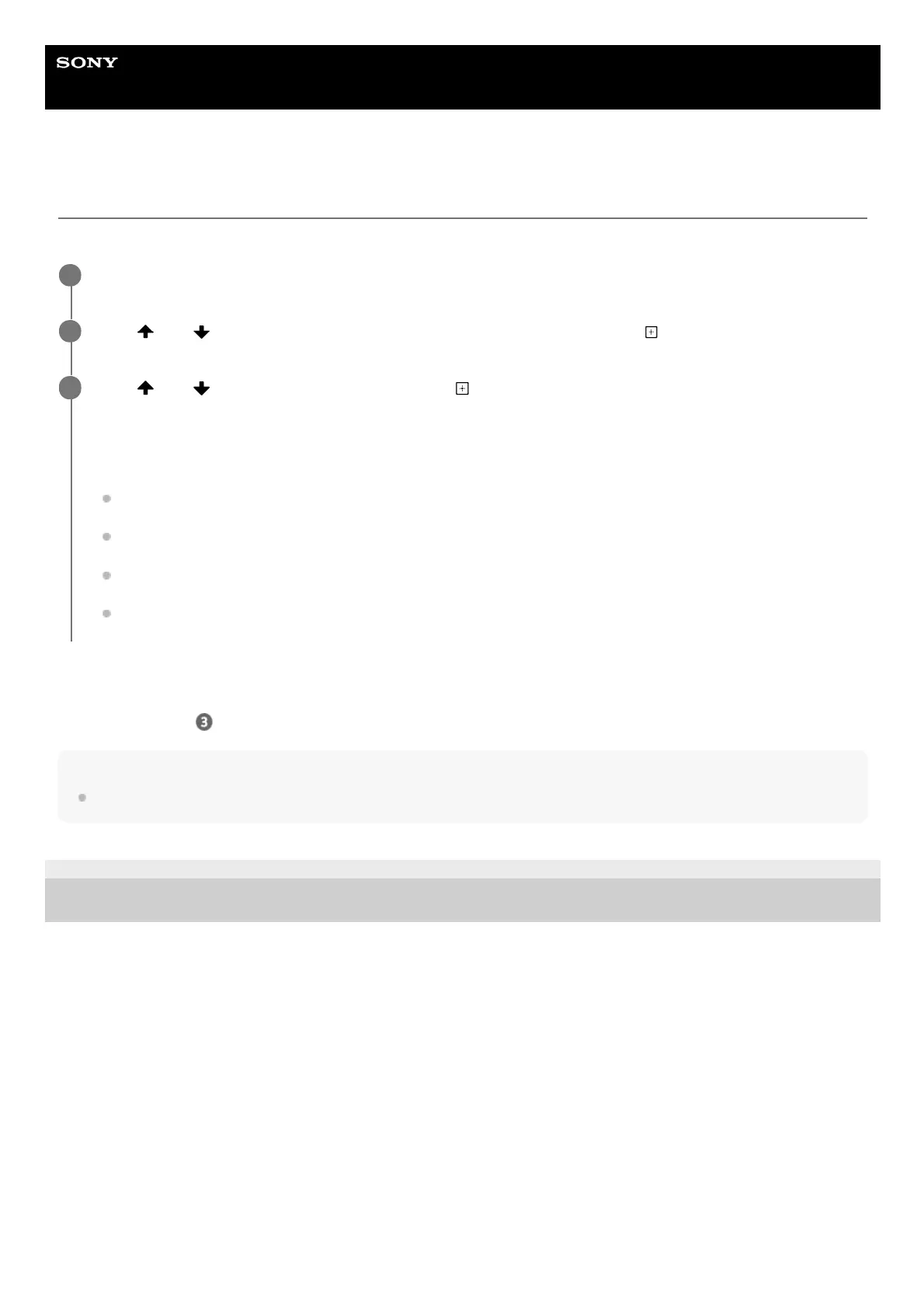
Press OPTIONS.
1
Press
(up)/ (down) repeatedly to select [VOICE GUIDANCE], then press (enter).
2
Press (up)/ (down) to select [ON], then press (enter).
The Voice Guidance is activated.
To exit the options menu, press OPTIONS.
Depending on the status of the system, the Voice Guidance outputs from the system as follows:
When setting the system to the pairing mode: “BLUETOOTH pairing”
When connected to a BLUETOOTH device: “BLUETOOTH connected”
When disconnected from a BLUETOOTH device: “BLUETOOTH disconnected”
When setting the output mode during the Stereo Pair function: “Left/Right”
3



 To Next Page