Help Guide
Home Audio System
MHC-V13
Playing a USB device
Other operations
Depending on the file, the function may not work.
Note
You can use a USB adaptor (not supplied) to connect the USB device to the system if the USB device cannot be plugged into the
(USB) port on the system.
Related Topic
Viewing information of a USB device
5-013-968-11(1) Copyright 2020 Sony Corporation
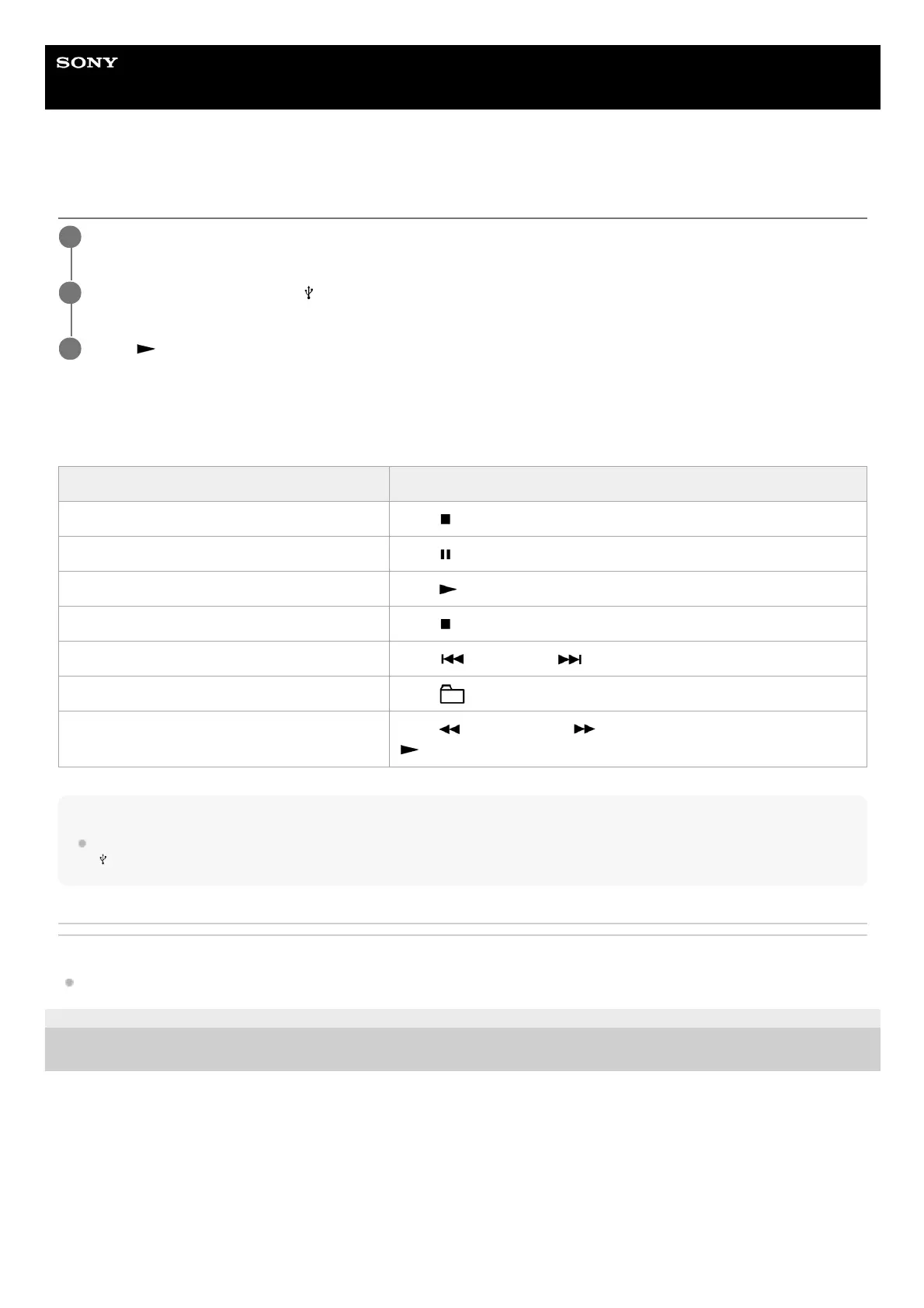
Press FUNCTION repeatedly to select [USB].
1
Connect a USB device to the
(USB) port on the system.
2
Press
(play) to start playback.
3
To Do this
Stop playback Press
(stop).
Pause playback Press
(pause).
Resume playback or return to normal playback Press
(play).
Cancel the resume point Press
(stop) twice.
Select a file Press
(previous) or (next) during playback.
Select a folder Press
(folder) -/+ repeatedly.
Locate a point quickly in fast forward or fast
reverse (Lock Search)
Press
(fast reverse) or (fast forward) during playback. Press
(play) to resume playback.



 To Next Page