24
When you are finished using this unit
as the DVD-ROM drive
1 Exit and close the application software of the
DVD-ROM drive.
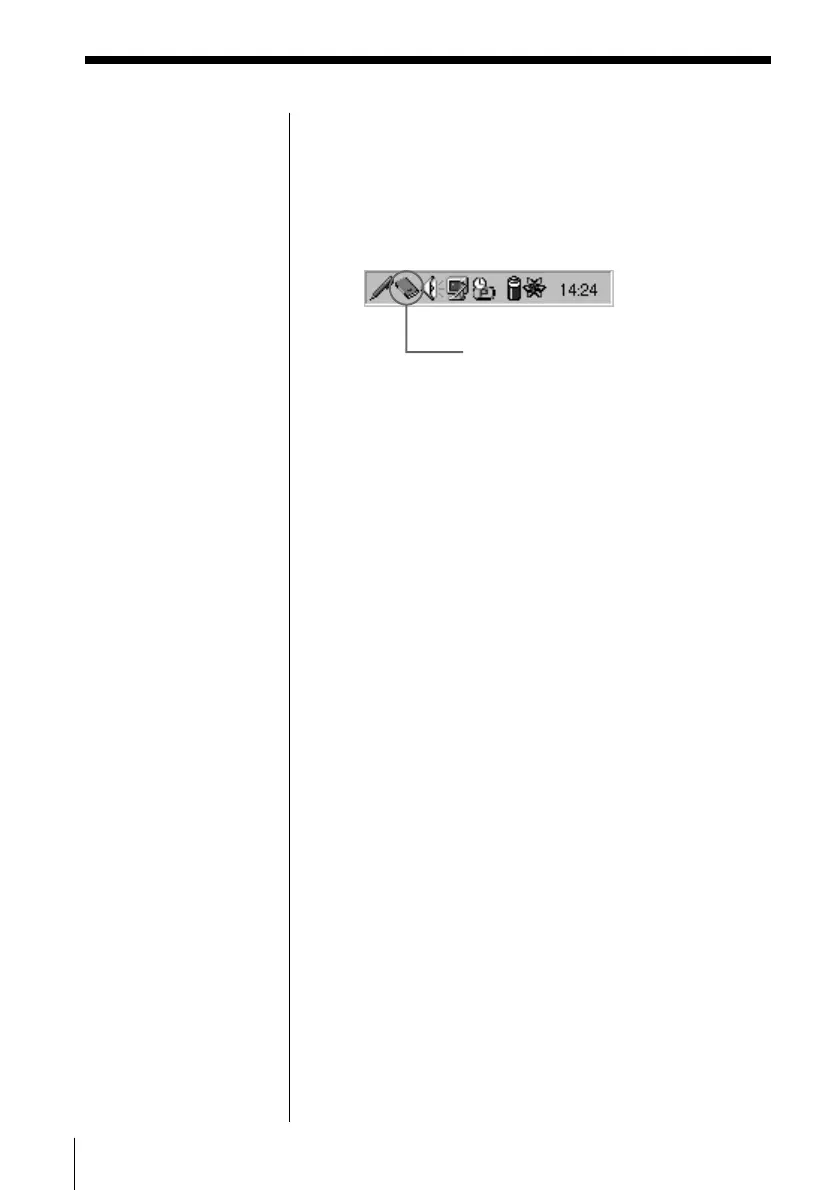
2 Click the PC card icon on the right of the taskbar.
The Short Cut menu appears.
3 Click “Adaptec APA-1425/50/60 PCMCIA SCSI
Host Adapter.”
The “You may safely remove this device” message
appears.
4 Click “OK.”
Now you can remove the SCSI PC card from your
PC.
To stop using this unit while connected to
your PC by the SCSI PC card.
Turn off your PC, then turn off this unit.
Note
If you disconnect the PC
card while the PC is
working, an accidental
malfunction may occur.
PC card icon



 To Next Page