49
Using as a DVD player
Playing in random order
(Shuffle Play) Z
The unit can perform
Repeat Play and Shuffle
Play together
During Shuffle Play, press
REPEAT to display
“SHUFFLE REPEAT.”
Notes
• The unit reverts to
Continuous Play the
next time playback
starts whenever you;
– open the disc cover.
– turn the power off.
– stop playback in
resume off.
• You may not be able to
do Shuffle Play during
PBC Playback.
HSUFLEF
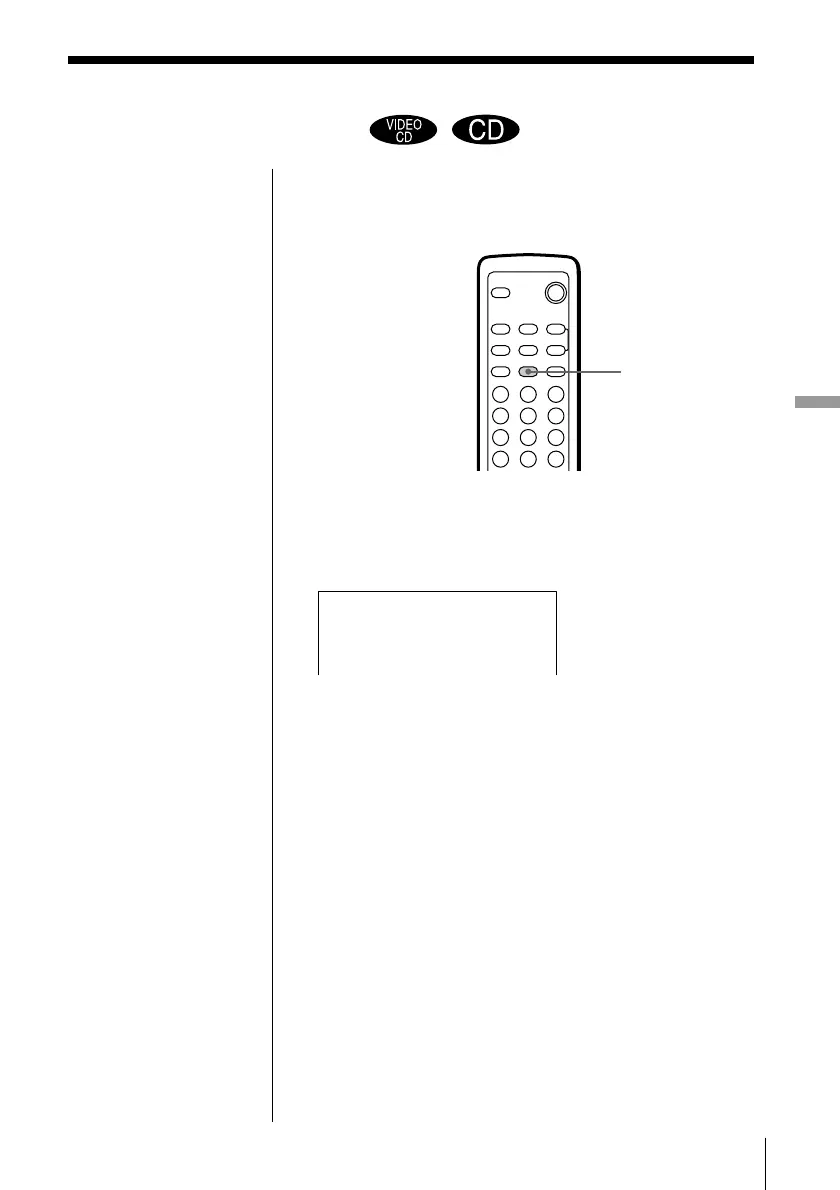
You can have the unit “shuffle” tracks and play them
in a random order. To set Shuffle Play, use the
SHUFFLE button.
Press SHUFFLE.
“SHUF” appears in the front panel display. You can
play the current disc in a random order.
To cancel Shuffle Play
Press SHUFFLE repeatedly until “PLAY” appears on
the TV screen.
SHUFFLE
312
645
978
0



 To Next Page