29
Using as a DVD player
Basic operation
Playing a DVD VIDEO
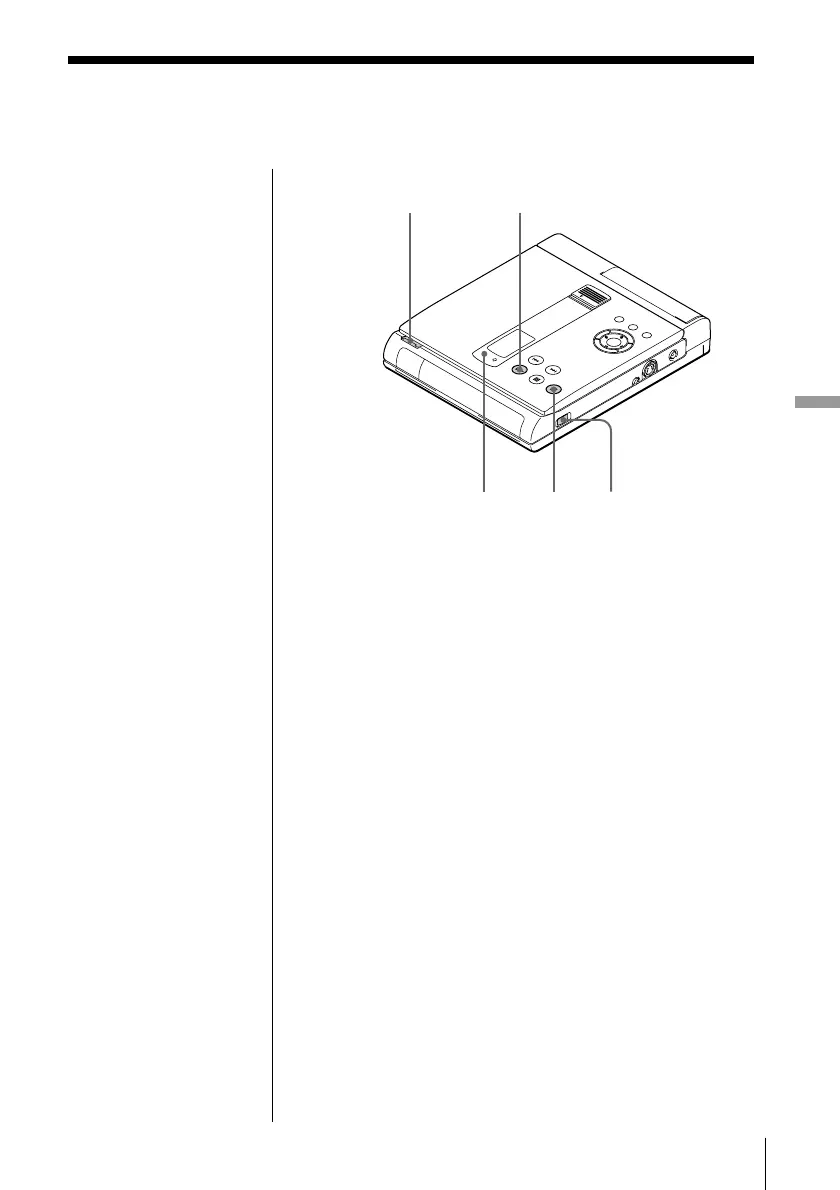
POWER indicator
2
53
π
When using the battery
pack
Normally you cannot use
the remote to turn on the
unit. However, within 5
minutes after having used
the battery pack, you can
use the remote to turn on
the unit.
1 Make the appropriate settings on your TV.
Turn on the TV and select the video input so that
you can view the pictures from this unit.
When using an amplifier
Turn on the amplifier and select the appropriate
position so that you can listen to the sound from
this unit.
2 Press POWER to turn on the unit.
The POWER indicator lights up green and the
front panel display lights up.
When using the battery pack, the front panel
display doesn’t light up.
3 Press OPEN to open the disc cover.
(continued)



 To Next Page