56
Additional operations
Using the sub-titles
Z
Notes
• When playing the DVD
VIDEO on which no
sub-titles are recorded,
no sub-titles appear
even if you press
(SUB-TITLE) ON/OFF.
• Depending on the DVD
VIDEO, you may not be
able to turn the sub-
titles on even if they are
recorded on the DVD
VIDEO.
• Depending on the DVD
VIDEO, you may not be
able to turn the sub-
titles off.
With DVD VIDEOs on which sub-titles are recorded,
you can turn the sub-titles on and off and change the
language of the sub-titles whenever you want while
playing the DVD VIDEO.
Turning the sub-titles on and off
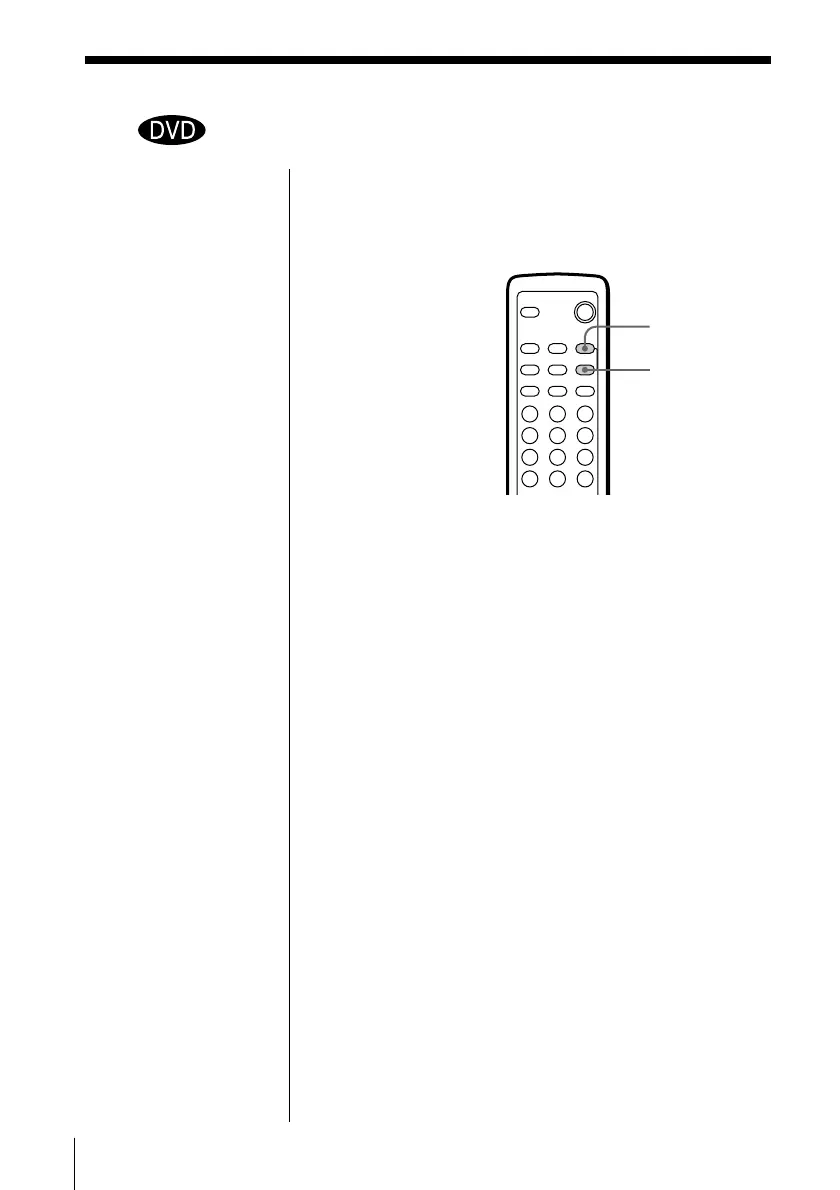
Press (SUB-TITLE) ON/OFF while playing a DVD
VIDEO.
Sub-titles appear on the TV screen.
To turn off the sub-titles
Press (SUB-TITLE) ON/OFF again.
(SUB-TITLE)
ON/OFF
SUB-TITLE
312
645
978
0



 To Next Page