90
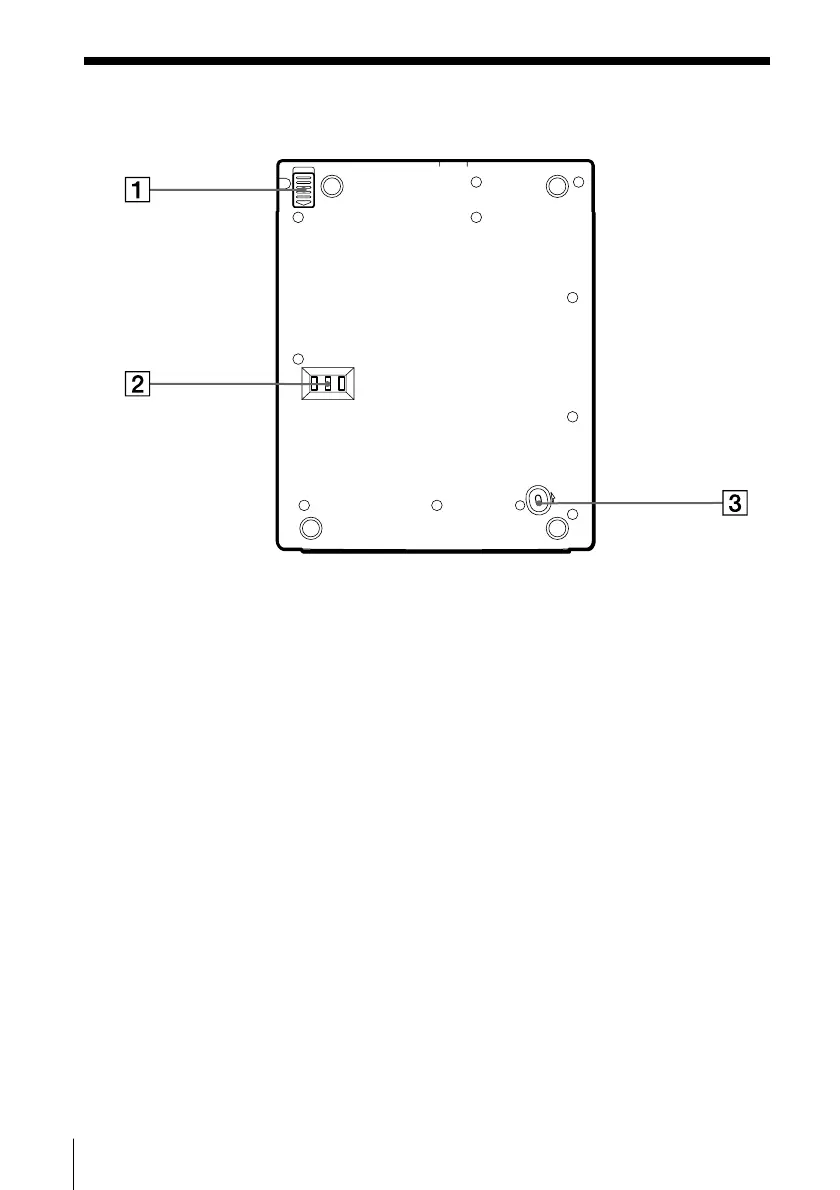
Rear Panel
1 BATT RELEASE switch (74)
Removes the battery pack.
2 DIP switch
Sets up the SCSI ID to prevent
mixing the SCSI ID with other
optional SCSI units connected
with your PC when using this
unit as the DVD-ROM drive.
3 MANUAL LID RELEASE switch
(84)
Opens the disc cover forcibly
when the AC power adapter and
the battery pack are
disconnected.



 To Next Page