53
Using as a DVD player
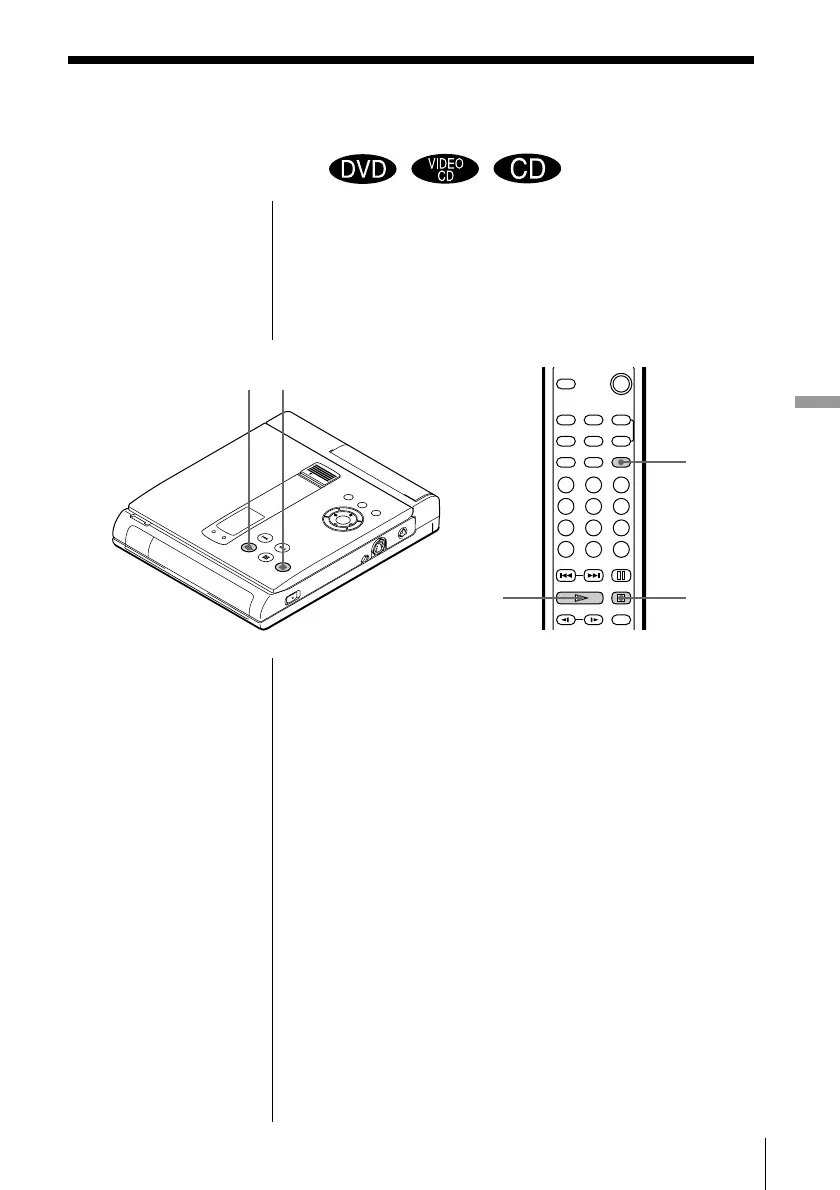
· PLAY
π STOP
RESUME
To play from the
beginning of the disc
When “RESUME”
appears in the front panel
display during stop
playback, press RESUME
to turn off “RESUME,”
then press ·.
·
π
The unit can store the point where you stop playback
and the current play mode. During playback or stop
playback, you can set Resume Play to ON/OFF using
the RESUME button. When you play a VIDEO CD or
CD, as long as you do not open the disc cover, the unit
stores the point where you stop playback even if you
turn the power off.
1 During playback or stop playback, press RESUME
to display “RESUME ON” on the TV screen.
“RESUME” appears in the front panel display.
2 While playing a disc, press π to stop playback.
“WHEN PLAYING NEXT TIME, DISC RESTARTS
FROM POINT YOU STOPPED.” appears on the
TV screen.
If Resume Play is set to OFF
Resume Play is not available.
3 Press ·.
The unit starts playback from the point you
stopped the disc in Step 2.
Resuming playback from the
point where you stopped a disc
(Resume Play)
(continued)



 To Next Page