59
Using as a DVD player
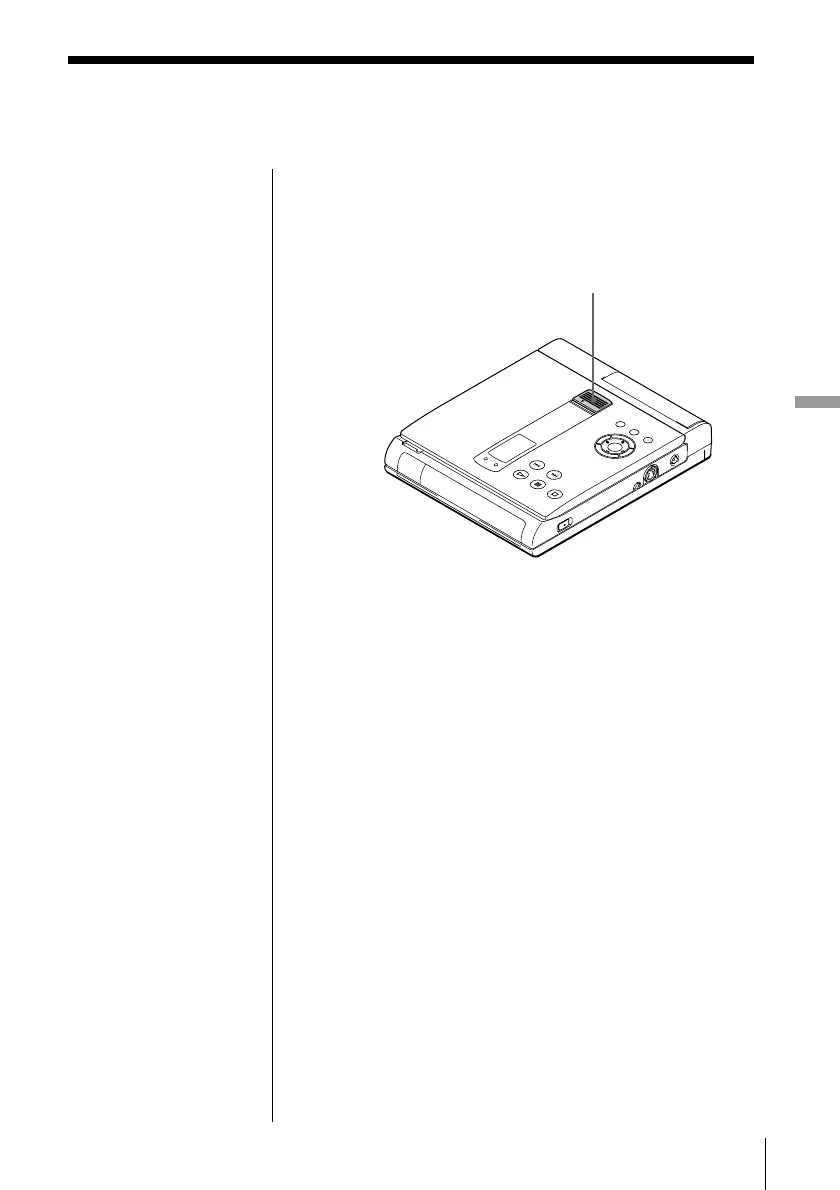
You can prevent accidental pressing of the buttons on
this unit (when carrying, for example). After setting
the HOLD switch to ON, the buttons are locked. (You
can still use the remote to operate.)
Set HOLD to the direction of the arrow.
The buttons are locked.
To cancel Hold function
Set HOLD back.
Preventing accidental
pressing of the buttons
HOLD



 To Next Page