34
Basic operation
If you want to select the
language for the DVD
menu
Change the setting using
“INITIAL SETUP” (see
page 60).
Notes
• Depending on the DVD
VIDEO, the instructions
supplied with the disc
may refer to “DVD
menu” as simply
“menu.” Likewise,
“Press ENTER.” in Step
3 may be expressed as
“Press SELECT.”
• Depending on the DVD
VIDEO, the DVD menu
may not appear on the
TV screen.
Using the DVD menu
Some DVD VIDEOs allow you to select the disc
contents using the menu. When you play these DVD
VIDEOs, you can select the item, the language for the
sub-titles, the language for the sound, etc., using the
DVD menu.
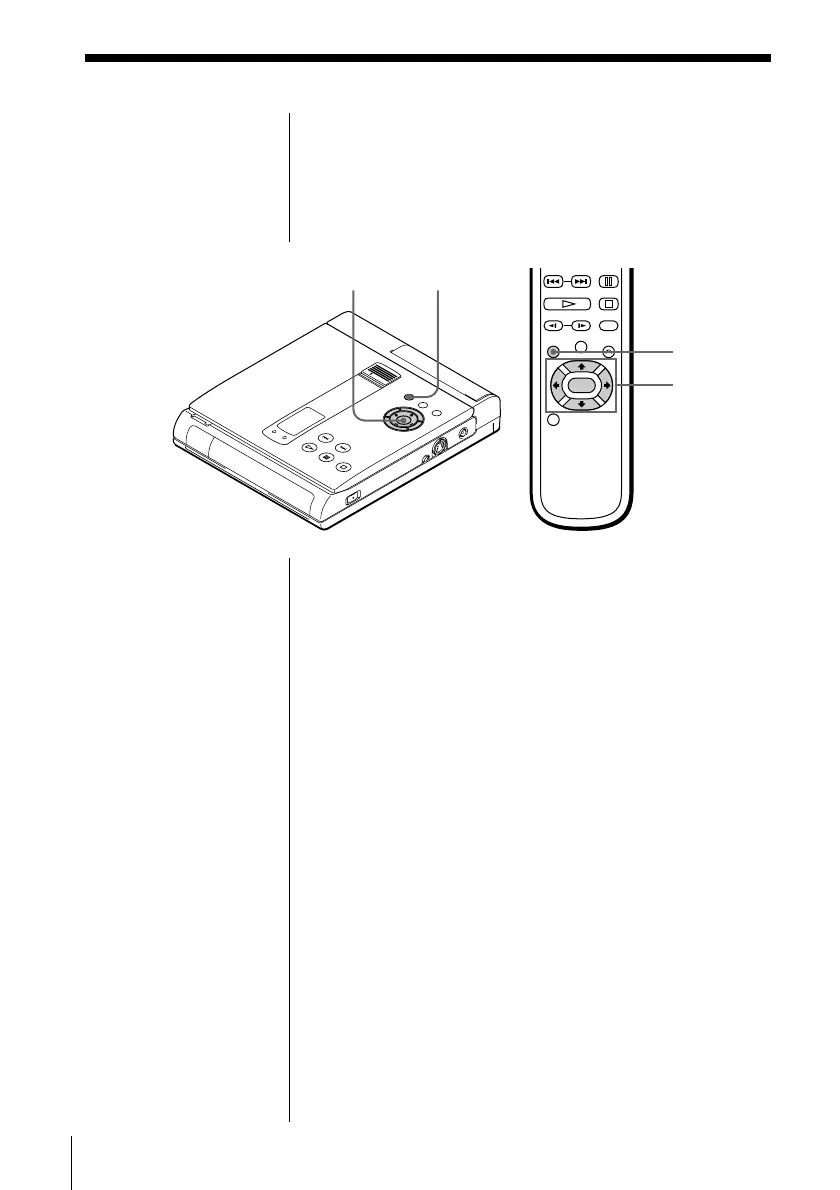
1 Press DVD MENU.
The DVD menu appears on the TV screen. The
contents of the menu vary from disc to disc.
2 Press ?/>/.// to select the item you want to
change.
(Depending on the DVD VIDEO, you may be able
to use the number buttons to select the item.)
3 Press ENTER.
DVD MENU
DVD MENU
?/>/.///
ENTER
?/>/.///ENTER



 To Next Page