Help Guide
Linear PCM Recorder
PCM-A10
Deleting all the track marks in the selected file at one time
You can delete all the track marks of the selected file.
Note
You cannot delete track marks from a protected file. To delete track marks from a protected file, remove the protection from the
file first, then delete the track marks. For instructions on removing protection, see Protecting a file.
You cannot delete track marks while recording is on standby. Use the HOME menu to select the file containing the track mark that
you want to delete.
Hint
To cancel the deleing process, select [No] in step 3, and then press
.
Related Topic
Selecting a file
Deleting a track mark
4-740-912-31(2) Copyright 2018 Sony Corporation
Select the file from which you want to delete the track marks.
1
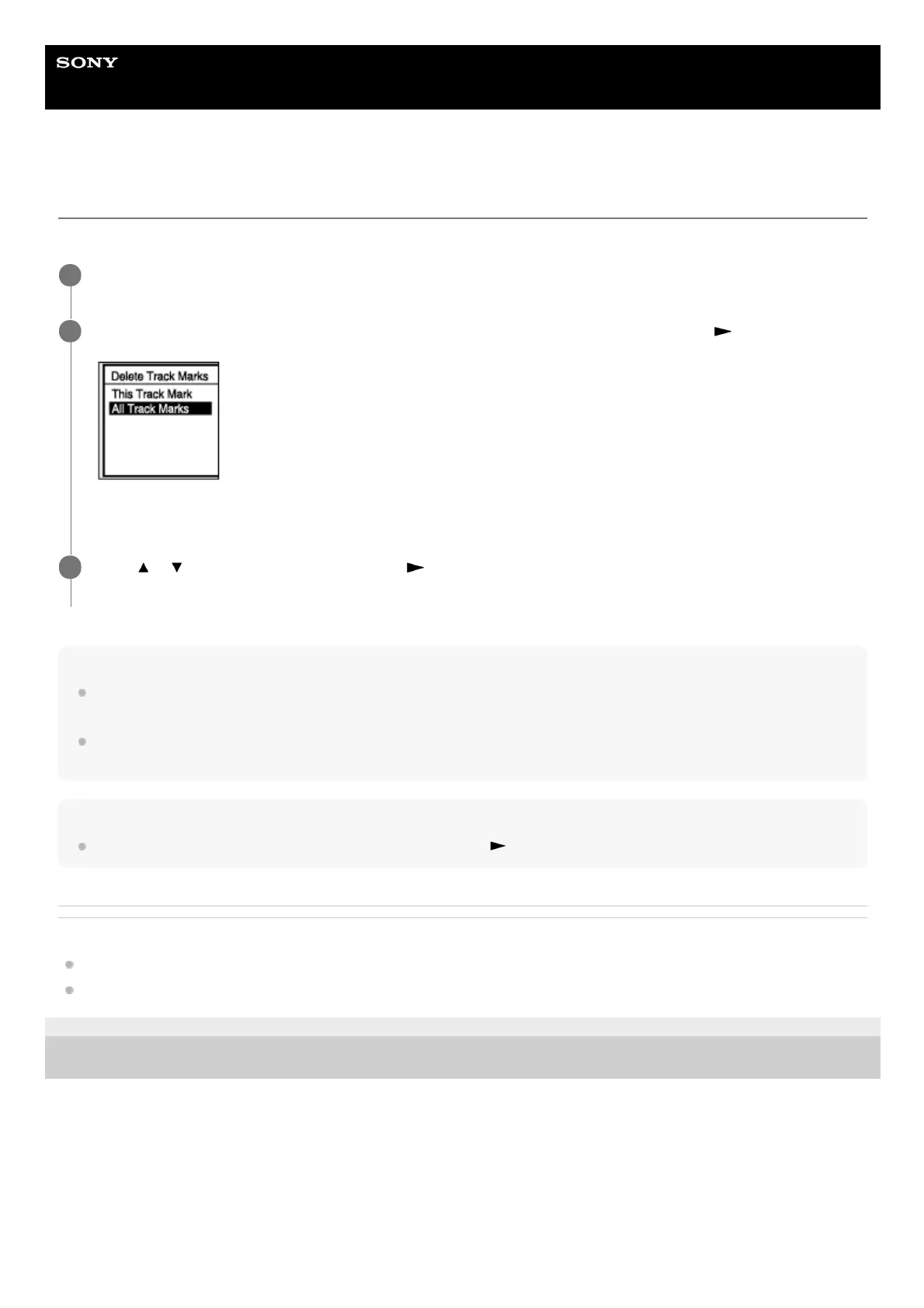
Select [Delete Track Marks] - [All Track Marks] from the OPTION menu, and then press
.
[Delete All Track Marks?] appears on the display window.
2
Press
or to select [Yes], and then press .
[Please Wait] appears and all the track marks will be deleted at one time.
3



 To Next Page