Help Guide
Linear PCM Recorder
PCM-A10
Tips for better recording
Recording at a meeting
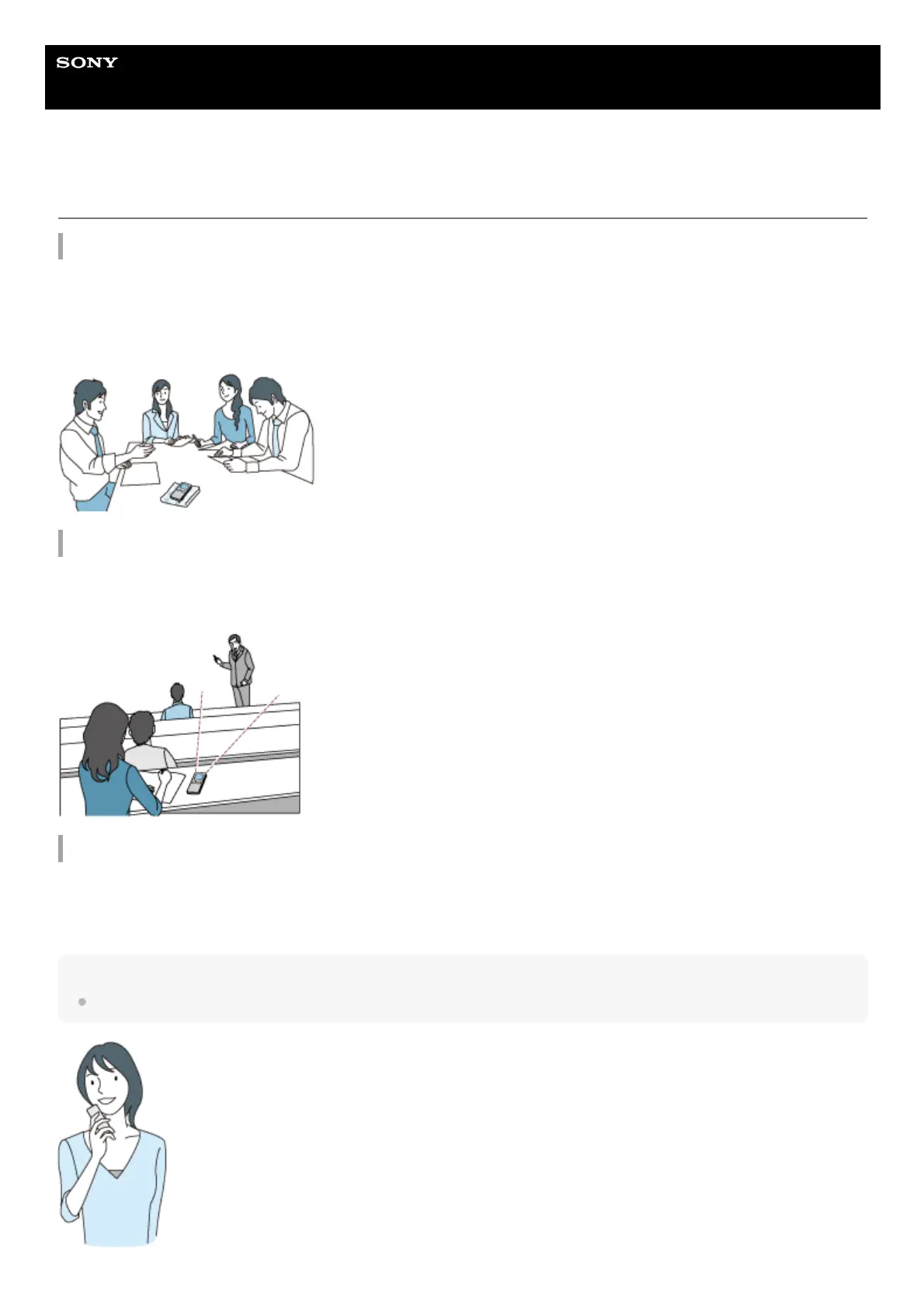
Place your linear PCM recorder close to speakers of the meeting.
You can reduce noise (vibrations from the desk, etc.) by placing the linear PCM recorder on a soft cloth, such as a
handkerchief.
For recording a meeting, it is suitable to select [Auto Voice Rec] or [Meeting] of the Scene Select function.
Recording a lecture/presentation
Place your linear PCM recorder so that its built-in microphones point in the direction of the lecturer/presenter.
For recording a lecture/presentation, it is suitable to select [Lecture] of the Scene Select function.
Recording a voice note
When you speak into the built-in microphones, hold your linear PCM recorder slightly off to the side of your mouth so that
the built-in microphones will not pick up breathing noises.
For recording a voice note, it is suitable to select [Auto Voice Rec] or [Voice Notes] of the Scene Select function.
Note
While you are holding your linear PCM recorder, make sure that the built-in microphones will not pick up rustling noises.



 To Next Page