Help Guide
Linear PCM Recorder
PCM-A10
Changing a folder name
You can change the name of the folders for storing the files you record with your linear PCM recorder by selecting a
folder name from the template.
Note
You cannot change the name of folders in [
Music].
Hint
A sequential number (01 to 10) is always added to every folder name as a suffix. If you select the folder name that already exists,
additional folders with the same name will be suffixed with a sequential number (02 to 10).
Related Topic
Changing a file name
Select [
Recorded Files] on the HOME menu, and then press .
1
Press
or to select [Folders].
2
Select [Built-In Memory] or [SD Card] on the Folders screen.
3
Press
or to select the folder which you want to rename.
4
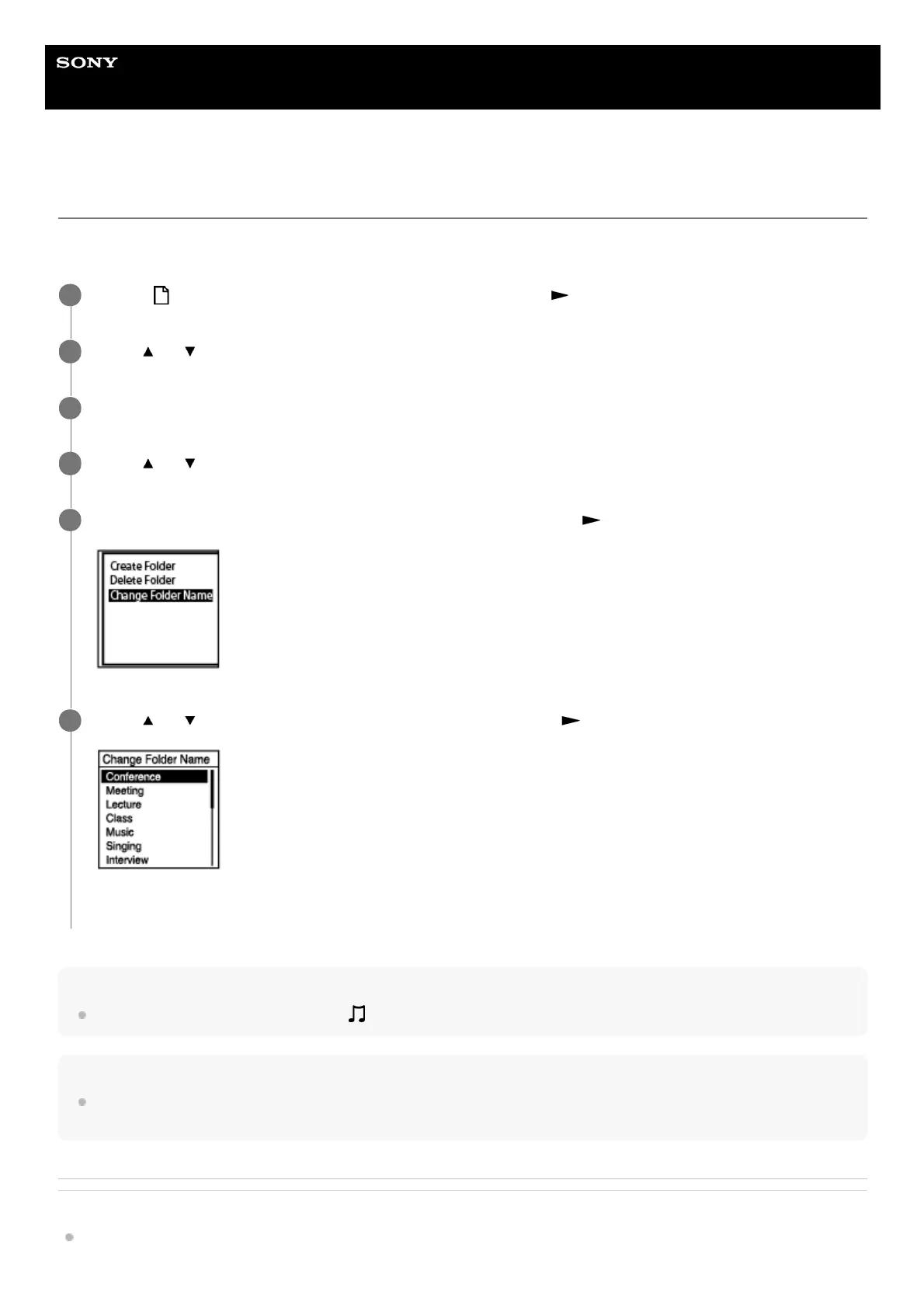
Select [Change Folder Name] on the OPTION menu, and then press
.
5
Press
or to select the desired folder name, and then press .
[Please Wait] appears on the display window and the folder name will be changed.
6



 To Next Page