Help Guide
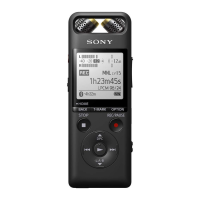
Linear PCM Recorder
PCM-A10
Playing music files on the linear PCM recorder that were copied from a computer
You can play the music files that you copied from a computer on your linear PCM recorder.
Related Topic
Display window while playback is in progress
Technical specifications
4-740-912-31(2) Copyright 2018 Sony Corporation
Select [
Recorded Files] or [ Music] on the HOME menu and press , and then select a file.
You can search [
Recorded Files] for the files that you copied from a computer to the REC_FILE folder; and [
Music] for the files that you copied to the MUSIC folder.
For instructions on selecting a file, see Selecting a file.
1
Press
to start playback.
2
Press
STOP to stop playback.
3


 To Next Page