Help Guide
Linear PCM Recorder
PCM-A10
Switching the memory storage to keep recording (Cross-Memory REC)
You can turn on the Cross-Memory REC function to automatically switch the storage for recorded files to the alternate
memory storage and keep recording when the capacity of the built-in memory or the microSD card is used up.
When the capacity of the current memory storage is used up, the message [Continue REC in Other Memory] appears on
the display window, [CROSS_MEM] is created on the alternate memory storage as the folder used for the Cross-Memory
REC function, and then the rest of the current recording is saved in a new file with a new file name.
Note
If the alternate memory storage has no free capacity left, a message appears and recording stops.
The Cross-Memory REC function will not work if you insert a microSD card while recording is in progress.
When the Cross-Memory REC function is turned on, some of the recording may be lost after the memory storage is switched.
Hint
To turn off the Cross-Memory REC function, select [OFF] in step 2.
To continuously play the divided files recorded with the Cross-Memory REC function, select [Search by REC Date] or [Search by
REC Scene] when you select a file search category. The divided files will be displayed next to each other.
Related Topic
Using the microSD card as a storage for recorded files
4-740-912-31(2) Copyright 2018 Sony Corporation
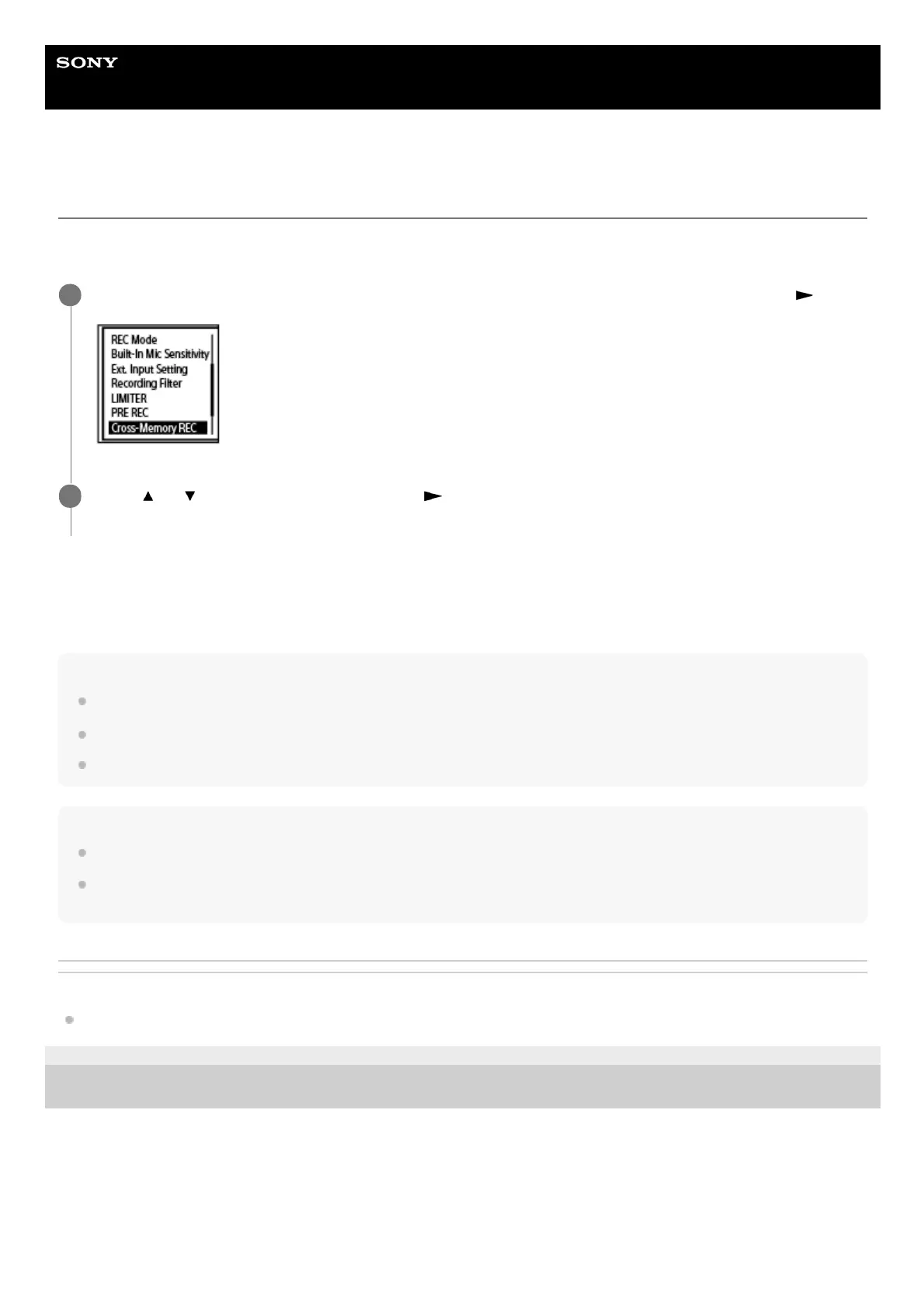
While recording is on standby, select [Cross-Memory REC] on the OPTION menu, and then press
.
1
Press
or to select [ON], and then press .
[Cross-Memory REC] is set to [OFF] by default.
2



 To Next Page