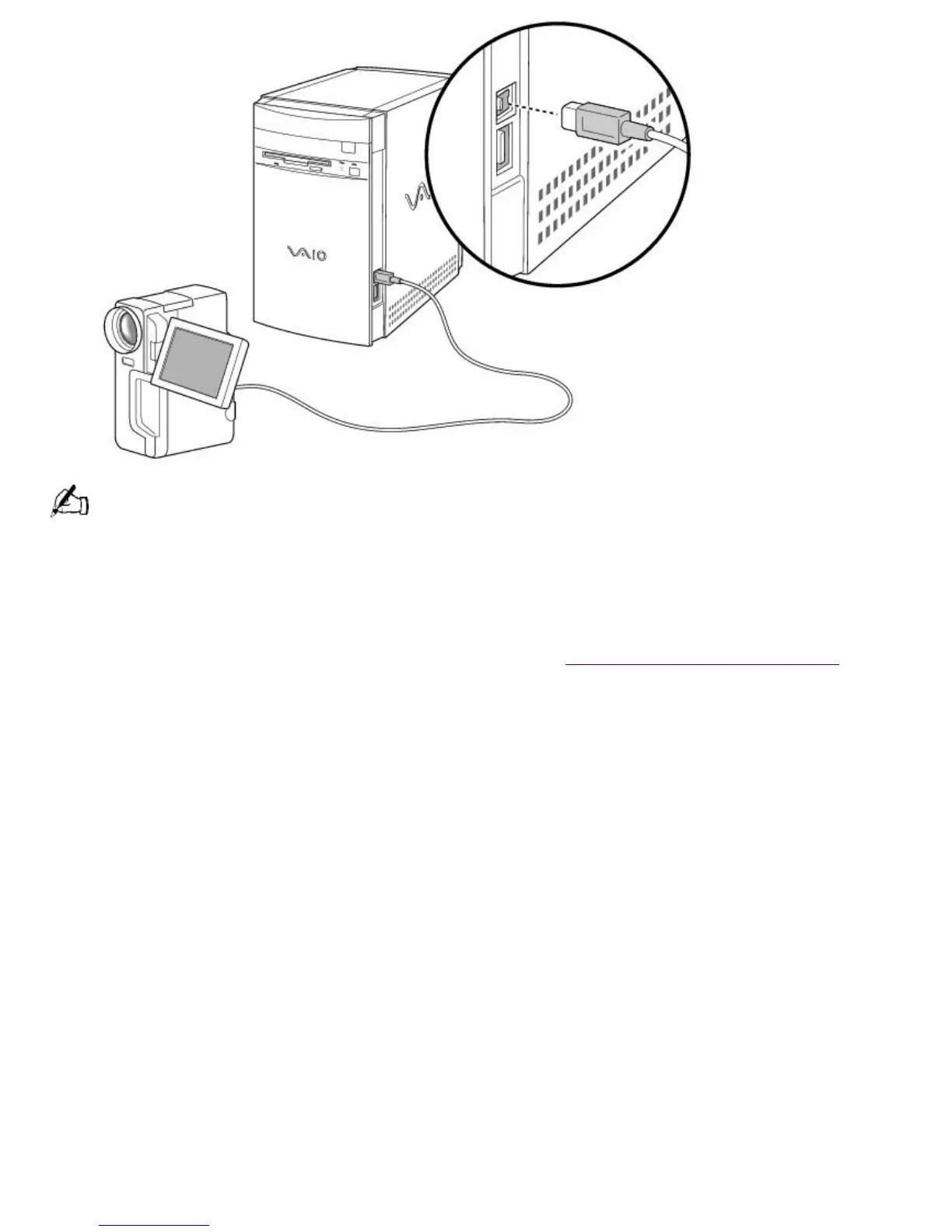
See the manual that came with your i.LINK (IEEE-1394) equipped device for more information on setting it up
and using it.
Optical Digital Audio Output Compatibility
Some models of the VAIO Digital Studio Computer include an Optical Digital Audio Output
connector. For the latest information on your specific model and on devices known to be
compatible with your system, check the Sony web site at http://www.sony.com/pcsupport.
To connect an Optical Digital Audio Output device
Locate the Optical Digital Audio Output connector. Plug the digital audio device into this connector.
Page 550





 To Next Page