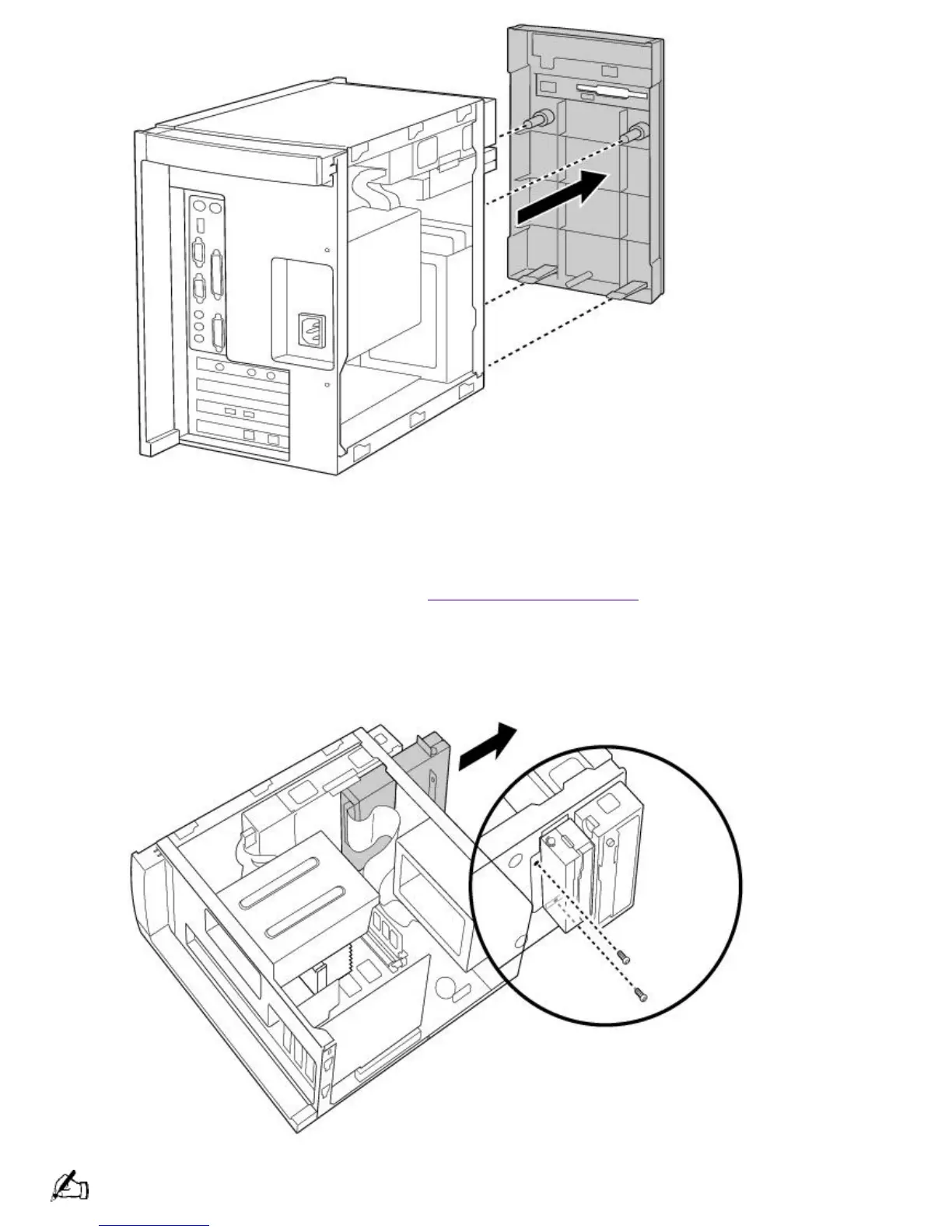
Detaching the Diskette Drive
To detach the diskette drive
1.
Remove the front panel, as described in Removing the Front Panel.
2.
Remove the two screws that secure the diskette drive to the front of the chassis.
3.
Pull the diskette drive forward.
If you are adding memory, you do not need to completely remove the diskette drive or disconnect the cable.
Page 634





 To Next Page