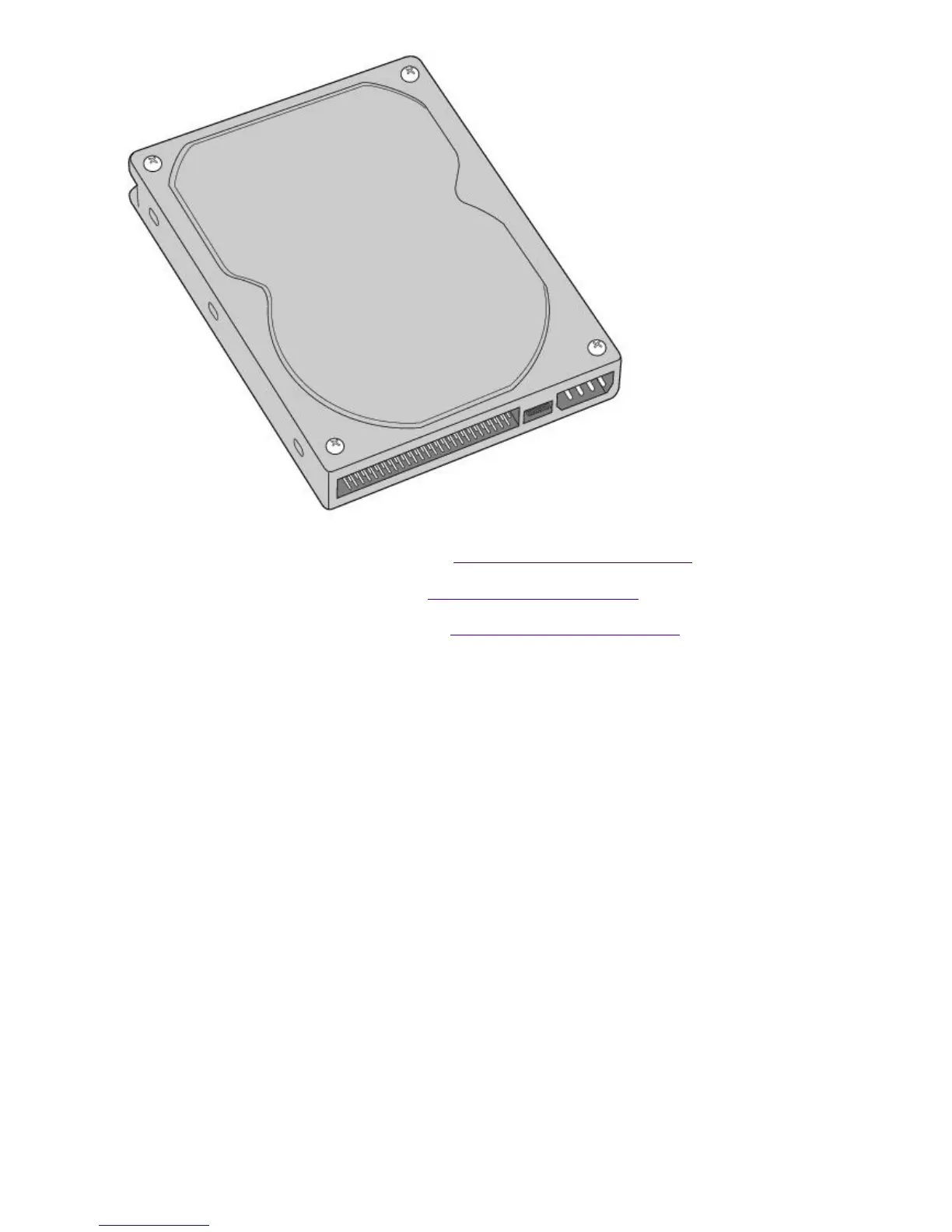
configuration instructions).
2.
Remove the left-side panel, as described in Removing the Left-Side Panel.
3.
Remove the front panel, as described in Removing the Front Panel.
4.
Remove the bottom panel, as described in Removing the Bottom Panel.
5.
Lay the system on its right side (left side faces up-see diagram that follows).
6.
Remove the two screws that secure the drive holder.
7.
Slide the drive holder forward and then out.
Page 793





 To Next Page